Best Privacy Apps for Mac: Offline Tools That Keep Your Data Yours

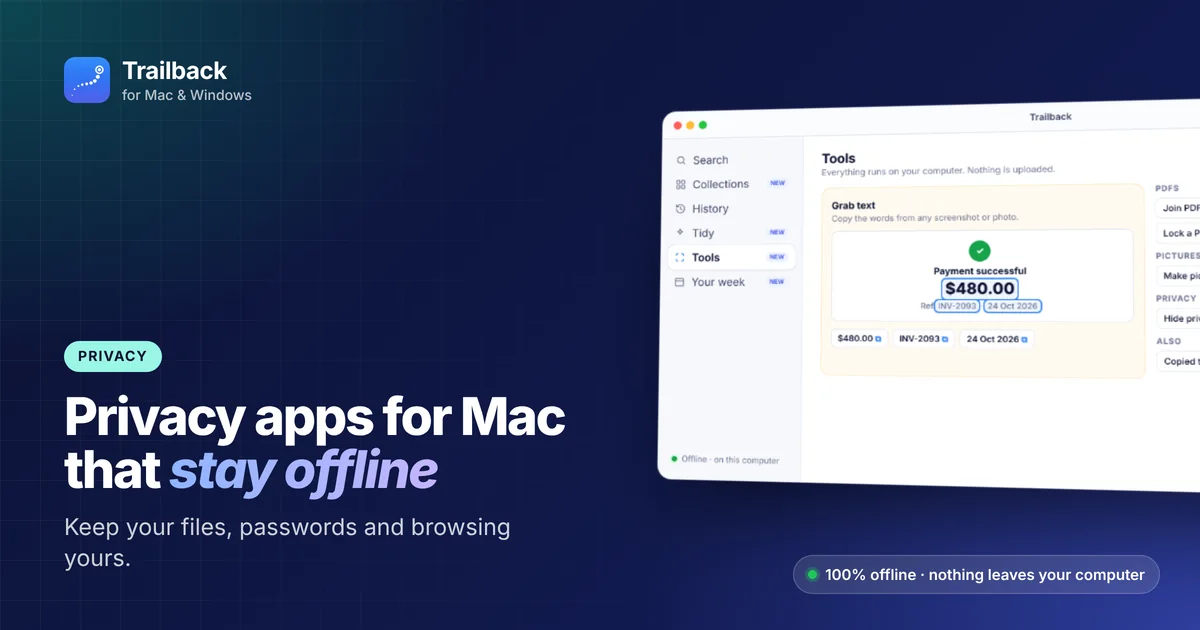
Every free online tool has a price, and it's often your data. Upload a PDF to "merge it free" and that file now sits on someone else's server. Use a cloud search tool and your files leave your computer.
This guide covers the best privacy apps for Mac, with a focus on tools that work offline, so your data never leaves your computer in the first place.
Start with what's built into macOS
Before installing anything, switch these on:
- FileVault: encrypts your disk (System Settings → Privacy & Security).
- Firewall: System Settings → Network → Firewall.
- iCloud Private Relay (with iCloud+): hides your IP address in Safari.
- Mail Privacy Protection: stops emails from tracking when you open them.
- Lockdown Mode: extreme protection if you might be targeted.
1. Trailback: search your whole Mac without uploading anything
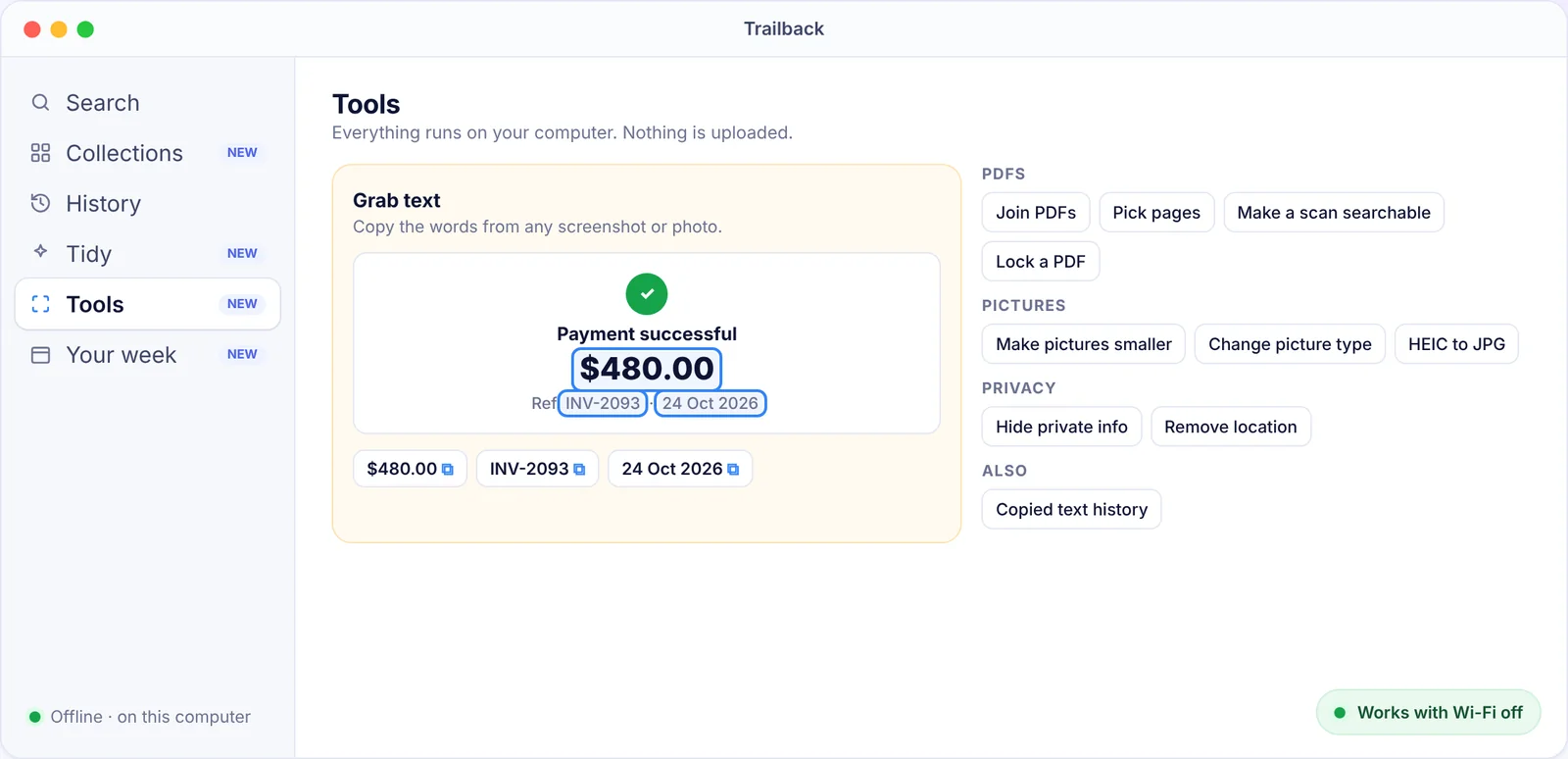
Most "AI search" and "memory" tools send your data to the cloud. Trailback does the opposite. It reads your files, screenshots and the pages you visit on your computer, and keeps everything there. It works with the Wi-Fi turned off.
Its privacy tools also run offline:
- Hide private info: blur card numbers, email addresses and phone numbers in screenshots before you share them.
- Remove location: strip GPS location from photos.
- Lock a PDF: add a password without uploading it anywhere.
- Tidy spots ID scans and bank statements sitting in Downloads and suggests a safer place for them.
2. LuLu (free firewall)
LuLu, from the Objective-See project, alerts you when an app tries to connect to the internet and lets you allow or block it. It's free and open source.
3. Little Snitch (paid firewall)
A more detailed paid network monitor with a live map of connections and per-app rules.
4. A password manager
- Bitwarden: open source, with a free plan.
- 1Password: paid, very polished, with great Mac apps.
- Apple Passwords: built in since macOS Sequoia, and good enough for many people.
5. A private browser
Safari is strong on privacy on a Mac. Other good choices are Firefox (with strict tracking protection), Brave (blocks ads and trackers by default) and the DuckDuckGo browser.
6. A VPN you trust
A VPN hides your traffic on public Wi-Fi. Mullvad (no account email needed) and Proton VPN (has a free plan) are both well regarded for privacy.
7. Encrypted messaging: Signal
Signal's Mac app gives you end-to-end encrypted messages and calls.
8. Encrypted cloud files: Cryptomator
If you must keep files in the cloud, Cryptomator encrypts them on your Mac before they upload.
Offline alternatives to common cloud tools
| You usually... | Privacy risk | Offline alternative |
|---|---|---|
| Merge PDFs on a free website | Your file is uploaded | Preview, or Trailback's PDF tools |
| Copy text from a screenshot with an online OCR site | The image is uploaded | Live Text, or Trailback Grab text |
| Use a cloud "memory" or AI search app | Your activity leaves your Mac | Trailback, 100% offline |
| Strip photo location online | The photo is uploaded | Trailback Remove location |
Quick privacy checklist
- FileVault on.
- A password manager.
- A firewall alert app (LuLu).
- Offline tools for private files.
- Check System Settings → Privacy & Security every few months, and remove access you no longer need.
Next: see the best free Mac apps, or our full list of the best Mac apps.
Find anything on your computer by describing it.
Files, PDFs, the words in your screenshots and the pages you visited. 100% offline. Your data never leaves your computer.
Frequently asked questions
What is the most private way to search my Mac?
Use a tool that runs entirely on your Mac. Spotlight does, and so does Trailback, which also finds screenshots by their text and web pages you visited, all offline.
Does Trailback upload my files?
No. Trailback never uploads your files, screenshots, searches or browsing history. It works fully offline.
Do I need a VPN on a Mac?
Mostly on public Wi-Fi, or if you want to hide your browsing from your internet provider. At home, FileVault, a password manager and a private browser matter more.
Pavan is the founder of Trailback, a private, offline app for Mac and Windows that helps you find anything on your computer by describing it. He builds it at Hara Infotech in Hyderabad.
Keep reading
The Best Free Mac Apps in 2026 (No Subscriptions, No Catch)
Fifteen genuinely free Mac apps, most of them open source, that are as good as or better than paid alternatives.
How to Search the Text Inside Screenshots on Mac
You took a screenshot so you wouldn't forget. Here's how to find it again by the words in it.
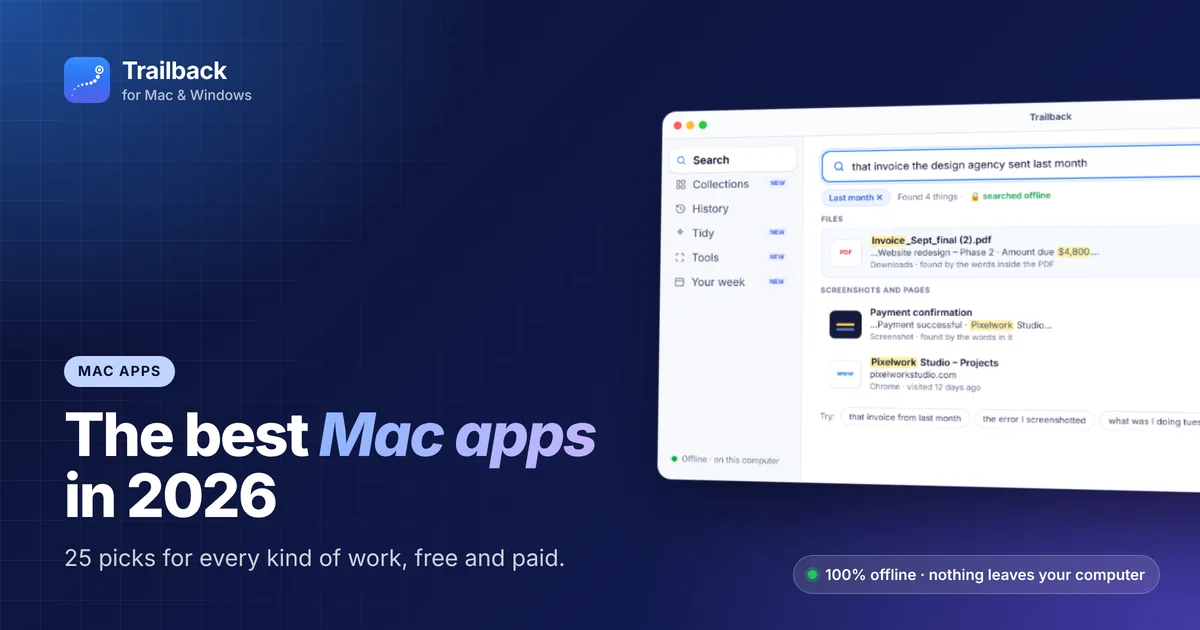
The Best Mac Apps in 2026: 25 Picks for Every Kind of Work
Twenty-five macOS apps that earn their place on your Mac, sorted by the job they do, with free options in every group.