The Best Mac Apps in 2026: 25 Picks for Every Kind of Work
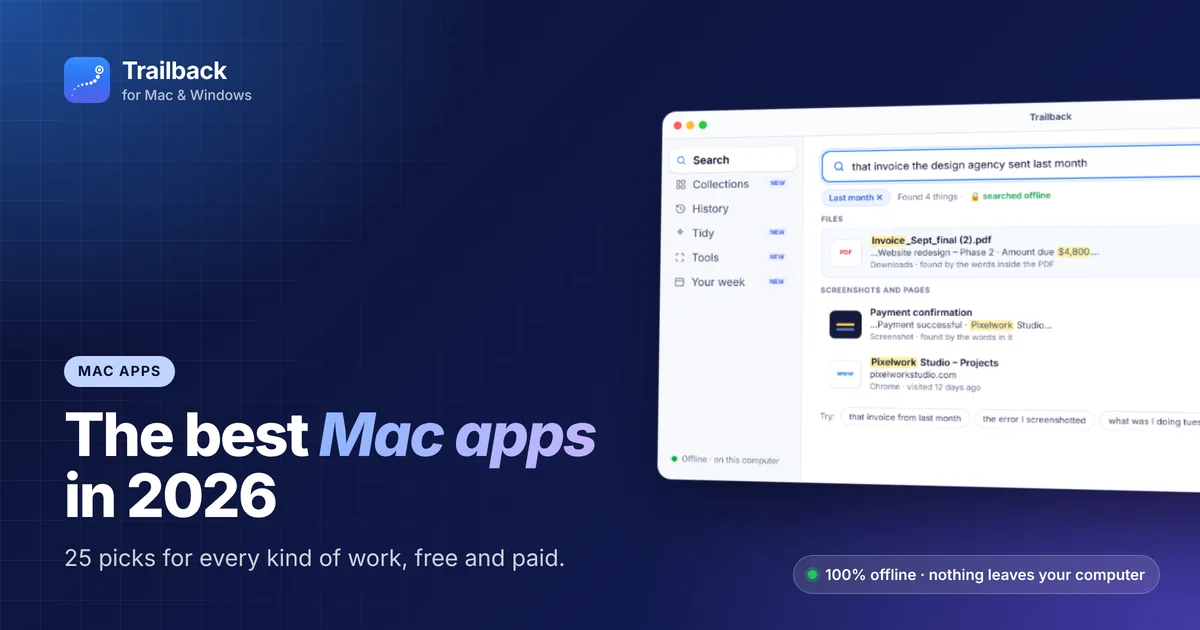
A new Mac is fast, but it gets useful when you add the right apps. The trouble is that "best Mac apps" lists are often written to sell a subscription bundle, or they pile on 50 apps you'll never open.
This list is different. We picked 25 macOS apps that solve a real, everyday problem, grouped them by the job they do, and marked which ones are free. If you only want the shortlist, read our top 10 Mac apps instead.
How we picked these Mac apps
Every app here had to pass three tests:
- It saves time every week, not just once.
- It works well on Apple silicon and on the current version of macOS.
- It respects you. No dark patterns, no surprise subscriptions, and a fair price (or free).
Search and find: apps that find things for you
1. Trailback: find anything by describing it
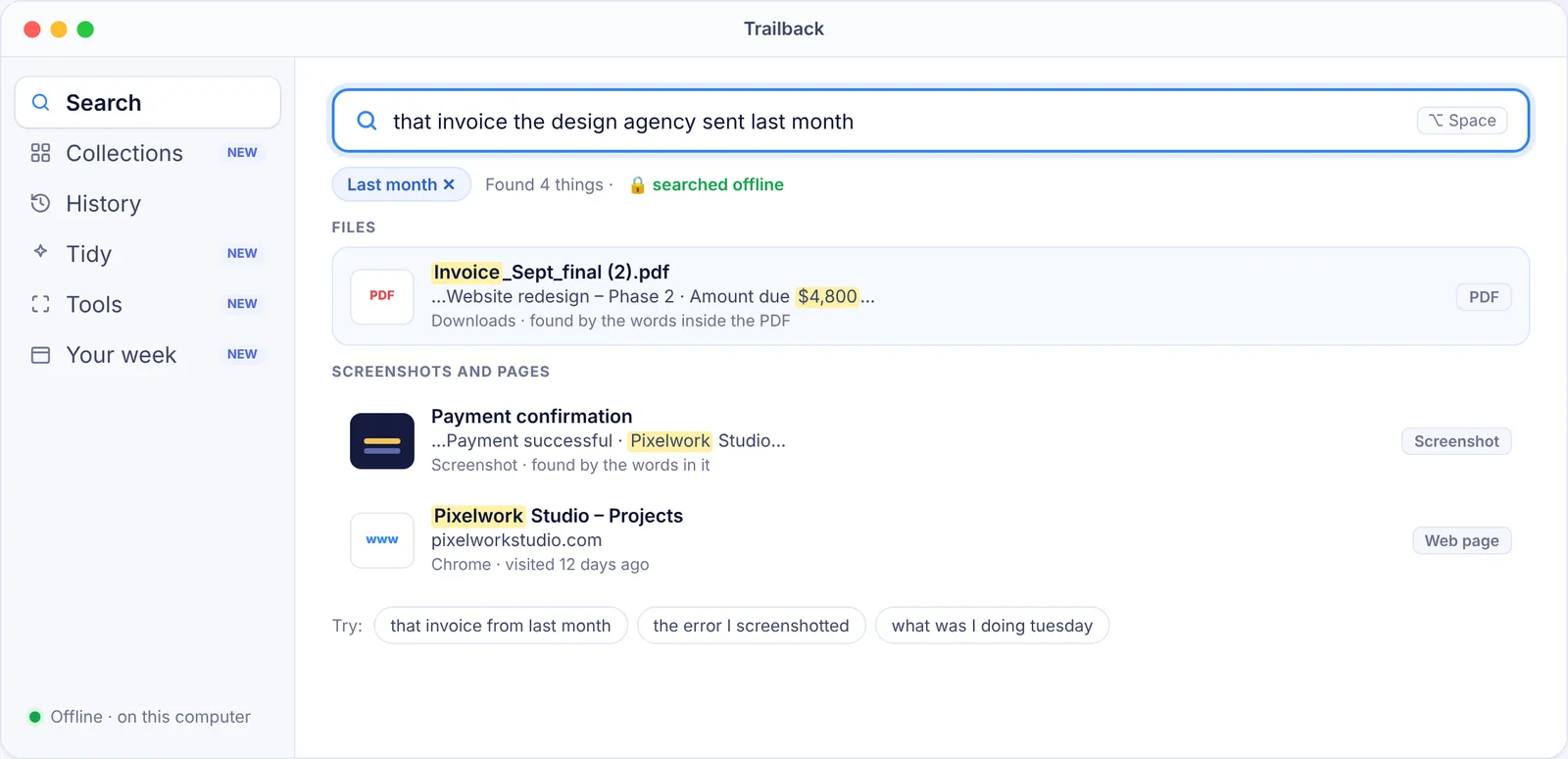
Spotlight finds files when you remember their name. Trailback finds them when you don't. Type what you remember, like "that invoice from last month" or "the error I screenshotted", and it searches your files, PDFs, the words inside your screenshots, and the web pages you visited, all at once.
It also sorts your files into Collections, cleans up your Downloads folder with Tidy, and copies text out of any screenshot. Everything runs 100% offline. Your data never leaves your computer.
- Price: one-time purchase, 7-day free trial
- Best for: anyone who's ever lost a file, a PDF or a page they read last week
- Also on: Windows
2. Raycast: a smarter launcher
Raycast replaces the Spotlight bar with a fast command bar for launching apps, running quick calculations, managing windows and running hundreds of extensions. The core app is free.
3. Alfred: the classic launcher
Alfred has been a power user favourite for years. The free version is a quick launcher. The paid Powerpack adds workflows, clipboard history and snippets.
Want more options? See our guide to the best Spotlight alternatives for Mac.
Screenshots and screen recording
4. CleanShot X
The most complete screenshot tool on the Mac: scrolling captures, annotations, screen recording, cloud links and text recognition. Paid.
5. Shottr
A tiny, fast screenshot app with annotation, pixel measuring and text recognition (OCR). There's a free version and an optional paid licence.
Tip: taking lots of screenshots is only half the job. Finding the right one later is the hard part. Here's how to search the text inside your screenshots on Mac.
Windows and menu bar
6. Rectangle (free)
Snap windows to halves, thirds and corners with keyboard shortcuts. Free and open source.
7. AltTab (free)
Brings Windows-style app switching to macOS. You see a preview of every open window, not just each app. Free and open source.
8. Ice (free)
A modern, free and open-source menu bar manager. It hides the icons you don't need so your menu bar stays clean.
9. Bartender
The best-known menu bar organiser, with more options than Ice. Paid.
Privacy and security
10. LuLu (free)
A free, open-source firewall from Objective-See. It alerts you when an app tries to connect to the internet, and lets you block it.
11. Little Snitch
The more detailed (paid) network monitor, with a live map of every connection your Mac makes.
12. Bitwarden
An open-source password manager with a generous free plan. 1Password is the polished paid alternative.
For the full list, read our guide to the best privacy apps for Mac.
Files, cleanup and organising
13. AppCleaner (free)
Drag an app onto AppCleaner and it removes the app and the leftover files it scattered around your Mac.
14. Keka (free)
Opens and creates almost every archive format (zip, 7z, rar and more). Free to download from its website.
15. Hazel
Automates file housekeeping with rules, like "move PDFs older than 30 days into Archive". Paid.
16. Trailback Tidy
Trailback's Tidy feature suggests proper names for files like download (3).pdf, groups related files into folders, and finds space you can free up. Nothing changes until you click, and everything can be undone. See more in the best Mac apps to organise files.
Notes, writing and tasks
17. Obsidian
A notes app that stores everything as plain Markdown files on your Mac. Free for personal use.
18. Things 3
A beautiful, simple to-do app. Paid once per device, no subscription.
19. Bear
A clean writing and notes app with tags and Markdown. Free with an optional subscription for sync.
Media and design
20. IINA (free)
A modern video player built for macOS. It plays almost any format. Free and open source.
21. Affinity
Canva made Affinity, its pro design, photo and layout app, free in 2025. You need a Canva account to sign in.
22. HandBrake (free)
Converts and shrinks video files. Free and open source.
System and utilities
23. Stats (free)
Shows CPU, memory, disk, network and battery stats in your menu bar. Free and open source.
24. Amphetamine (free)
Keeps your Mac awake for a set time, or while a download or app is running. Free on the Mac App Store.
25. Itsycal (free)
A tiny calendar in your menu bar, with your upcoming events one click away.
What about Apple's own apps?
macOS 26 Tahoe made some built-in apps much better. Spotlight now has a clipboard history and quick actions, and Preview, Notes and Reminders cover a lot of basics. Use the built-in app first. Add a third-party app only when you keep hitting its limits.
The 5 apps we'd install first
If you're setting up a new Mac today, start here:
- Trailback: so you can always find what you saved or read.
- Rectangle: tidy windows in one keystroke.
- Raycast: a faster launcher.
- Shottr or CleanShot X: better screenshots.
- AppCleaner: clean uninstalls.
Then read 12 Mac apps you must download on a new Mac for the full setup checklist.
Find anything on your computer by describing it.
Files, PDFs, the words in your screenshots and the pages you visited. 100% offline. Your data never leaves your computer.
Frequently asked questions
What is the best app for Mac?
There's no single best app. It depends on the job. For finding things, Trailback; for launching apps, Raycast or Alfred; for windows, Rectangle; for screenshots, CleanShot X or Shottr.
Are there good free Mac apps?
Yes. Rectangle, AltTab, Ice, Stats, IINA, AppCleaner, Keka and LuLu are all free and excellent. See our full list of the best free Mac apps.
Do these apps work on Apple silicon Macs?
Yes. Every app on this list runs natively on Apple silicon (M1 and later).
Is Trailback safe to use?
Yes. Trailback runs fully offline. It doesn't upload your files, searches or browsing history anywhere, and it works with the Wi-Fi turned off.
Pavan is the founder of Trailback, a private, offline app for Mac and Windows that helps you find anything on your computer by describing it. He builds it at Hara Infotech in Hyderabad.
Keep reading
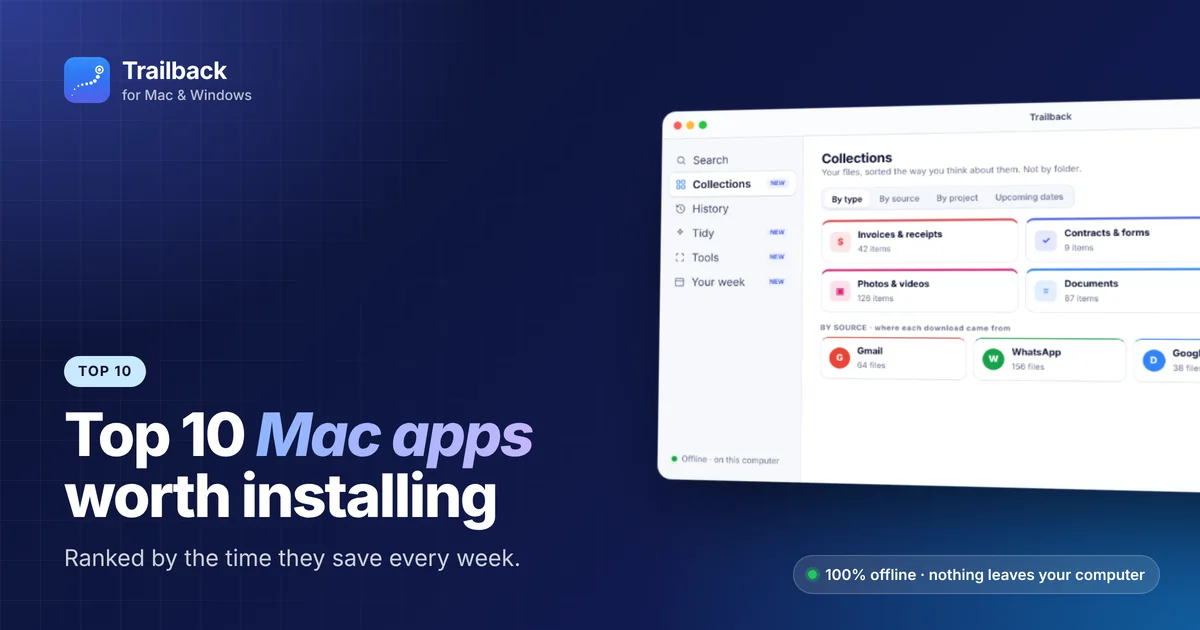
Top 10 Mac Apps Worth Installing in 2026
Ten macOS apps that save the most time every single week, ranked, with what each one does and what it costs.
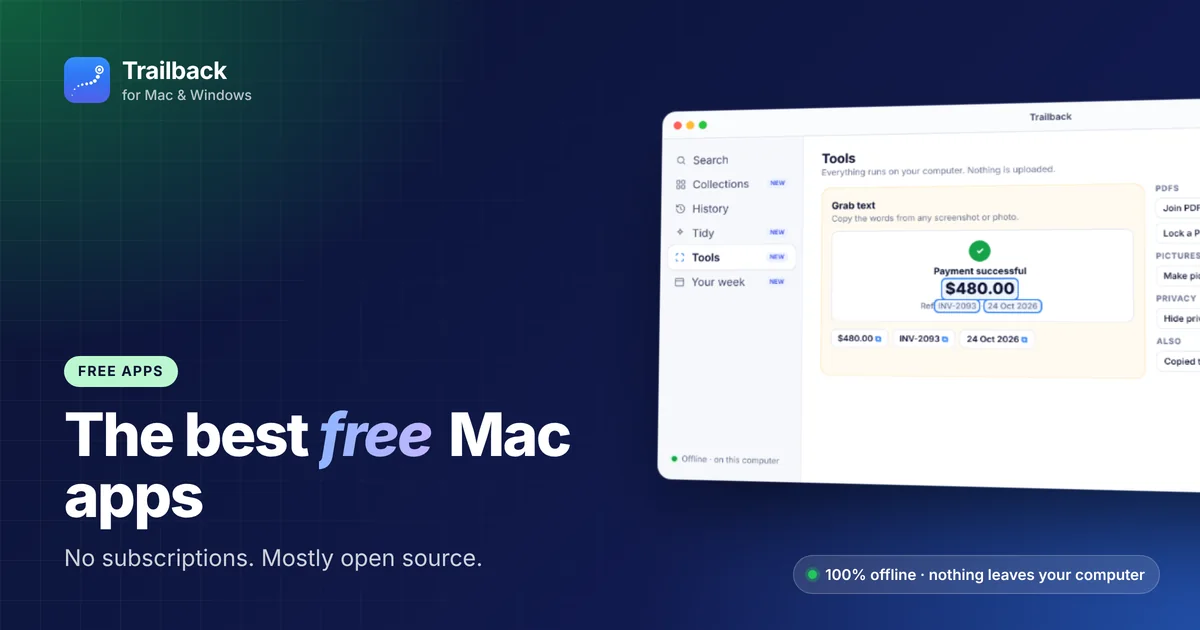
The Best Free Mac Apps in 2026 (No Subscriptions, No Catch)
Fifteen genuinely free Mac apps, most of them open source, that are as good as or better than paid alternatives.
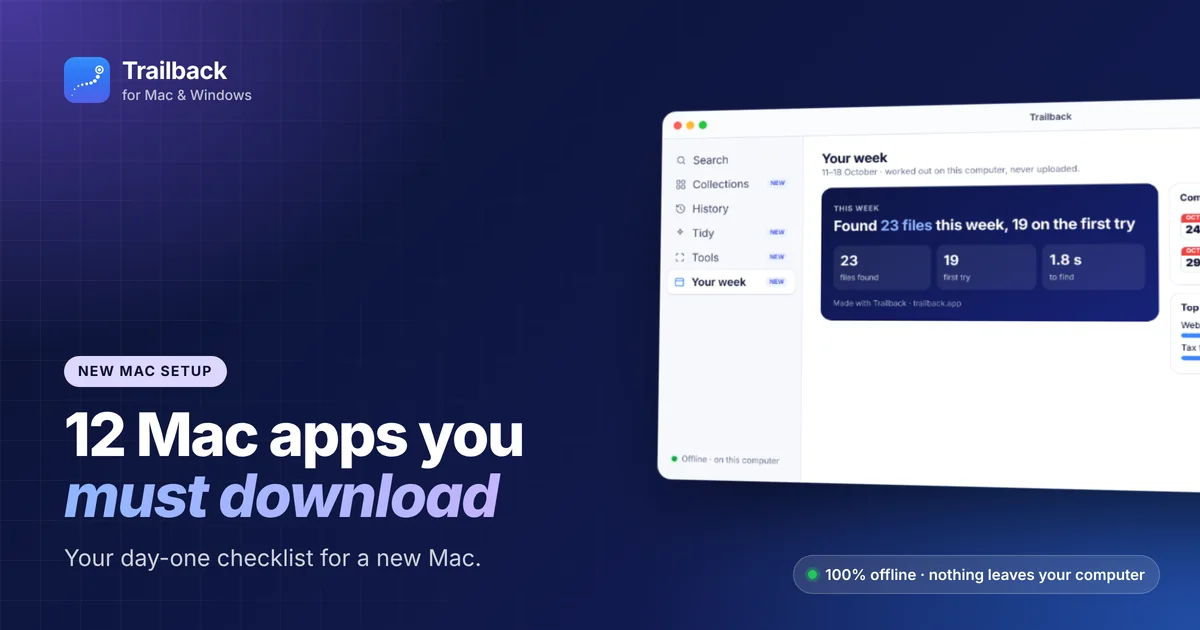
12 Mac Apps You Must Download on a New Mac
A day-one checklist for a new MacBook or iMac: the 12 apps to install first, and the settings to change before you start.