The Best Free Mac Apps in 2026 (No Subscriptions, No Catch)
You don't need to spend money to make your Mac much better. Some of the best macOS apps are completely free, and many are open source, so anyone can check what they do.
Here are the 15 best free Mac apps in 2026. None of them has a hidden subscription.
Windows and menu bar
1. Rectangle
Snap windows to halves, thirds and corners with keyboard shortcuts or by dragging. Open source.
2. AltTab
Shows a preview of every open window when you switch, like Windows does. Open source.
3. Ice
Hides menu bar icons you don't use. A free, open-source alternative to Bartender.
4. Itsycal
A tiny calendar in the menu bar that shows your next events.
System and cleanup
5. Stats
CPU, memory, disk, network and battery in your menu bar. Open source.
6. AppCleaner
Uninstalls apps completely, including their hidden leftover files.
7. Amphetamine
Keeps your Mac awake for a set time, or while a download finishes.
Files and archives
8. Keka
Opens and creates zip, 7z, rar and more. Free from its website (the Mac App Store version is a paid way to support the developer).
9. The Unarchiver
Opens almost any archive with a double click.
Struggling to find files rather than open them? See how to find a file on Mac when you can't remember the name.
Media and design
10. IINA
A modern video player that plays nearly every format. Open source.
11. HandBrake
Converts and shrinks videos. Open source.
12. Affinity
The pro design, photo and page-layout app became free in 2025 after Canva made it one free app. You sign in with a free Canva account.
Privacy and security
13. LuLu
A free, open-source firewall. It alerts you when apps try to connect to the internet.
14. Bitwarden
An open-source password manager with a free plan that covers most people.
More in our guide to the best privacy apps for Mac.
Notes
15. Obsidian
Notes saved as plain Markdown files on your Mac. Free for personal use.
Free built-in apps people forget
macOS already includes a lot:
- Spotlight (⌘Space): launch apps and, in macOS 26 Tahoe, browse your clipboard history and run quick actions.
- Preview: sign, merge and annotate PDFs.
- Live Text: select and copy text in any photo or screenshot in Preview or Quick Look.
- Notes and Reminders: much more capable than they used to be.
When paying is worth it
Free apps cover a lot, but a few problems are worth paying a little to solve properly. Searching everything you've saved, downloaded, screenshotted and read is one of them.
Trailback isn't free, but it does have a 7-day free trial with no sign-up and no card. Then it's a one-time price, not a subscription. It finds files, screenshots and web pages by describing them, and it runs 100% offline.
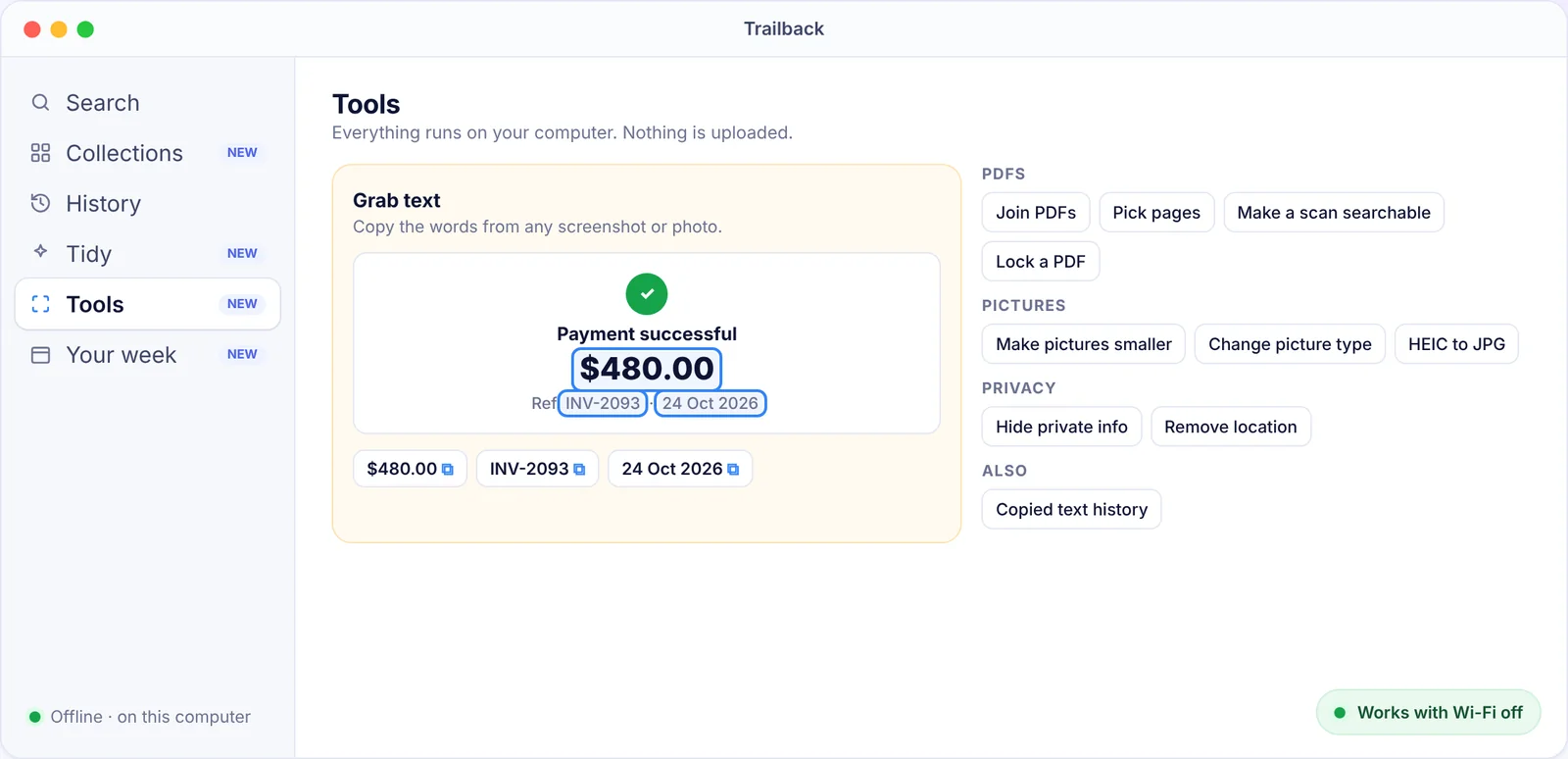
See how it compares with the rest in the top 10 Mac apps.
Find anything on your computer by describing it.
Files, PDFs, the words in your screenshots and the pages you visited. 100% offline. Your data never leaves your computer.
Frequently asked questions
What is the best free app for Mac?
Rectangle is the free app we'd install first. It makes working with windows much faster.
Are free Mac apps safe?
The ones on this list are well-known and widely used, and most are open source. Download them from the developer's official site, GitHub or the Mac App Store.
Is there a free alternative to Bartender?
Yes. Ice is free and open source, and it covers what most people need.
Pavan is the founder of Trailback, a private, offline app for Mac and Windows that helps you find anything on your computer by describing it. He builds it at Hara Infotech in Hyderabad.
Keep reading
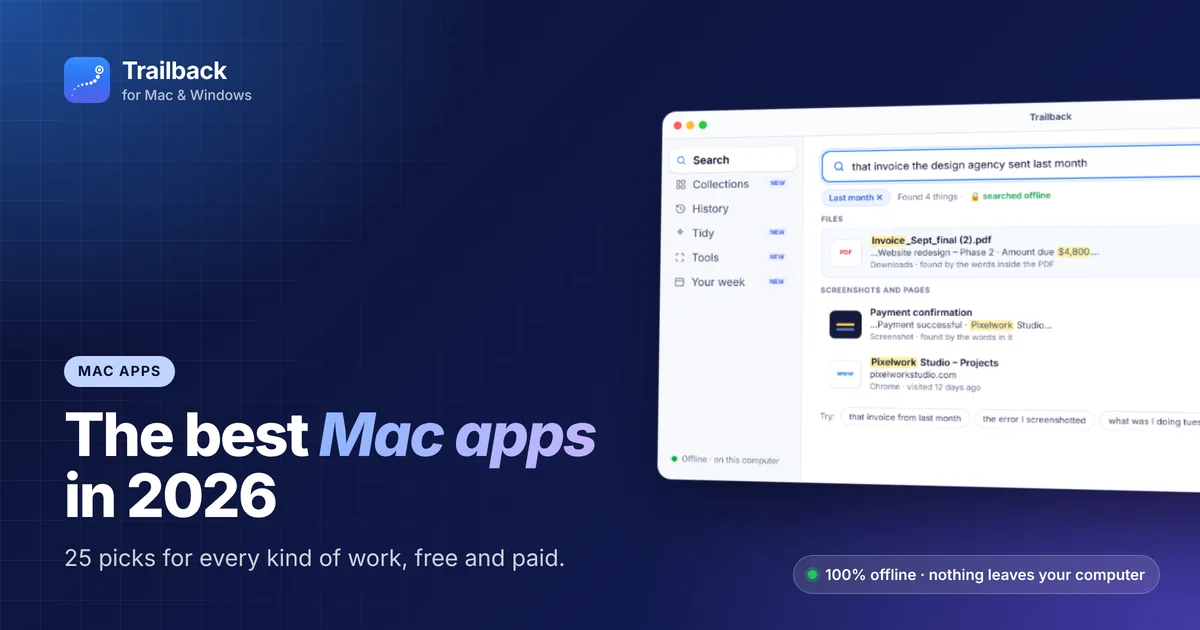
The Best Mac Apps in 2026: 25 Picks for Every Kind of Work
Twenty-five macOS apps that earn their place on your Mac, sorted by the job they do, with free options in every group.
Top 10 Mac Apps Worth Installing in 2026
Ten macOS apps that save the most time every single week, ranked, with what each one does and what it costs.
Best Privacy Apps for Mac: Offline Tools That Keep Your Data Yours
The apps and settings that keep your files, passwords and browsing private on a Mac, with a focus on tools that work offline.