Rewind AI Alternatives in 2026: 7 Apps That Remember What You Did (Mac and Windows)
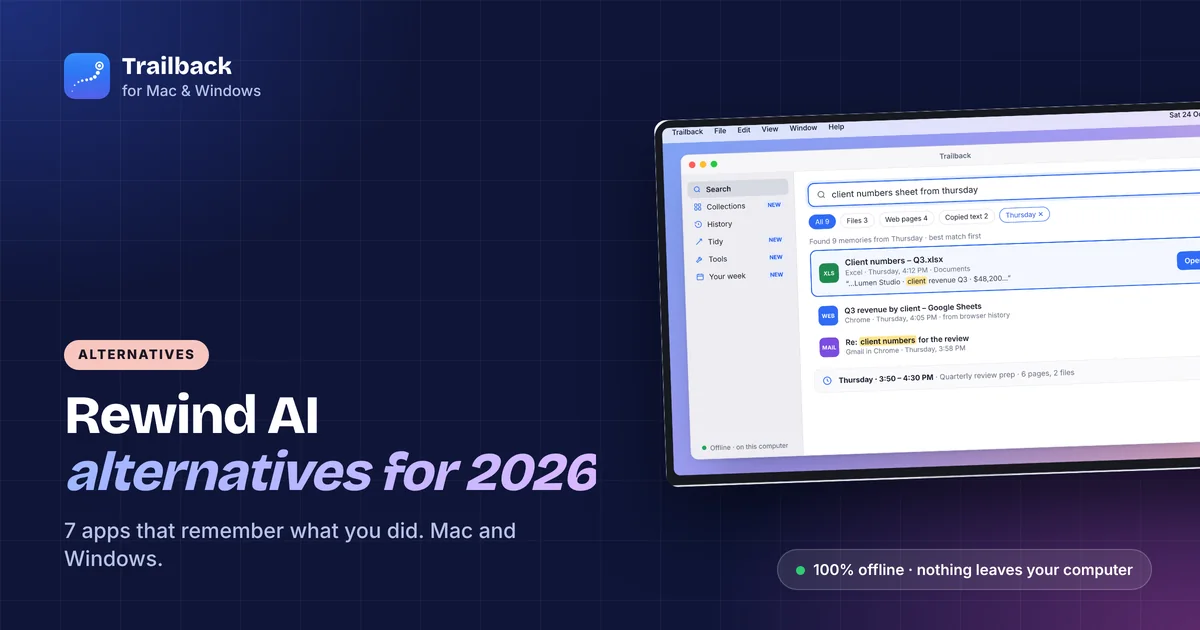
Rewind was the app that recorded everything on your Mac so you could scroll back through your day. In December 2025 it stopped recording after its maker was acquired, and a lot of people went looking for a replacement.
The good news: you probably don't need a screen recorder. Most people used Rewind for one thing, finding something they saw a few days ago. Several apps do that now, and some of them do it without recording your screen or sending anything to the cloud.
Here are 7 Rewind AI alternatives for 2026, with what each one remembers, where your data goes, and what it costs.
Quick comparison
| App | Platforms | How it remembers | Where your data goes | Price |
|---|---|---|---|---|
| Trailback | Mac, Windows | Pages, files, screenshots, copied text, by content | Your computer only, encrypted | $19 one-time |
| screenpipe | Mac, Windows, Linux | Records the screen and audio 24/7 | Your computer (open source) | Free, paid plans for extras |
| Microsoft Recall | Windows (Copilot+ PCs only) | Screenshots every few seconds | Your PC, encrypted | Free with Windows |
| Limitless | Mac, Windows, pendant | Meetings and audio, some screen | Cloud | Subscription |
| Raycast | Mac, Windows | Launcher with clipboard history and file search | Your computer, with AI features in the cloud | Free, Pro subscription |
| HoudahSpot | Mac | Advanced file search by name and content | Your Mac | One-time |
| Everything | Windows | Instant file-name search | Your PC | Free |
Prices change, so check each site before you decide.
1. Trailback: closest to Rewind's "find it later", without the recording
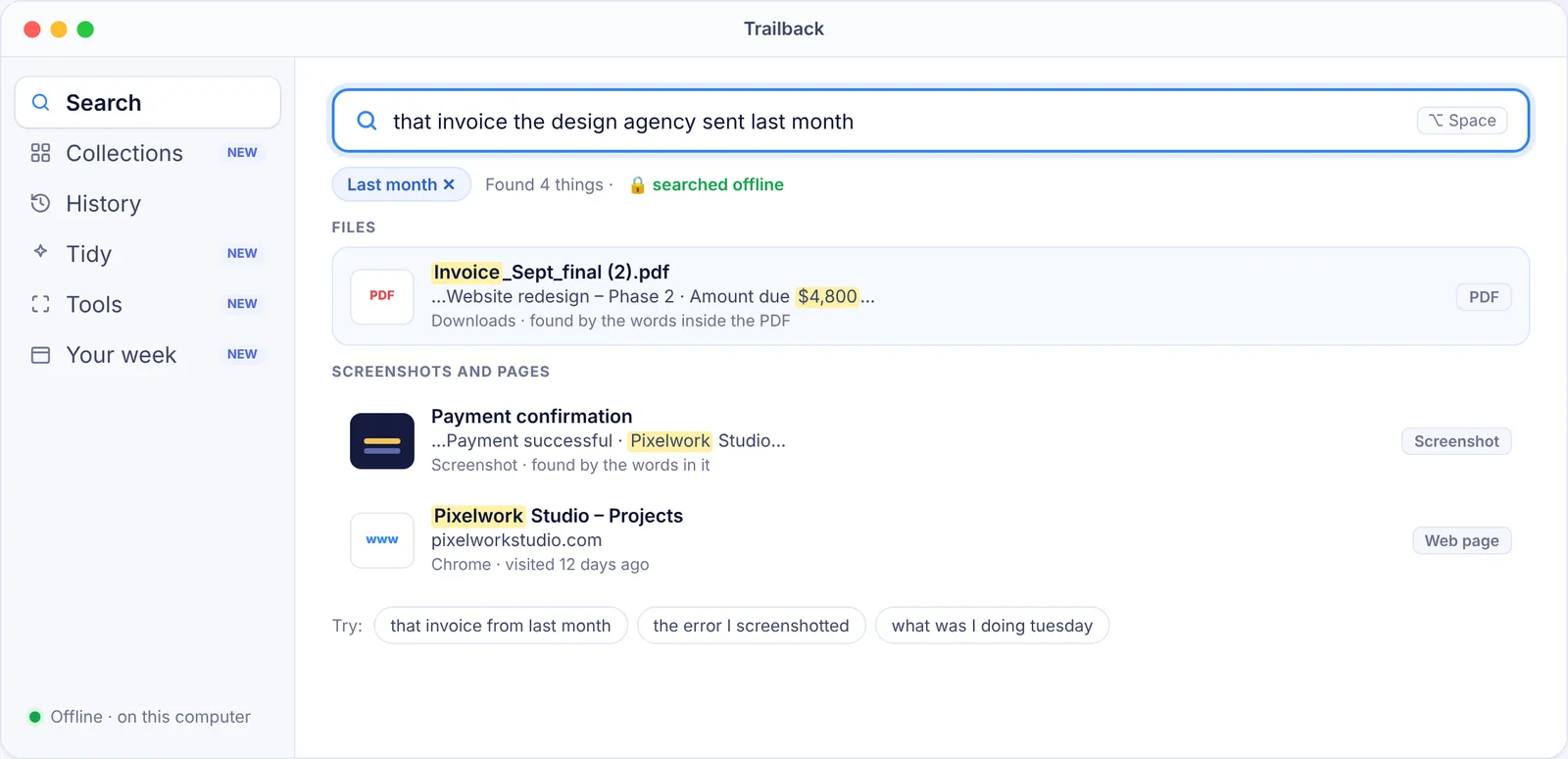
Trailback remembers what you actually did, not a video of your screen. It keeps the web pages you visit (through a free browser extension), the files and PDFs you open, the screenshots you take and the text you copy. Then you find any of it by describing it:
- "the invoice from the designer last month"
- "that screenshot with the pricing table"
- "the page about home loan rates I read on Tuesday"
It reads the words inside PDFs and screenshots, so you can search by what something said. You can also pick a time, like "yesterday afternoon", see everything you had open and reopen all of it in one click.
Why people pick it over Rewind: it's 100% offline. There's no account and no cloud. Everything is stored encrypted on your own computer, about 20 MB for a year of memories, and it skips passwords and card numbers on purpose. It works on Mac and Windows, and it's $19 one-time with a 7-day money-back guarantee.
What it doesn't do: it doesn't record your screen or meetings, so there's no scrubbing video frame by frame.
2. screenpipe: open-source screen and audio recording
screenpipe is the closest thing to Rewind's original idea. It records your screen and audio around the clock, runs OCR on the frames, and stores everything locally. It's open source, which is the main reason people trust it.
Good for: developers and tinkerers who want the raw recording and are happy to set things up. Watch out for: disk space, battery use, and the fact that it records everything, including things you'd rather it didn't.
3. Microsoft Recall: built in, but only on Copilot+ PCs
Recall takes a screenshot every few seconds and lets you scroll back through them. It's free, but it only runs on Copilot+ PCs with a specific NPU, so most existing Windows laptops can't use it. It's also had a bumpy privacy history, and many people turn it off.
If you have a Copilot+ PC and don't mind the screenshots, it's worth trying. If you don't, see our guide to Microsoft Recall alternatives.
4. Limitless: for meetings, not your desktop
Limitless (the company that acquired Rewind) focuses on meetings and conversations, with a wearable pendant and a cloud service. It's the right choice if what you miss from Rewind is meeting notes. It's the wrong choice if you want to find a file or a web page.
5. Raycast: a launcher with memory features
Raycast is a launcher, but it has clipboard history and file search, and its Windows version arrived in 2025. It won't remember web pages or the text in your screenshots, and the AI features use the cloud. Still, if you mainly used Rewind for "what did I copy earlier", Raycast's clipboard history covers that.
6. HoudahSpot: deep file search on Mac
HoudahSpot is a front-end for the Spotlight index with far better filters. It's excellent for files you can describe by name, type, date or contents. It does nothing for web pages or screenshots.
7. Everything: instant file-name search on Windows
Everything is free and finds any file on your PC by name in milliseconds. It doesn't search inside files, and it has no memory of what you did. But for "where did that file go", it's hard to beat.
How to choose
- You want to find things you saw, without recording your screen: Trailback.
- You want the full Rewind-style recording and don't mind the setup: screenpipe.
- You have a Copilot+ PC and want something built in: Recall.
- You miss Rewind for meetings: Limitless.
- You only need clipboard history or file search: Raycast, HoudahSpot or Everything.
Whichever you pick, check where your data goes. Rewind's biggest selling point was that it stayed on your Mac. Only some of these do the same.
Find anything on your computer by describing it.
Files, PDFs, the words in your screenshots and the pages you visited. 100% offline. Your data never leaves your computer.
Frequently asked questions
Is Rewind AI still available?
Rewind stopped recording in December 2025 after its maker, Limitless, was acquired. The app no longer captures new data.
What is the best Rewind alternative for Windows?
Trailback works on Windows 10 and 11 without special hardware, remembers pages, files, screenshots and copied text, and runs fully offline. screenpipe is the open-source option if you want screen recording. Microsoft Recall needs a Copilot+ PC.
Is there a free Rewind alternative?
screenpipe is free and open source. Everything (Windows) and Raycast's free tier cover file search and clipboard history. Trailback is $19 one-time.
Does Trailback record my screen like Rewind did?
No. It remembers the pages you visit, files you open, screenshots you take yourself and text you copy, and it reads the words inside them. Nothing is recorded in the background, and nothing leaves your computer.
Pavan is the founder of Trailback, a private, offline app for Mac and Windows that helps you find anything on your computer by describing it. He builds it at Hara Infotech in Hyderabad.
Keep reading
Trailback vs Rewind AI: What's Different, and Which to Use in 2026
Both promise a memory for your computer. One records your screen, the other remembers what you did. A plain comparison.
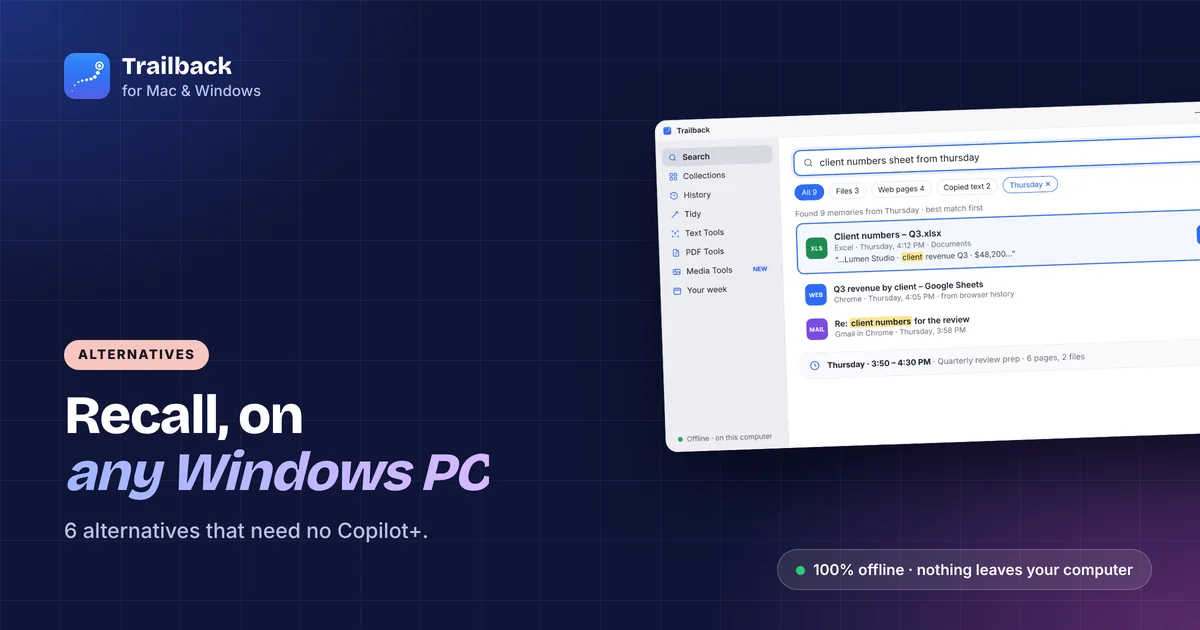
Microsoft Recall Alternatives That Work on Any Windows PC (2026)
You don't need a Copilot+ PC to get a memory for your computer. Six Recall alternatives for any Windows laptop, compared on privacy and price.
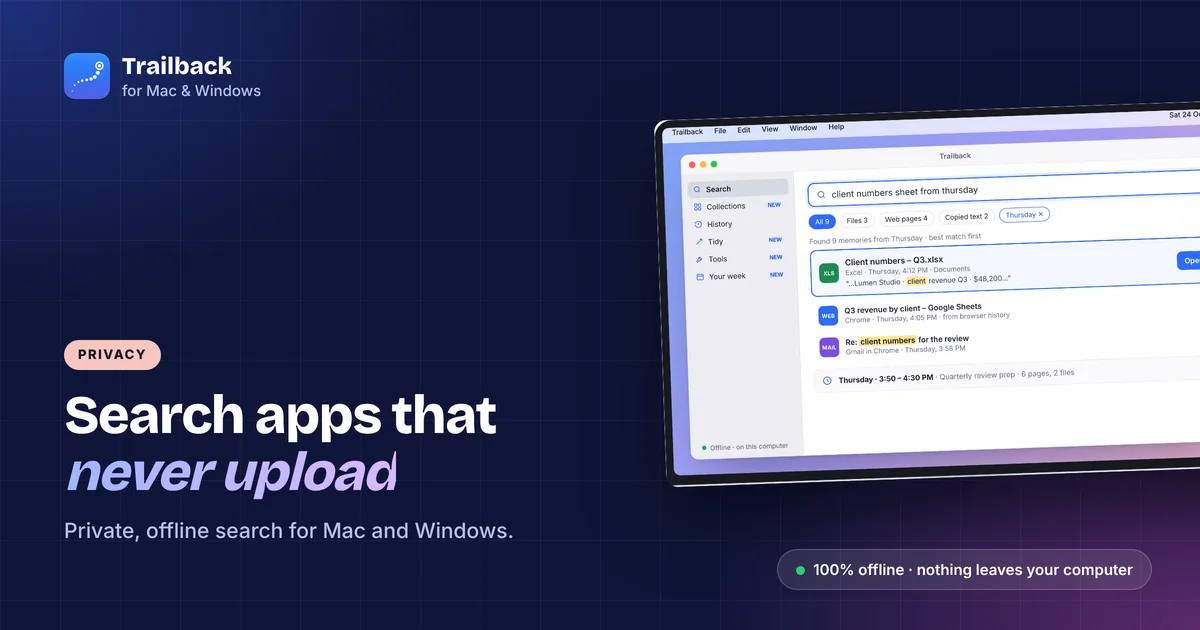
Offline Search Apps for Mac and Windows: Find Anything Without the Cloud
Most "AI search" apps upload your files to work. These don't. The best private, offline search tools for Mac and Windows.