Offline Search Apps for Mac and Windows: Find Anything Without the Cloud

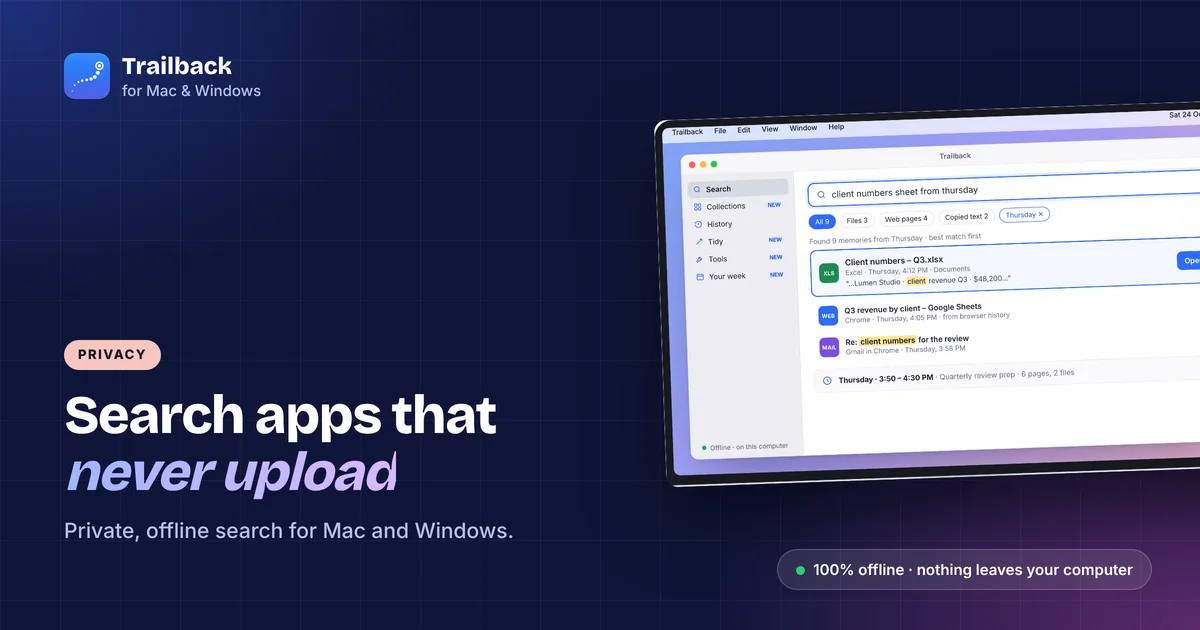
A lot of "search everything" apps have a catch in the small print: your files, screenshots or browsing history go to a server so the app can index them. For many people that's fine. For contracts, client files, medical records or anything you'd rather keep at home, it isn't.
These are the offline search apps for Mac and Windows we'd trust, what each one covers, and a quick way to check what any app really sends.
How to check whether an app is really offline
- Turn off Wi-Fi and use it. If search still works, indexing is local.
- Look for an account. An app that needs a login usually has a server behind it.
- Read the privacy page for "process" and "improve". "Processed on our servers" or "used to improve our models" means upload.
- Check the network. On Mac, Little Snitch or LuLu shows every connection. On Windows, GlassWire or the firewall log does.
The apps
Trailback (Mac and Windows): pages, files, screenshots and copied text
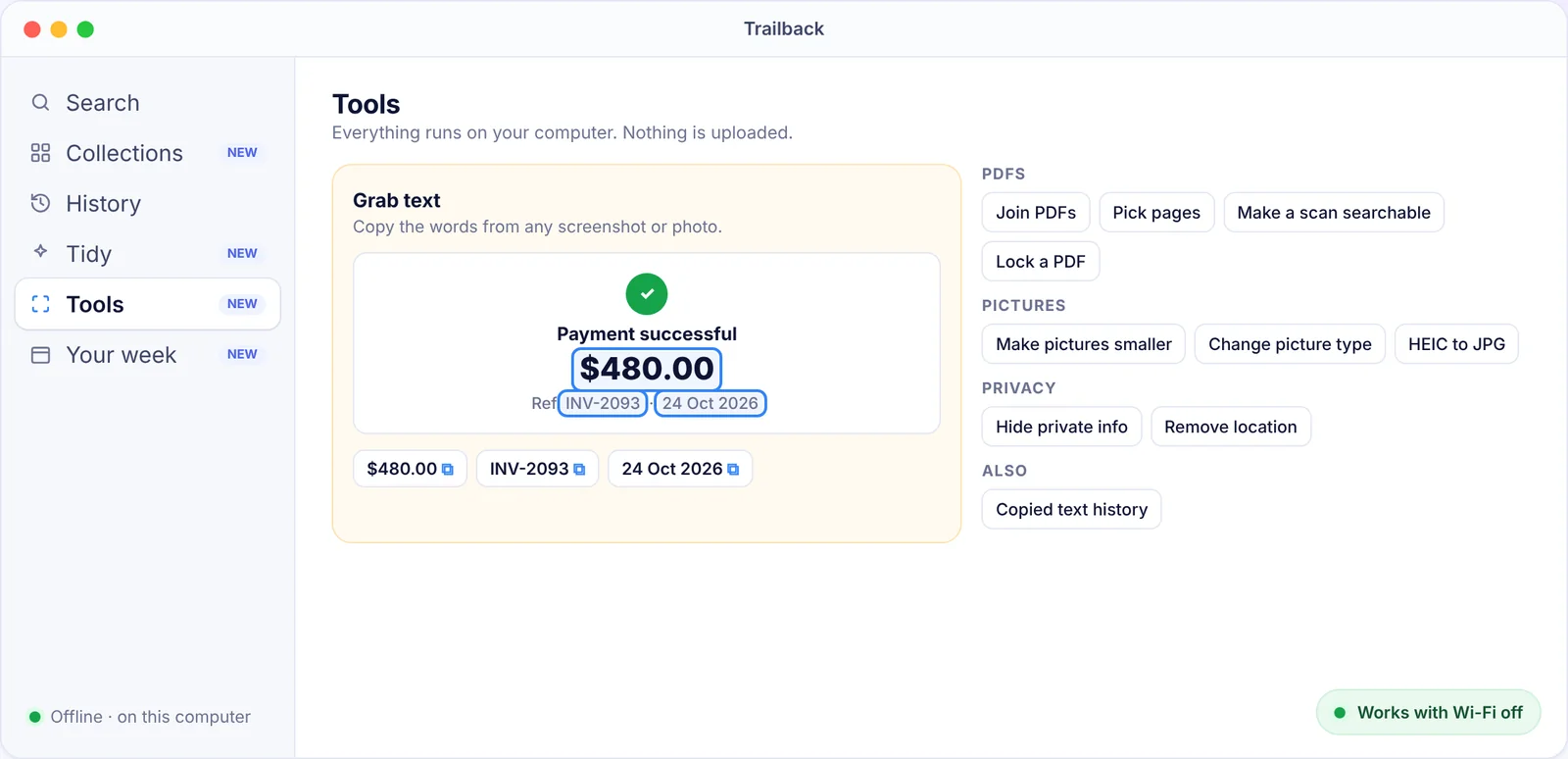
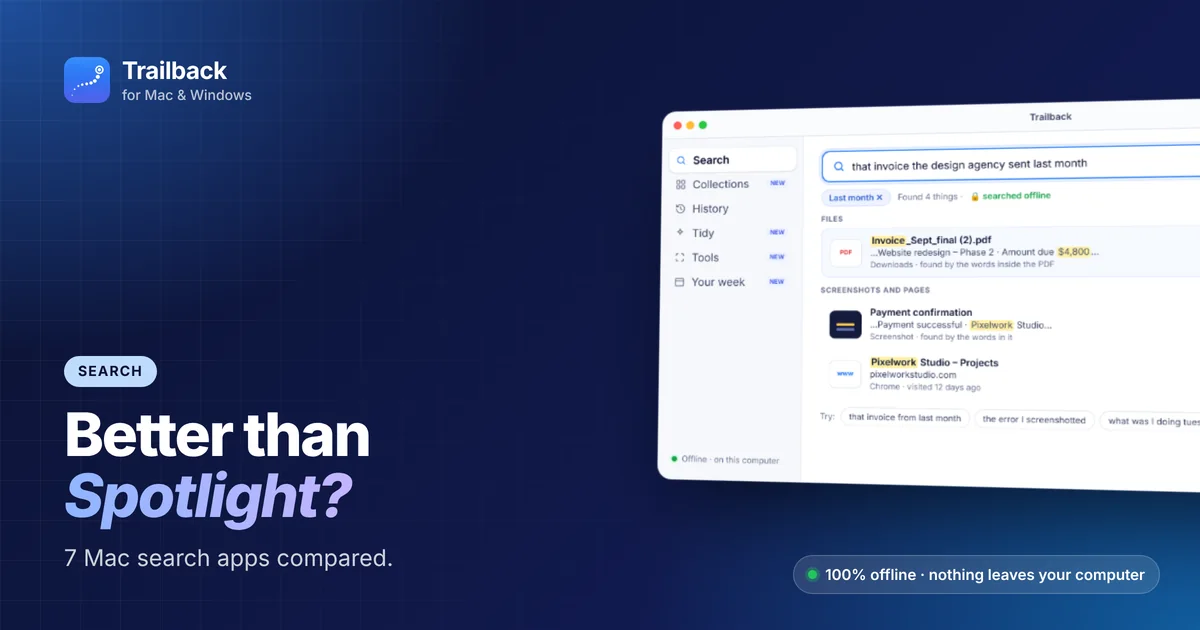
Trailback remembers the web pages you visit, the files you open, the screenshots you take and the text you copy, reads the words inside them, and finds any of it when you describe it. Everything is stored encrypted on your own computer, about 20 MB a year, and there's no account and no cloud. Passwords and card numbers are skipped on purpose, private browser windows are never recorded, and you choose how long memories are kept.
It passes the Wi-Fi test: turn Wi-Fi off and search works the same. $19 one-time.
HoudahSpot (Mac): deep file search
A powerful front-end to the Spotlight index. Filters by name, kind, date, tags and content. Fully local, one-time price. Files only.
Everything (Windows): instant file names
Free, tiny, and finds any file by name in milliseconds. Local, no account. Names only, not contents.
DocFetcher (Mac, Windows, Linux): search inside documents
Open source, indexes the text of PDFs, Office files and more in folders you choose. Local, free, and a bit old-fashioned to look at.
Raycast (Mac, Windows): launcher with local file search and clipboard
The core launcher, file search and clipboard history work locally. The AI features use the cloud, so keep them off if that matters to you.
Built-in: Spotlight and Windows Search
Both index files locally. Spotlight can also send search terms to Apple for web suggestions (turn off "Siri Suggestions" to stop it). Windows Search can show Bing results (turn off "Search highlights" and web results). See our Spotlight alternatives guide, and Rewind AI alternatives for memory apps.
What to avoid, or at least check
- Cloud-first "AI memory" apps. Anything that records your screen and sends frames to a server. Read the privacy page.
- Browser extensions that "save pages to your account". The page text leaves your computer.
- Clipboard managers with sync on. Everything you copy goes to their cloud.
Find anything on your computer by describing it.
Files, PDFs, the words in your screenshots and the pages you visited. 100% offline. Your data never leaves your computer.
Frequently asked questions
What is the best offline search app for Mac?
For files only, HoudahSpot. For files, screenshots, web pages and copied text together, Trailback, which stores everything on your Mac and works with Wi-Fi off.
Is there a private search app for Windows that searches inside files?
DocFetcher (free) indexes document text locally. Trailback searches inside PDFs, documents, screenshots and web pages on Windows 10 and 11, fully offline.
Does Trailback send anything to the internet?
No. Searching, indexing and reading text all happen on your computer. The only network use is activating your license key once and checking for app updates.
How can I tell if an app uploads my files?
Turn off Wi-Fi and try it, check whether it needs an account, read the privacy page for "processed on our servers", and watch connections with Little Snitch (Mac) or GlassWire (Windows).
Pavan is the founder of Trailback, a private, offline app for Mac and Windows that helps you find anything on your computer by describing it. He builds it at Hara Infotech in Hyderabad.
Keep reading
Best Privacy Apps for Mac: Offline Tools That Keep Your Data Yours
The apps and settings that keep your files, passwords and browsing private on a Mac, with a focus on tools that work offline.
Rewind AI Alternatives in 2026: 7 Apps That Remember What You Did (Mac and Windows)
Rewind is gone. These seven apps remember what you did on your computer, from fully offline tools to open-source recorders.
Best Spotlight Alternatives for Mac: 7 Better Ways to Search
When Spotlight can't find it, these Mac search apps can. What each one is best at, and which to choose.