Trailback for Windows
Private AI memory for Windows.
Trailback remembers the pages, files and screenshots on your Windows PC, so you can find anything by describing it. 100% offline. Windows 10 and 11, from the Microsoft Store.
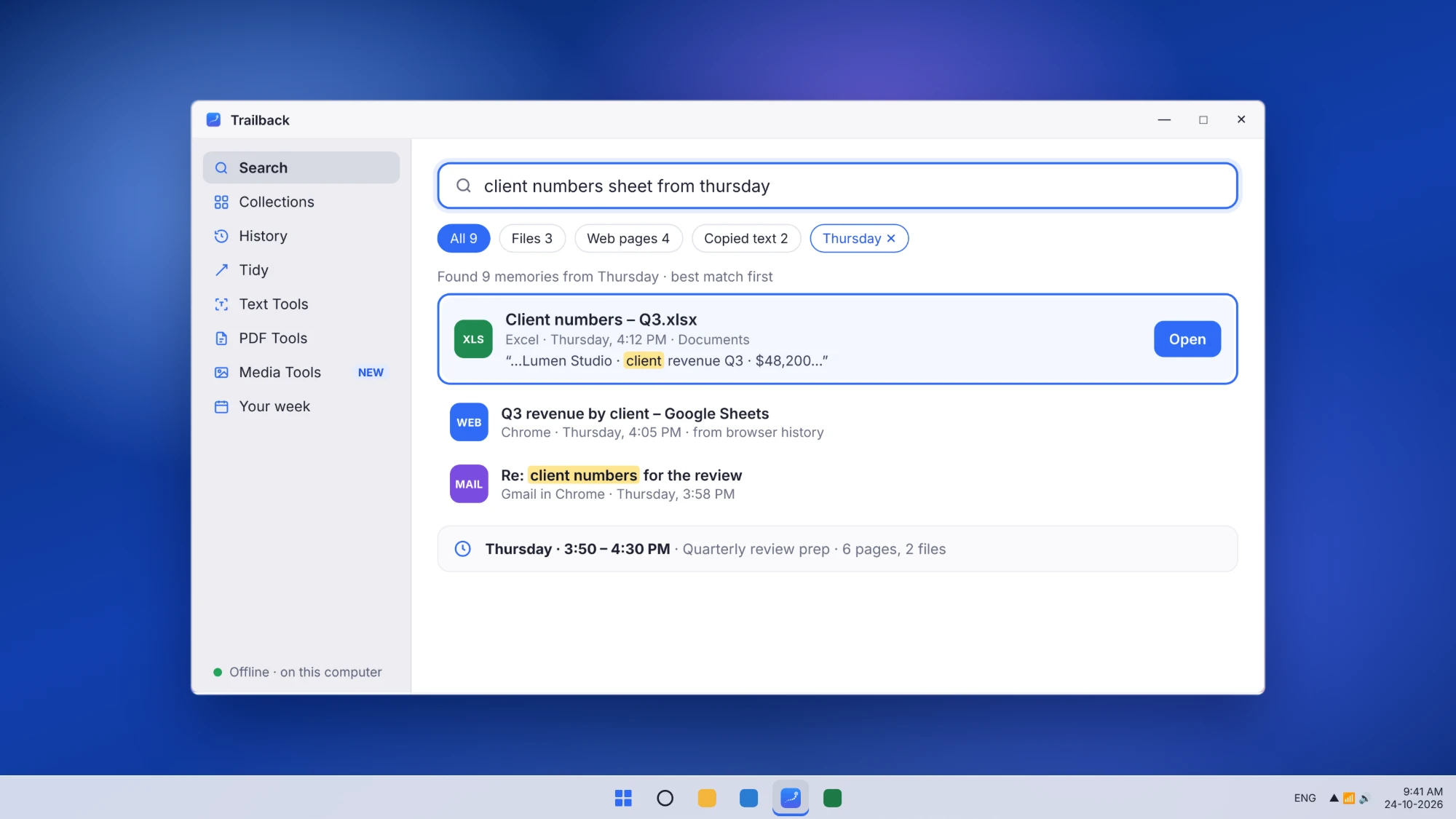
Trailback remembers the pages, files and screenshots on your Windows PC, so you can find anything by describing it. 100% offline. Windows 10 and 11, from the Microsoft Store.
Websites you visit, files you open, screenshots you take, text you copy. Trailback remembers it all, on your PC. Describe it, and Trailback finds it: the words inside PDFs, documents and screenshots count too, not only file names.
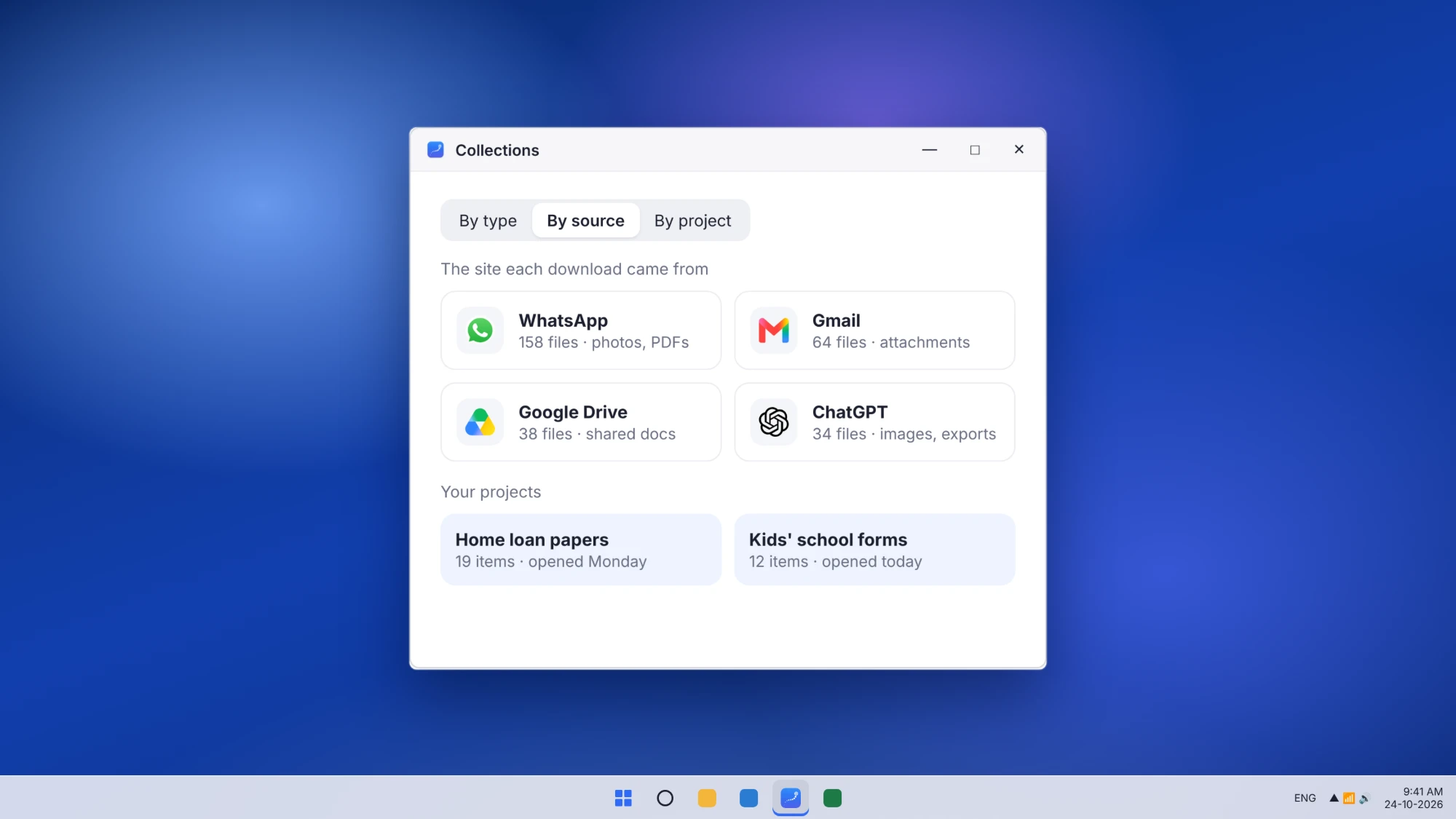
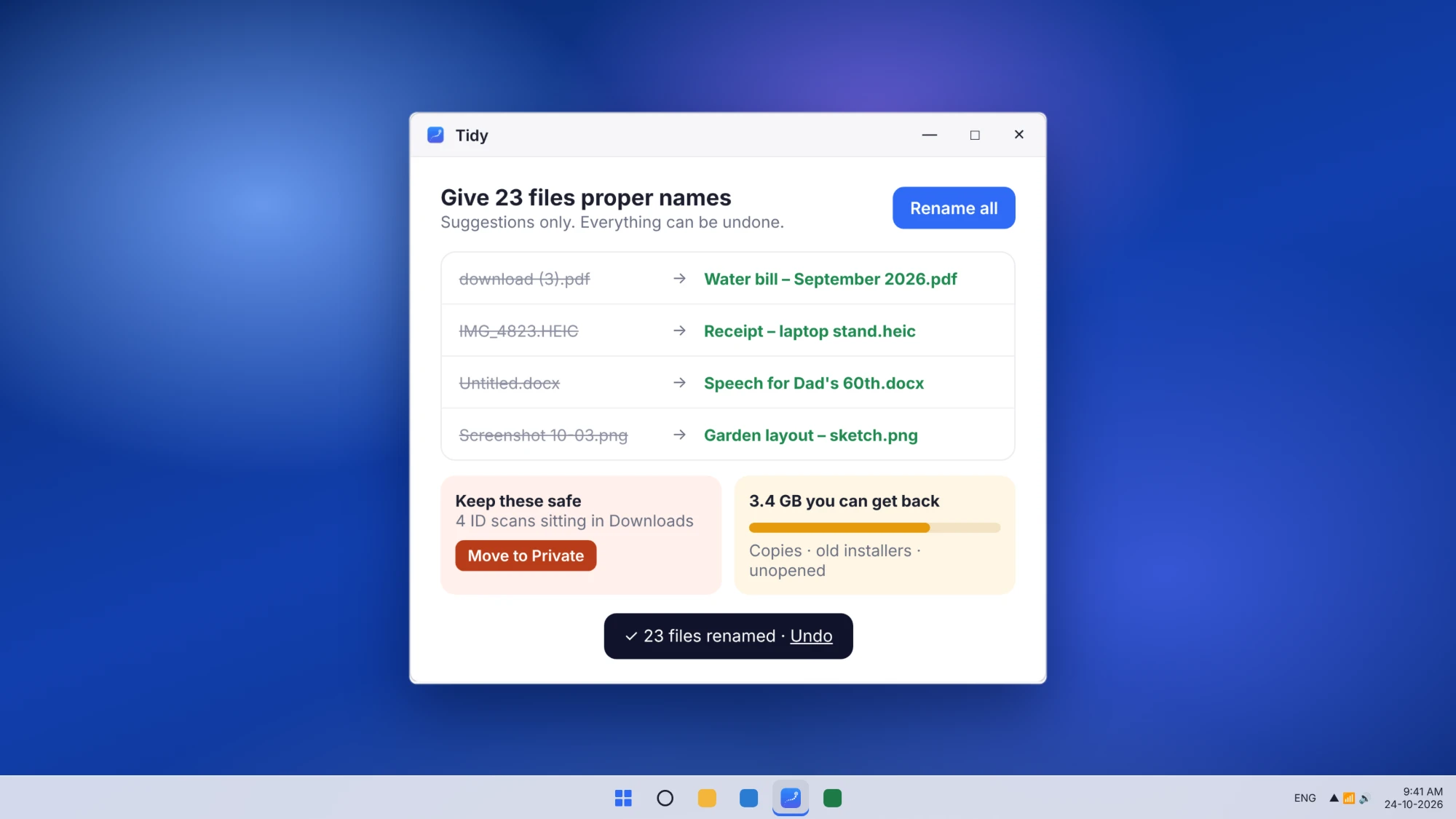
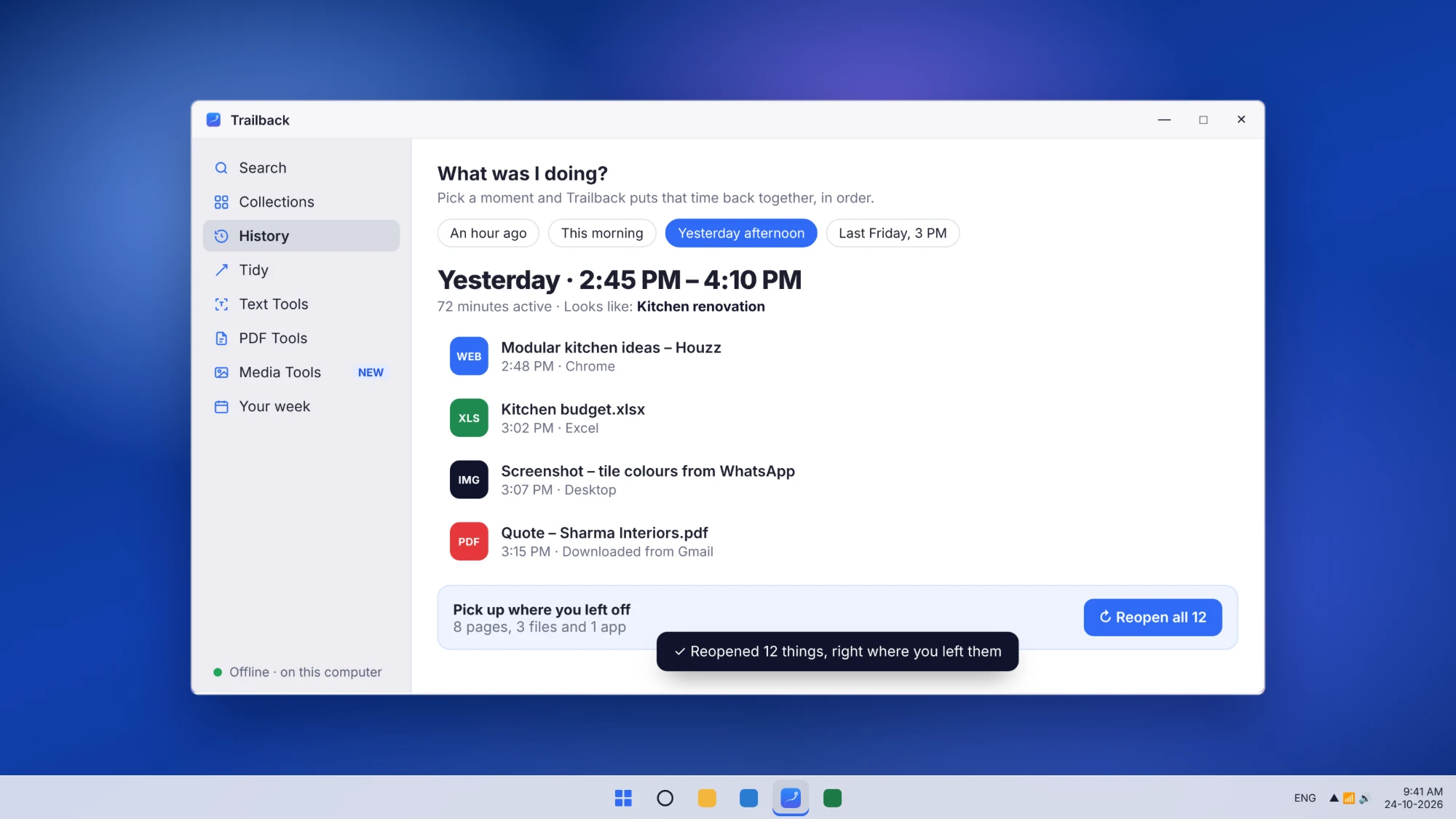
Pick a time, like "yesterday afternoon" or "last Friday at 3", and Trailback shows the pages, files and apps you had open, in order. One click reopens them all. Your whole computer history, searchable by time.
Recall is a good idea, but it needs a Copilot+ PC and it works by saving snapshots of your screen. Trailback gives you the "find it later" part on any Windows 10 or 11 PC, without recording your screen.
| Microsoft Recall | Trailback | |
|---|---|---|
| How it remembers | Saves snapshots of your screen as you use it | Remembers the pages, files, screenshots and copied text you used. No screen recording |
| Which PCs | Copilot+ PCs only | Any Windows 10 or 11 PC |
| Mac | No, Windows only | Yes, also on Mac |
| Where it's kept | Encrypted on your PC | Encrypted on your computer |
More options, compared: offline alternatives to Microsoft Recall.
Your data never leaves your computer. No account, no cloud, nothing to upload. Trailback works with Wi-Fi off, keeps everything encrypted on your PC, never records your screen and never sees your passwords. It goes online only to check your license key and for updates. Read the privacy policy.
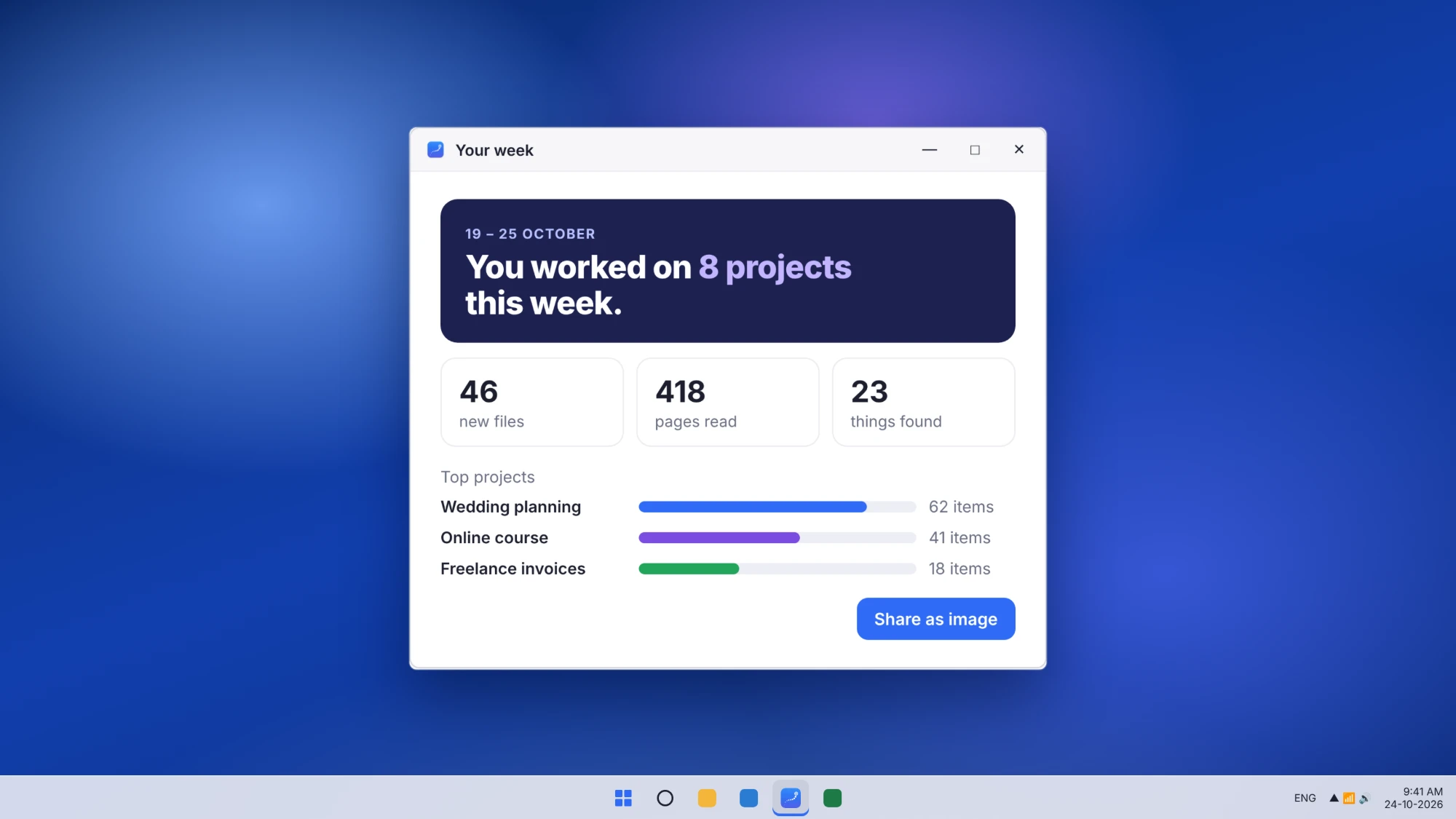
Get Trailback from the Microsoft Store, then unlock it with your license key. One-time purchase, every future update included.
Tell us how you use it, or where you got stuck.