Clipboard History on Mac and Windows: See Everything You Copied
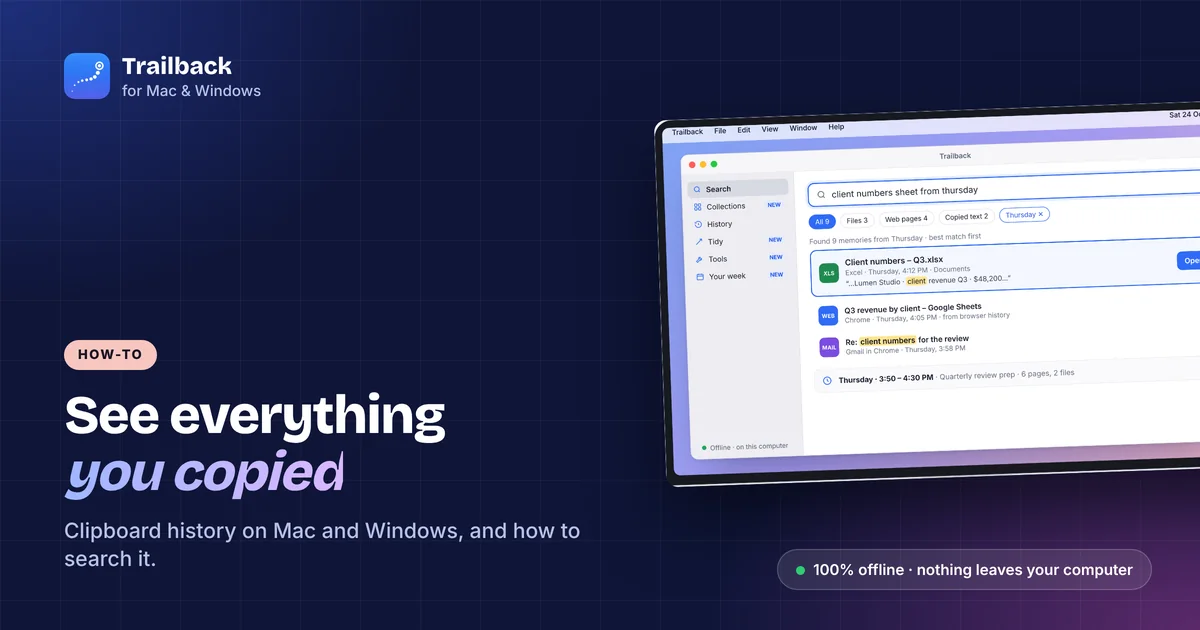
You copied an address, then copied something else, and the address is gone. The clipboard only holds one thing at a time. Here's how to get a clipboard history on Windows and Mac, what the built-in tools keep, and how to search everything you copied last week.
Windows 11: turn on Win + V
Windows has clipboard history built in, but it's off by default.
- Press Win + V.
- Click Turn on.
From then on, Win + V shows the last 25 items you copied, text and images. Click one to paste it. You can pin items so they survive a restart.
Limits: unpinned items are cleared when you restart, there's no search, and 25 is the cap. If you turn on Sync across devices in Settings → System → Clipboard, your clipboard goes through your Microsoft account.
Mac: there's no built-in history
macOS keeps only the last thing you copied. Pressing Cmd + V again pastes the same thing. To see more, you need an app.
- Raycast (free) has a clipboard history in its launcher.
- Maccy (free, open source) is a tiny menu bar clipboard history.
- Paste (subscription) is the polished option with a visual board.
All of them keep history on your Mac. Check each app's settings if you also use iCloud sync.
Search everything you copied, on both
The built-in tools answer "what did I copy a minute ago". They don't answer "what was that tracking number I copied last Tuesday".
Trailback keeps a Copied text history on Mac and Windows and makes it searchable with everything else it remembers: pages, files and screenshots. Type "tracking number" or "the address for the plumber" and the copied text comes back with when and where you copied it. It also pulls amounts, dates and order numbers out automatically, so you can copy just the number you need.
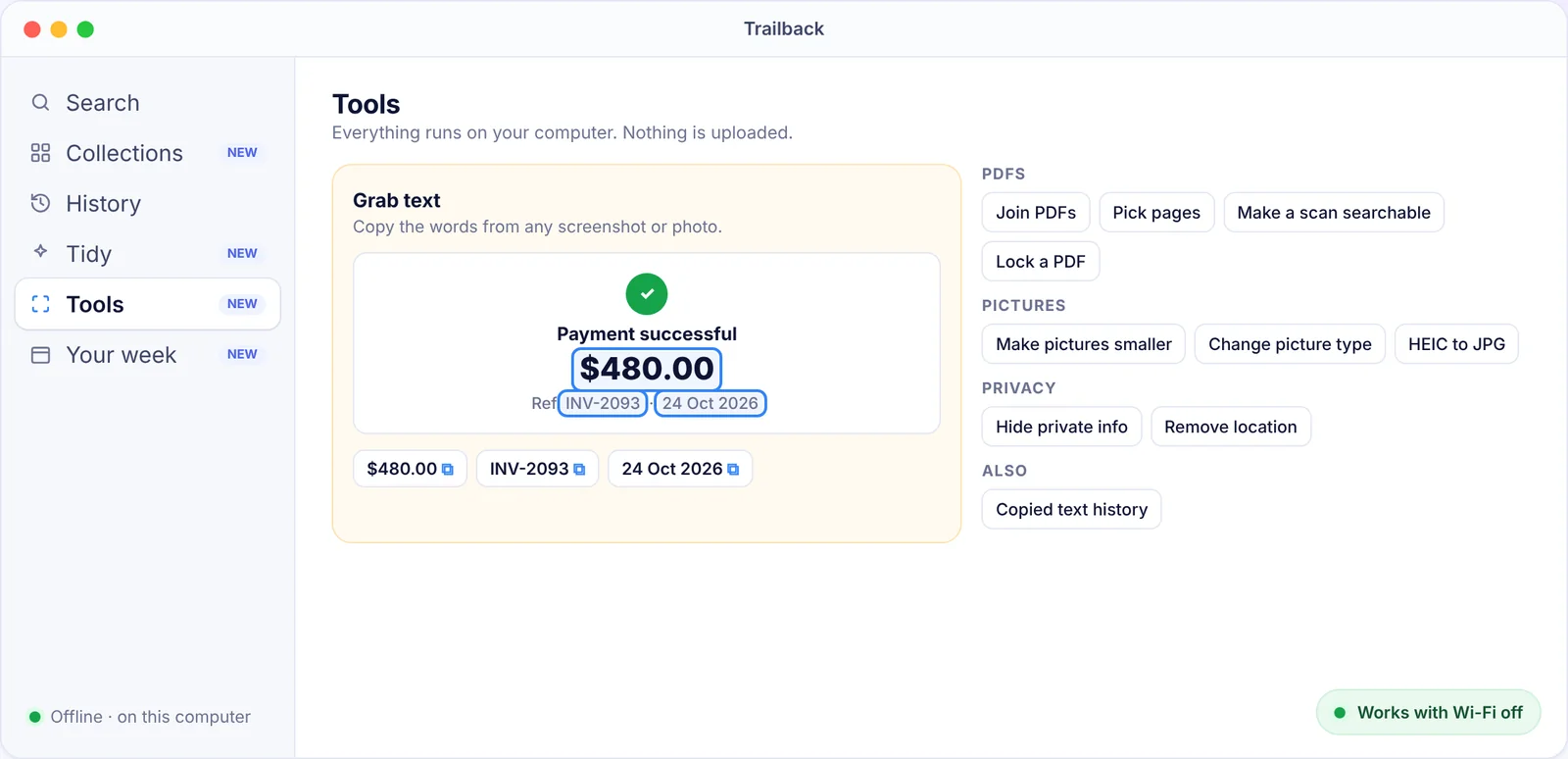
Privacy: passwords, one-time codes and card numbers are skipped on purpose. Everything is stored encrypted on your computer and nothing is uploaded. You choose how many days of copied text to keep. $19 one-time, Mac and Windows.
Tips
- Pin what you reuse. In Win + V, pin addresses and snippets you paste often.
- Paste as plain text. Win + V's menu has a plain-text option, and most Mac clipboard managers have a shortcut for it.
- Watch out for sync. If a clipboard tool syncs to the cloud, everything you copy goes with it. Turn it off if you don't need it.
- Lost a page, not a snippet? See how to find a website you visited last week, or how to see what you were working on yesterday.
Find anything on your computer by describing it.
Files, PDFs, the words in your screenshots and the pages you visited. 100% offline. Your data never leaves your computer.
Frequently asked questions
How do I see my clipboard history on Windows 11?
Press Win + V and click Turn on. Windows then keeps the last 25 items you copied until you restart. Pin items to keep them.
Does Mac have clipboard history?
No, macOS only keeps the last item. Use a clipboard manager like Raycast, Maccy or Paste, or an app like Trailback that keeps a searchable history of copied text with your files and pages.
Can I search my clipboard history?
Win + V has no search. Trailback and most Mac clipboard managers do. Trailback also searches copied text by date ("last Tuesday") and alongside the page or file you copied it from.
Does clipboard history save passwords?
Windows clipboard history can, which is one reason to pin only safe items. Trailback skips passwords, one-time codes and card numbers by design.
Pavan is the founder of Trailback, a private, offline app for Mac and Windows that helps you find anything on your computer by describing it. He builds it at Hara Infotech in Hyderabad.
Keep reading
How to Find a Website You Visited Last Week (Even After Clearing History)
Browser history searches titles only, and it's gone when you clear it. Here's how to find that page anyway.
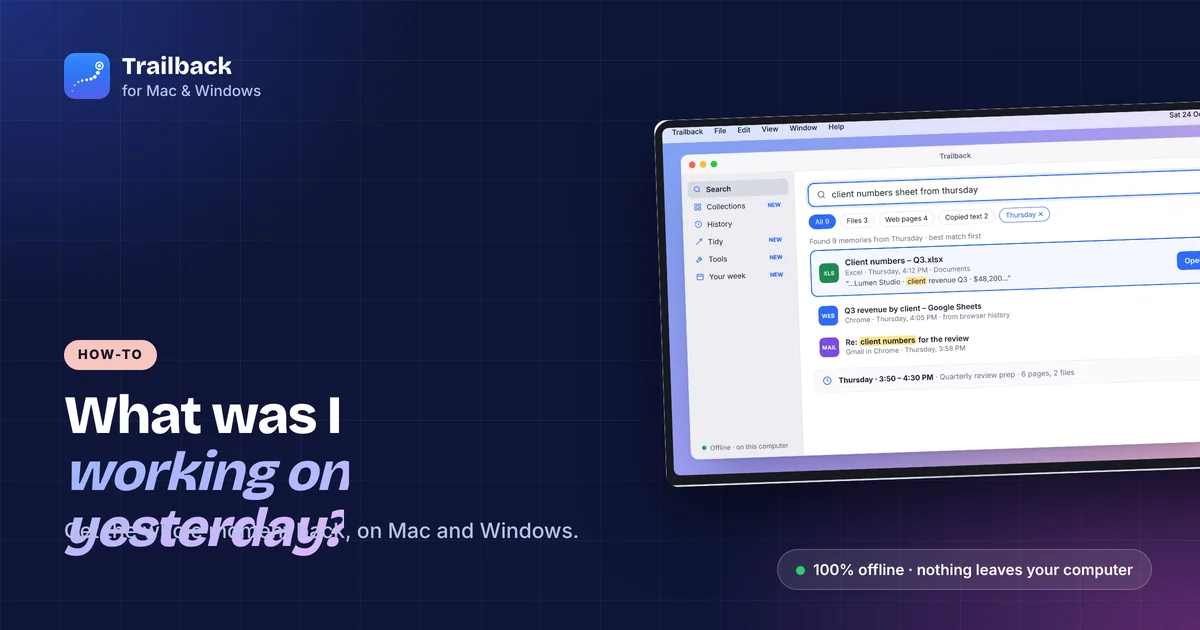
How to See What You Were Working On Yesterday (Mac and Windows)
Monday morning, blank desk. Here's how to get yesterday afternoon back, files, pages and all.
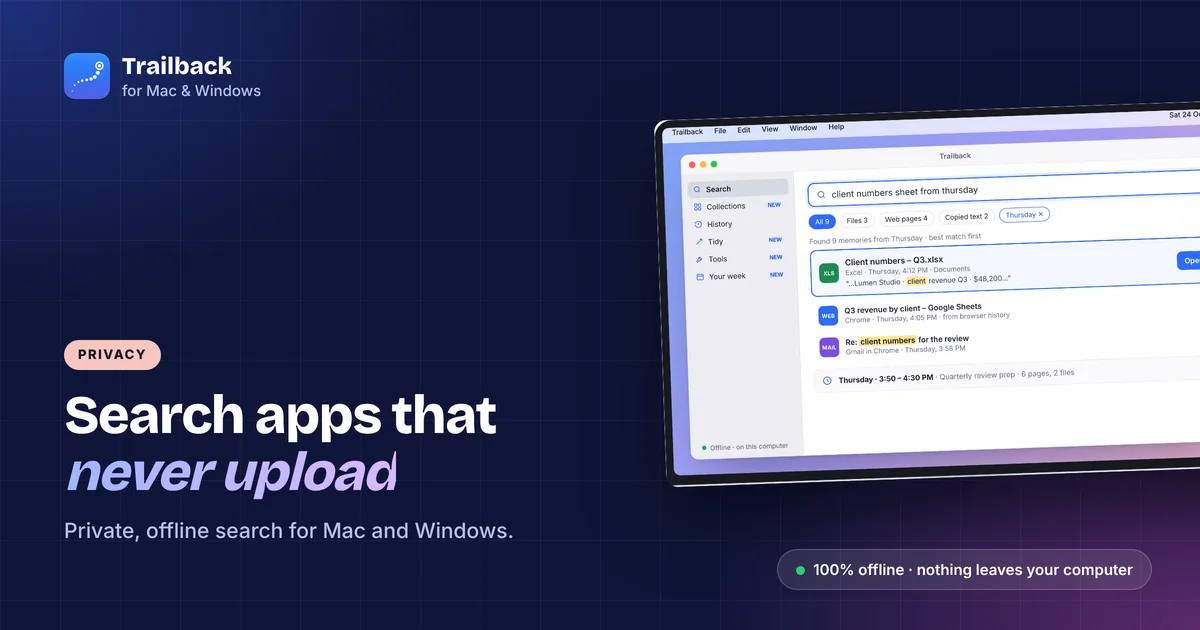
Offline Search Apps for Mac and Windows: Find Anything Without the Cloud
Most "AI search" apps upload your files to work. These don't. The best private, offline search tools for Mac and Windows.