How to See What You Were Working On Yesterday (Mac and Windows)
You close the laptop on Friday with twelve tabs, three files and a half-finished thought. On Monday it's a blank desktop and no memory of which tabs they were.
Here's how to see what you were working on yesterday (or last Friday at 3 PM) on Mac and Windows, from the built-in lists to reopening the whole moment in one click.
Mac: what's built in
- Recents in Finder. Click Recents in the sidebar and sort by Date Last Opened. This shows files only.
- Apple menu → Recent Items. The last few apps and documents.
- Safari and Chrome history by time. Open history (Cmd + Y) and scroll to the day. Chrome groups by day; Safari groups by day in the sidebar.
- Reopen closed windows. Safari: History → Reopen All Windows from Last Session. Chrome: Cmd + Shift + T reopens closed tabs one by one.
These give you pieces. Nothing puts the pieces together by time.
Windows: what's built in
- File Explorer → Home → Recent. Recently opened files.
- Activity history. Settings → Privacy & security → Activity history keeps a short list of apps and files, if it's turned on. Timeline, which used to show it as a scrollable day, was removed.
- Browser history by day. Ctrl + H in Chrome or Edge, scroll to the date.
- Reopen closed tabs. Ctrl + Shift + T.
Same problem: files in one place, pages in another, and nothing for "around 3 PM".
Reopen the whole moment with Trailback
Trailback keeps a timeline of what you did on your computer: the pages you had open, the files you worked on, the screenshots you took and the text you copied, in order. Open History, pick a moment, like "Yesterday afternoon" or "Last Friday, 3 PM", and you see everything from that time, grouped as a task ("Quarterly review prep · 4 pages, 2 files").
Click Reopen all, and the pages open in your browser, the files open in their apps, and you're back where you were.
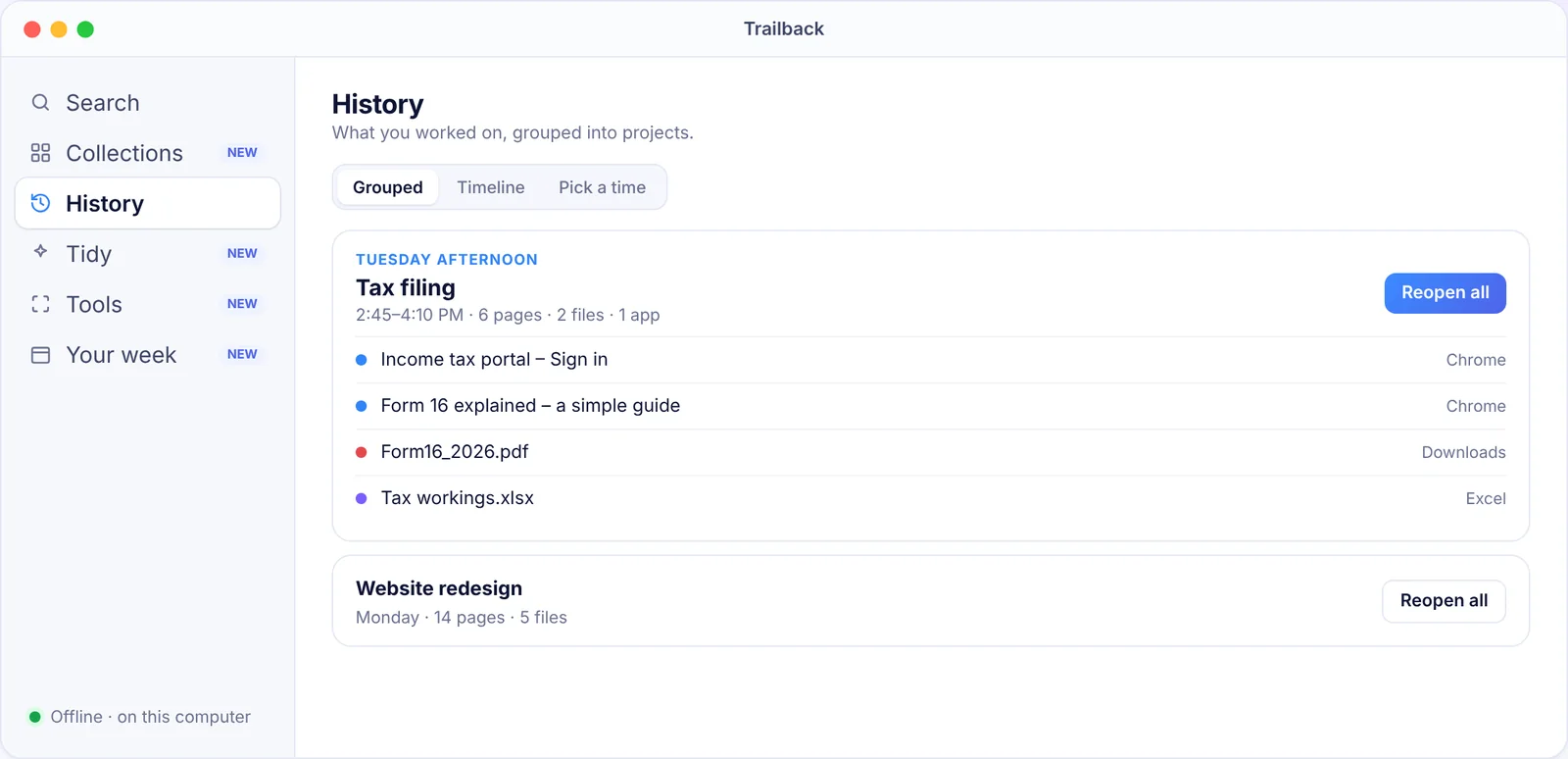
You can also just ask: type "what was I doing tuesday afternoon" into the search box.
Privacy: all of this stays on your computer, encrypted. Nothing is uploaded, there's no account, and private browser windows are never recorded. It works on Mac and Windows for $19 one-time.
Habits that make Monday easier
- Leave a note for yourself. One line in a note: "Next: fix the pricing table." Trailback's copied text keeps it too.
- Close the day on purpose. Before you stop, note the three things you had open. Or let Trailback remember them.
- Keep one window per task. Then "reopen the window" is close to "reopen the task".
- Lost one specific thing instead? See how to find a file on Mac, on Windows, or a website you visited last week.
Find anything on your computer by describing it.
Files, PDFs, the words in your screenshots and the pages you visited. 100% offline. Your data never leaves your computer.
Frequently asked questions
How can I see what I was working on yesterday on my Mac?
Use Finder's Recents sorted by Date Last Opened and your browser's history by day. To see pages, files and screenshots from one time together, and reopen them, use Trailback's History.
Does Windows 11 have a Timeline?
Not any more. Activity history still keeps a short list of recent apps and files, but the scrollable Timeline view was removed. Trailback gives you a timeline on Windows 10 and 11.
Can I reopen all the tabs and files I had open last Friday?
Yes, with Trailback: pick "Last Friday, 3 PM" in History and click Reopen all. Browsers alone can reopen their last session, but not files or a specific time.
Does this work if I cleared my browser history?
Trailback keeps the pages it remembered even after you clear browser history, because they're stored in Trailback's own memory on your computer.
Pavan is the founder of Trailback, a private, offline app for Mac and Windows that helps you find anything on your computer by describing it. He builds it at Hara Infotech in Hyderabad.
Keep reading
How to Find a Website You Visited Last Week (Even After Clearing History)
Browser history searches titles only, and it's gone when you clear it. Here's how to find that page anyway.
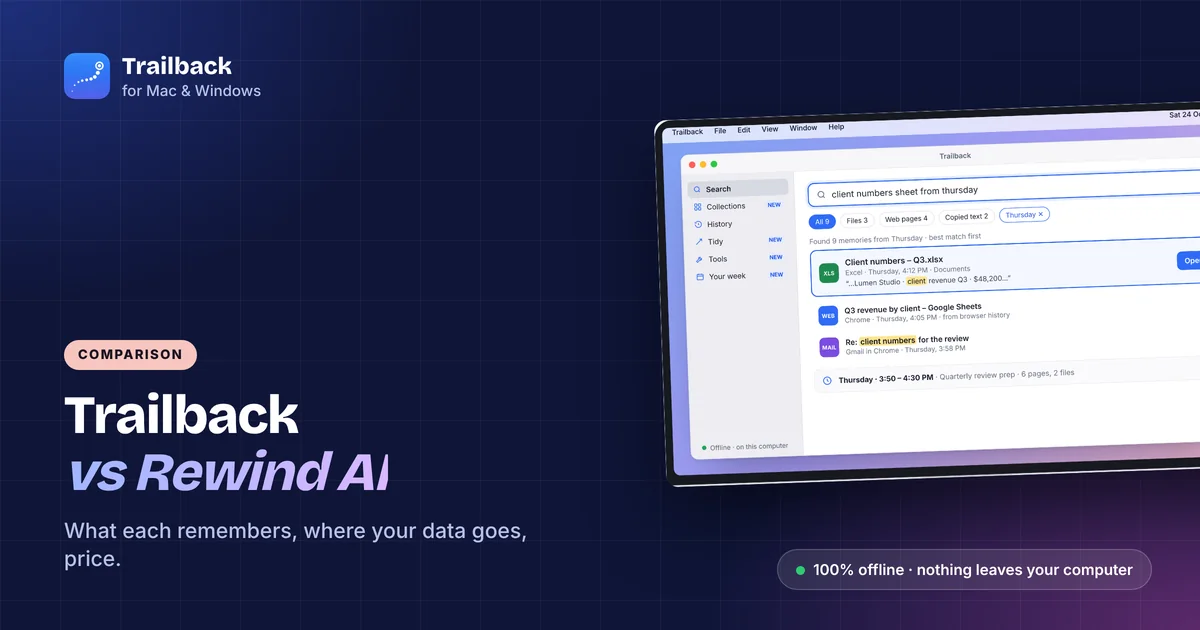
Trailback vs Rewind AI: What's Different, and Which to Use in 2026
Both promise a memory for your computer. One records your screen, the other remembers what you did. A plain comparison.
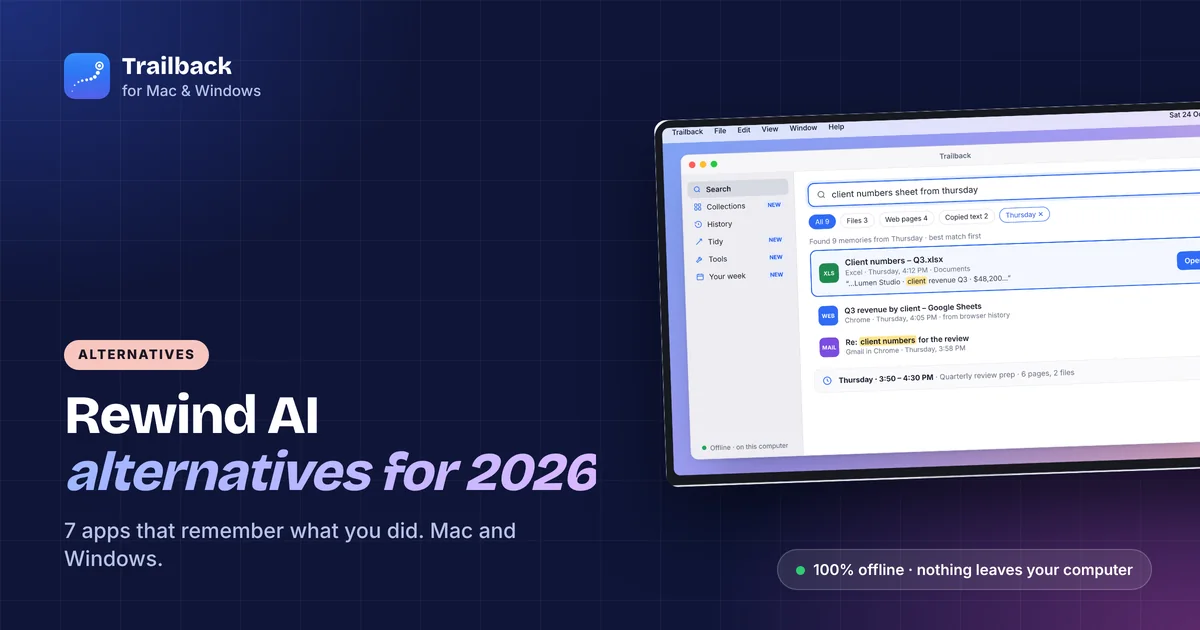
Rewind AI Alternatives in 2026: 7 Apps That Remember What You Did (Mac and Windows)
Rewind is gone. These seven apps remember what you did on your computer, from fully offline tools to open-source recorders.