How to Find a Website You Visited Last Week (Even After Clearing History)

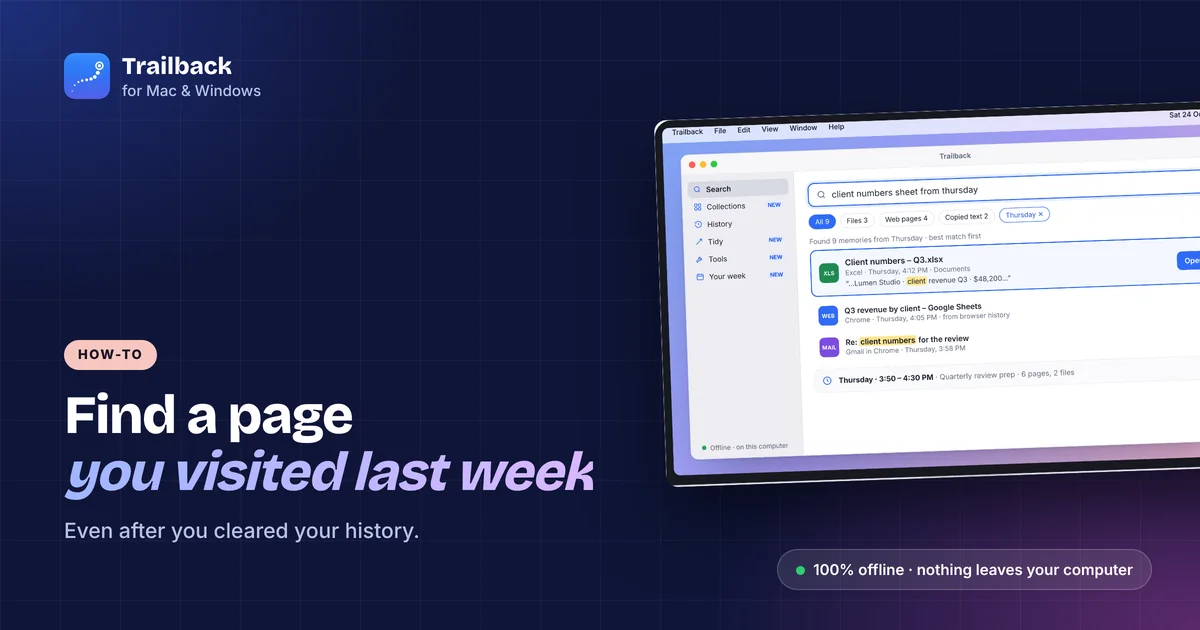
You read it. It had the exact numbers you needed. Now you can't find it, and "that page about mortgage rates" is not something browser history understands.
Here's how to find a website you visited last week, in every browser, and what to do when history has been cleared or only shows a hundred pages called "Home".
1. Search history by keyword and date
Every browser has a history page with a search box:
- Chrome, Edge, Brave: Ctrl + H (Cmd + Y on Mac), then type in the search box.
- Safari: History → Show All History (Cmd + Y), then search at the top right.
- Firefox: Ctrl + Shift + H opens the Library, with a search box and dates in the sidebar.
Search for a word you'd expect in the page title or address, like the site's name or the product. History doesn't search the text on the page, so "8.35% interest" finds nothing even if the page said it.
Tip: Chrome's history page groups by day. Scroll to last week's dates and skim titles; the one you want often jumps out.
2. Use the address bar
Start typing a word in the address bar. Browsers suggest pages from history whose title or URL matches. Add the site if you remember it: mortgage bankname.
3. Check synced history on your other devices
If you're signed in to Chrome, Safari (iCloud) or Firefox Sync, history from your phone and other computers shows up too. In Chrome, open History → Tabs from other devices.
4. Check your downloads and bookmarks
If you downloaded anything from the page, the browser's Downloads list (Ctrl + J) shows the file and the page it came from. On Mac, Finder's Where from (Cmd + I on the file) shows the source URL.
5. When history has been cleared
Once history is cleared, browsers can't bring it back. Your options:
- Sync: if another device hadn't synced the deletion yet, its history may still have the page. Check quickly.
- DNS cache and router logs: these show domains, not pages. Rarely worth it.
- Google My Activity: if you were signed in to Google and Web & App Activity was on, myactivity.google.com lists searches and some visited pages.
6. Find pages by what was on them, with Trailback
The real fix is to stop depending on titles. Trailback remembers the pages you visit through a free browser extension (Chrome, Edge, Brave, Firefox and Safari), including the text on the page. You find a page by describing it:
- "the page about home loan rates I read last week"
- "that article comparing standing desks"
- "the recipe with coconut milk"
It also keeps pages after you clear your browser history, and it shows pages next to the files and screenshots from the same time, so "Tuesday afternoon" brings back everything you were looking at. See how to see what you were working on yesterday.
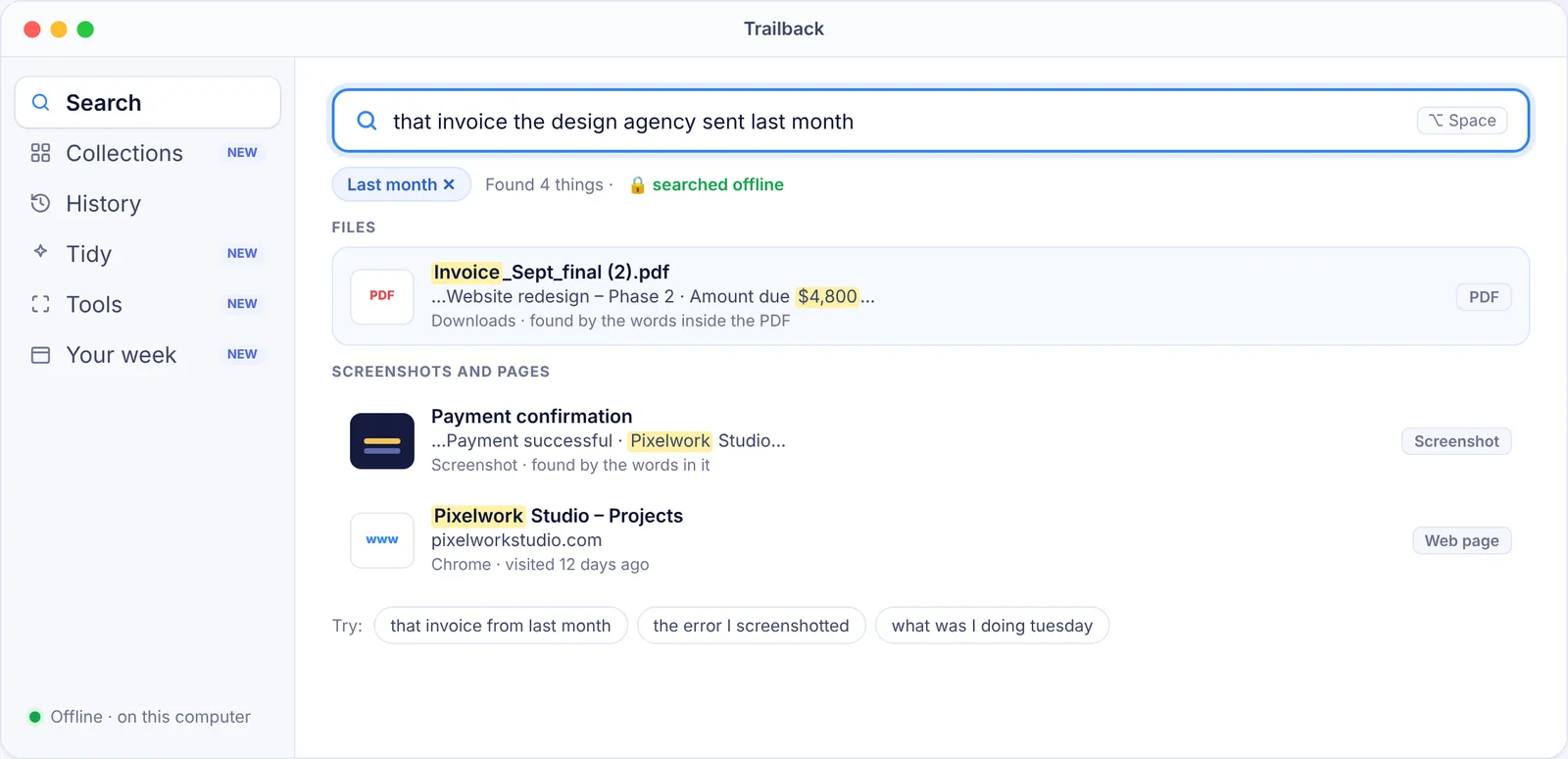
Privacy: pages are stored encrypted on your own computer and never uploaded. Private and incognito windows are never recorded, and you can tell Trailback to ignore any site. $19 one-time, Mac and Windows.
Find anything on your computer by describing it.
Files, PDFs, the words in your screenshots and the pages you visited. 100% offline. Your data never leaves your computer.
Frequently asked questions
How do I find a website I visited last week in Chrome?
Press Ctrl + H (Cmd + Y on Mac), type a word from the page title or address, and scroll to last week's dates. History only searches titles, so try the site's name or the product.
Can I recover browser history after clearing it?
Not from the browser itself. Check a synced device or Google My Activity. To avoid the problem in future, an app like Trailback keeps the pages you visit, with their text, on your computer.
How do I search browser history by the text on the page?
Browsers don't index page text. Trailback does, so you can find a page by a phrase that was on it, like an interest rate or a product name.
Does Trailback see incognito pages?
No. Private and incognito windows are never recorded, and you can add any site to an ignore list.
Pavan is the founder of Trailback, a private, offline app for Mac and Windows that helps you find anything on your computer by describing it. He builds it at Hara Infotech in Hyderabad.
Keep reading
How to See What You Were Working On Yesterday (Mac and Windows)
Monday morning, blank desk. Here's how to get yesterday afternoon back, files, pages and all.
Clipboard History on Mac and Windows: See Everything You Copied
You copied it an hour ago and pasted over it. Here's how to get it back, on Mac and on Windows.
How to Find a File on Mac When You Can't Remember the Name
Eight ways to find a lost file on your Mac, from built-in tricks to searching by what you remember.