12 Mac Apps You Must Download on a New Mac
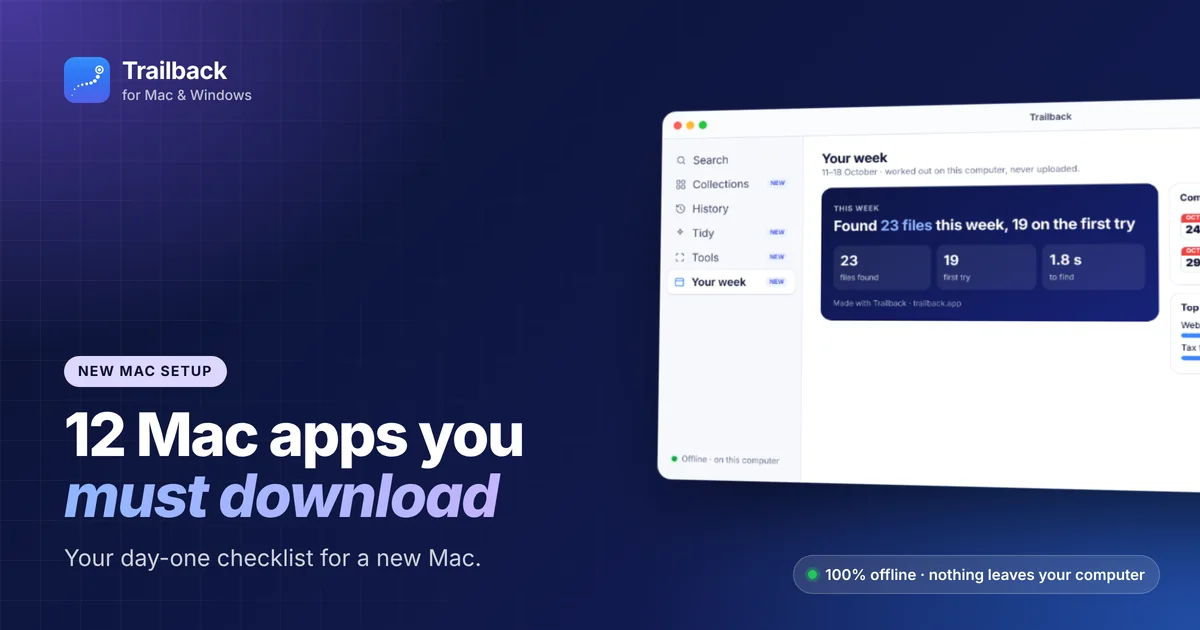
Setting up a new Mac is exciting, until you realise you don't know what to install. This checklist covers the 12 Mac apps you must download in your first hour, plus a few settings worth changing on day one.
For a longer list grouped by category, see the best Mac apps in 2026.
Before you install anything: 5 settings to change
- Turn on FileVault (System Settings → Privacy & Security). It encrypts your whole disk.
- Show file extensions: in Finder → Settings → Advanced, tick "Show all filename extensions".
- Turn on tap to click in Trackpad settings.
- Set where screenshots go: press ⌘⇧5 → Options and choose a Screenshots folder instead of the Desktop.
- Pick your Dock size and auto-hide, so you get more screen space.
The 12 must-download Mac apps
1. Trailback: so you never lose a file again
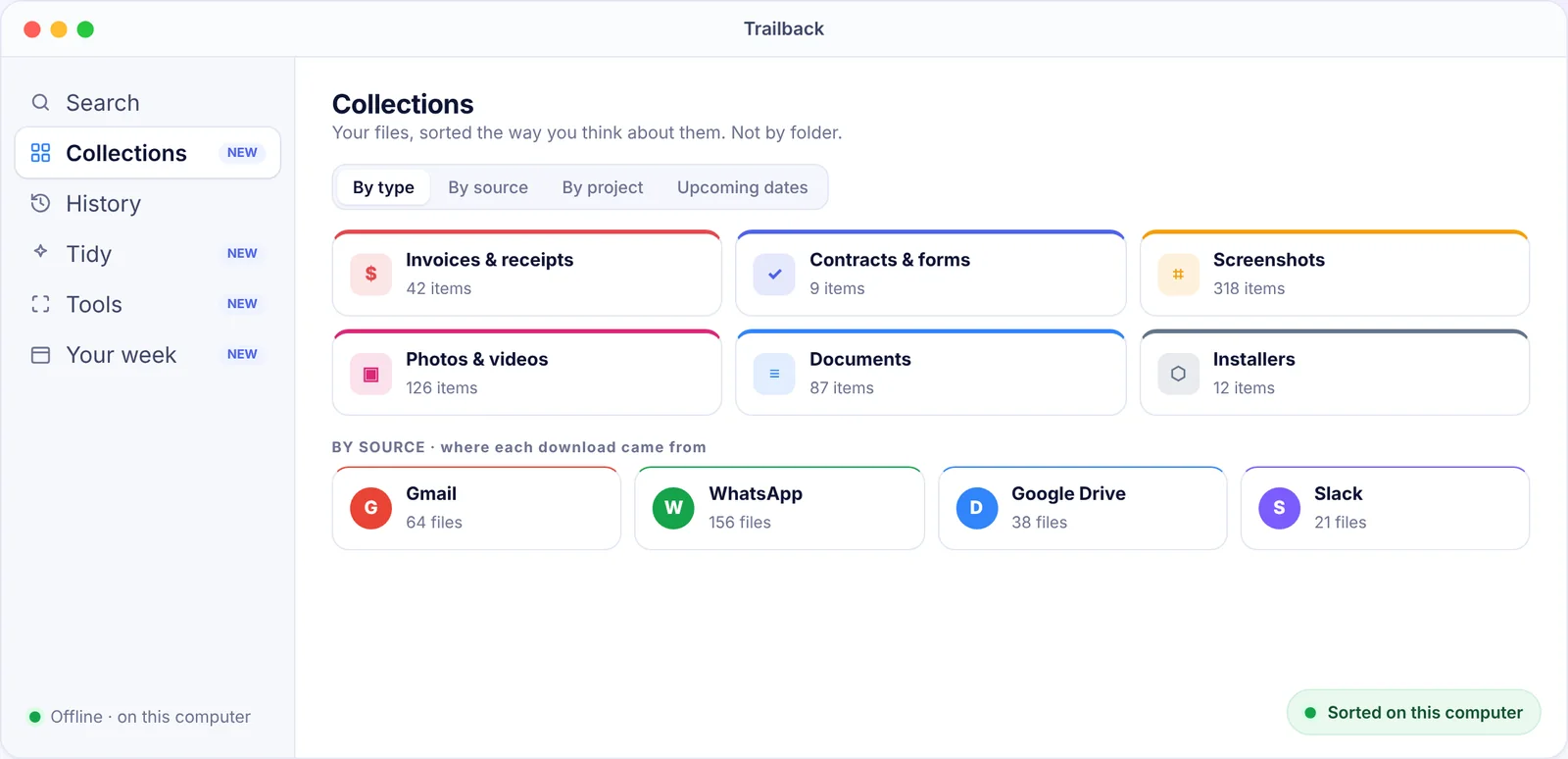
Install it on day one and it starts remembering from day one. Trailback lets you find any file, PDF, screenshot or web page you've seen by describing it. Even after you clear your browser history, and even when you've forgotten the file name.
Starting fresh is the best time: it reads your existing Desktop, Documents and Downloads folders, then quietly keeps up as you work. It also keeps your new Mac tidy with Tidy and Collections. 100% offline. Your data never leaves your computer.
2. A password manager (Bitwarden or 1Password)
Move your passwords off sticky notes and out of your browser. Bitwarden is free and open source. 1Password is the polished paid option.
3. Rectangle
Snap windows into place with the keyboard. Free.
4. Raycast
A faster, more capable launcher than Spotlight. Free core app.
5. A better browser setup
Safari is fast and private on a Mac. If you prefer Chrome, Firefox, Brave or Edge, install it now and import your bookmarks. Trailback's free browser extension remembers the pages you visit in any of them, so you can find a page later even after clearing history.
6. Shottr or CleanShot X
Much better screenshots than the built-in tool, with annotations and text recognition.
7. The Unarchiver or Keka
Opens RAR, 7z and other archives that macOS can't open on its own. Both are free.
8. IINA
Plays any video format. Free.
9. AppCleaner
Removes apps completely, including leftover files. Free.
10. Ice
Keeps your menu bar from filling up. Free.
11. LuLu
A free firewall that tells you when an app tries to go online. Great for privacy. More in the best privacy apps for Mac.
12. A notes app you'll keep (Apple Notes or Obsidian)
Apple Notes is excellent and built in. Choose Obsidian if you want plain files you fully own.
What not to install
- "Mac cleaner" apps that scare you with warnings. macOS manages its own memory and caches. Use AppCleaner for uninstalls and the built-in Storage settings for space.
- Antivirus suites you don't need. Keep macOS updated and download apps from the App Store or trusted developers.
- Too many menu bar apps. Every one uses a little memory and attention.
Your first-week routine
- Day 1: install the apps above and sign in to your accounts.
- Day 2–3: move your files over. If they arrive as a mess of
download (2).pdffiles, let Trailback's Tidy suggest names and folders. Here's how to organise files on a Mac. - Day 7: check what you actually used. Remove what you didn't.
Find anything on your computer by describing it.
Files, PDFs, the words in your screenshots and the pages you visited. 100% offline. Your data never leaves your computer.
Frequently asked questions
What apps should I download first on a new Mac?
A password manager, Trailback (to find anything later), Rectangle, Raycast and a screenshot app. Those five change how the Mac feels right away.
Do I need antivirus on a Mac?
Most people don't. macOS includes built-in malware protection (XProtect and Gatekeeper). Keep it updated and avoid pirated software.
Is it safe to install apps from outside the App Store?
Yes, if they come from the developer's official website and are notarised by Apple. macOS checks this when you open the app. Trailback, for example, is downloaded from trailback.app and notarised by Apple.
Pavan is the founder of Trailback, a private, offline app for Mac and Windows that helps you find anything on your computer by describing it. He builds it at Hara Infotech in Hyderabad.
Keep reading
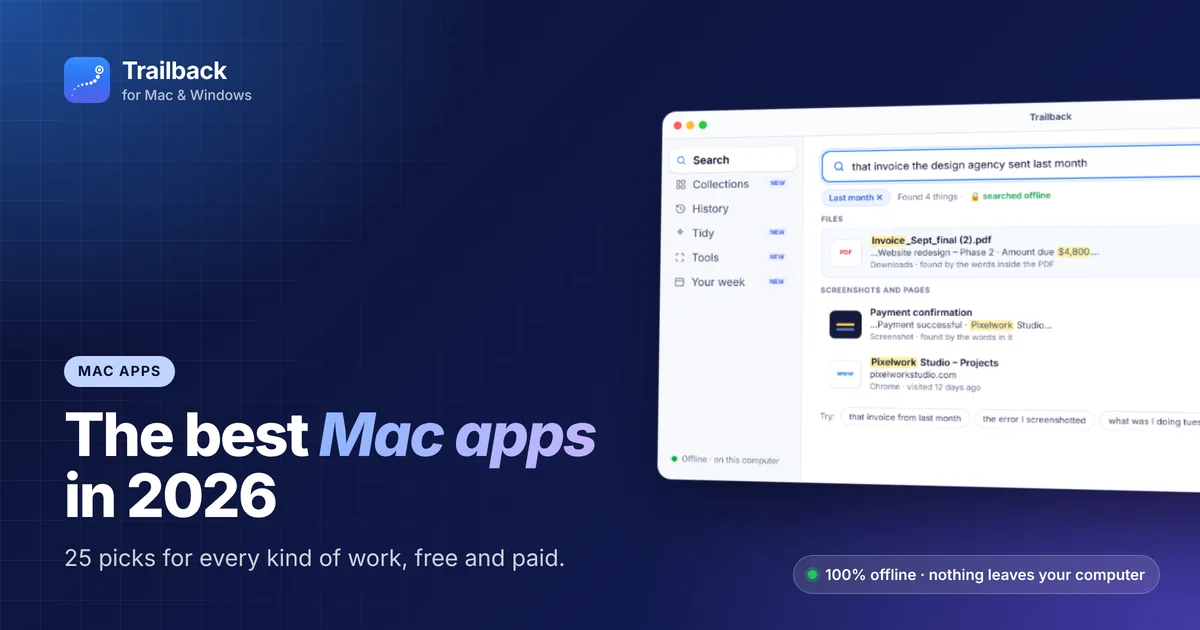
The Best Mac Apps in 2026: 25 Picks for Every Kind of Work
Twenty-five macOS apps that earn their place on your Mac, sorted by the job they do, with free options in every group.
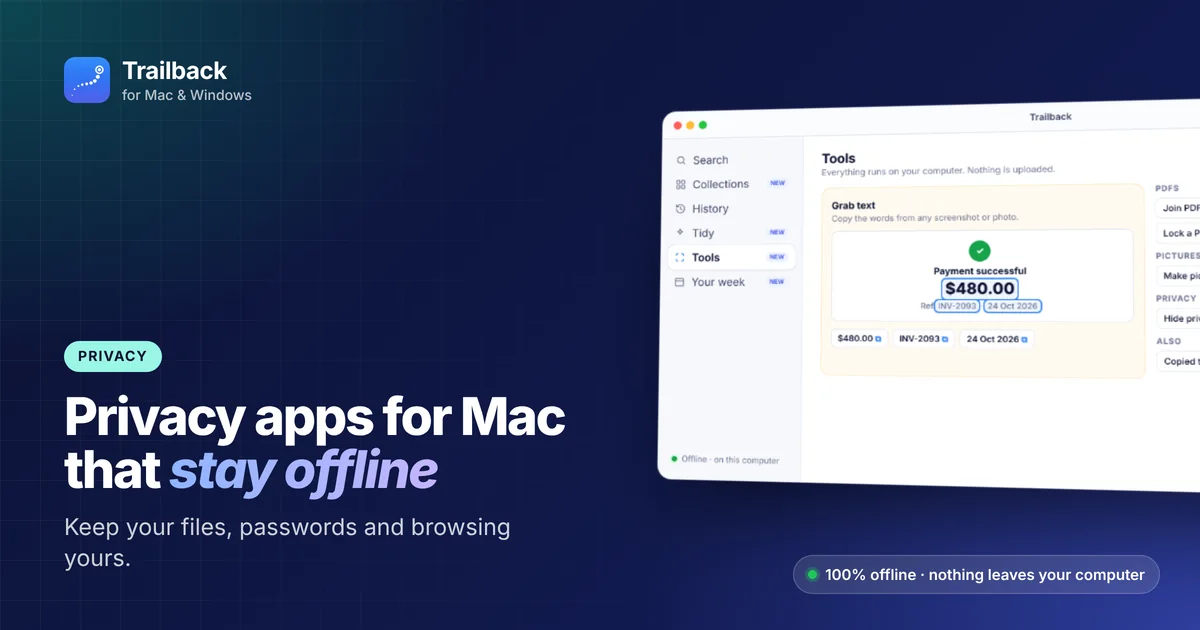
Best Privacy Apps for Mac: Offline Tools That Keep Your Data Yours
The apps and settings that keep your files, passwords and browsing private on a Mac, with a focus on tools that work offline.
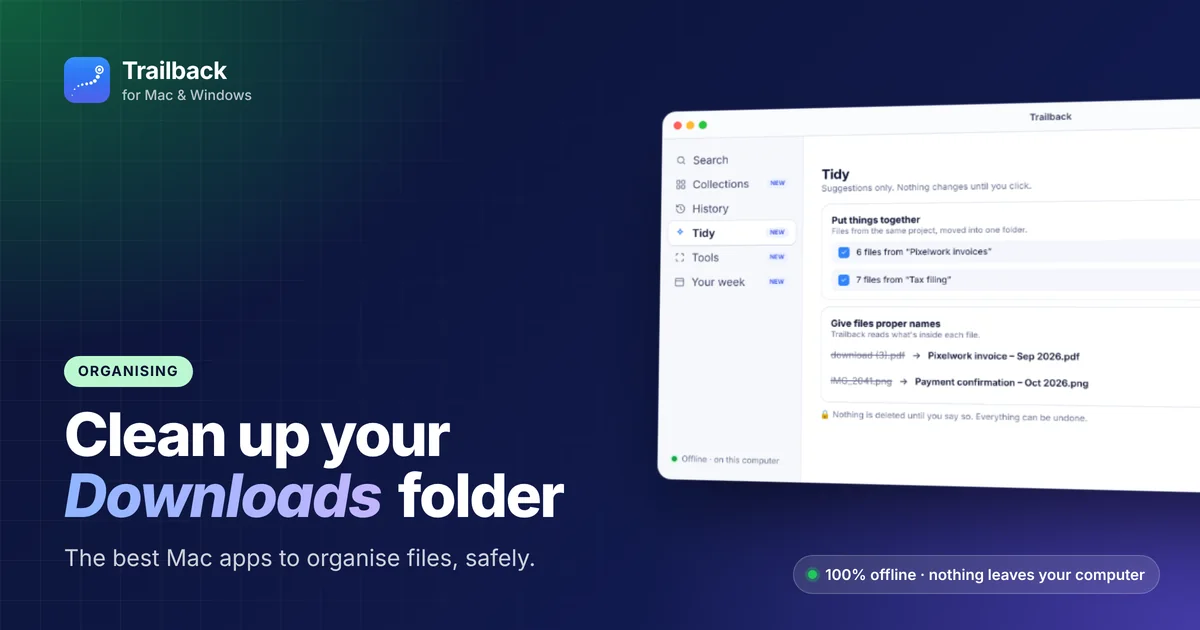
Best Mac Apps to Organize Files and Clean Up Your Downloads Folder
How to turn a Downloads folder full of "download (3).pdf" into something you can actually use, with built-in tools and the best Mac apps.