Best Mac Apps to Organize Files and Clean Up Your Downloads Folder
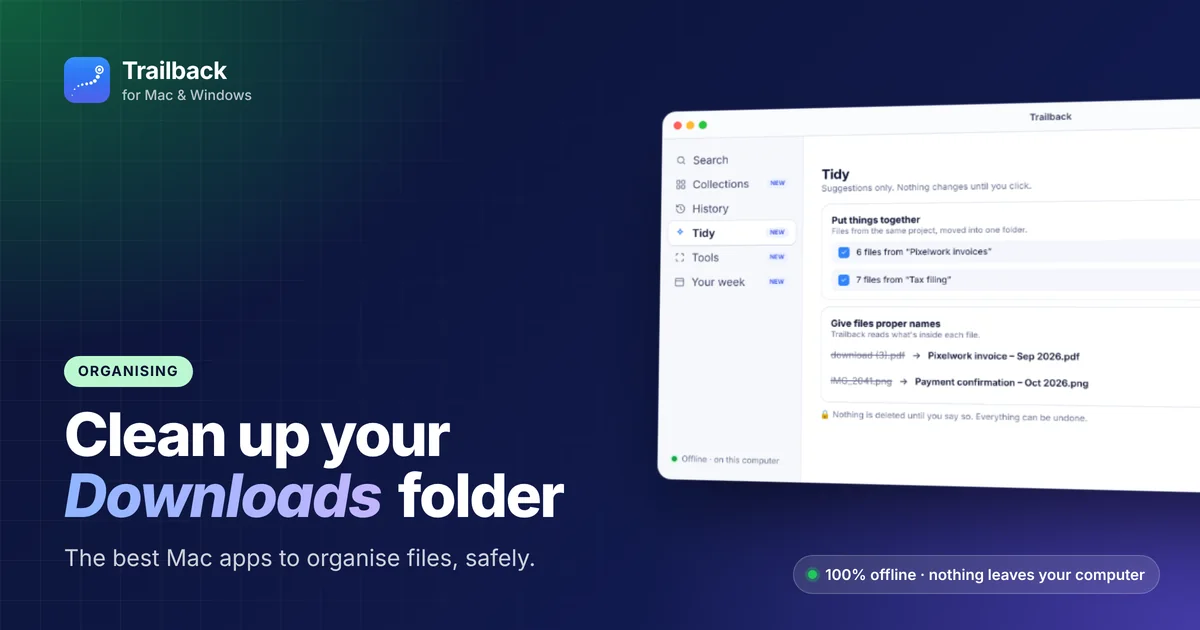
Open your Downloads folder. If you see download (3).pdf, IMG_2041.png, three copies of the same installer and a dozen invoices with random names, you're not alone. Downloads is where files go to get lost.
Here's how to organise files on a Mac, starting with built-in tools and then the best Mac apps for organising files.
Built-in ways to organise files on a Mac
Use Stacks on your Desktop
Right-click the Desktop → Use Stacks. Files group themselves by kind, so a messy Desktop becomes a few neat piles.
Sort Downloads by Date Added
In Finder, open Downloads → View → as List, then sort by Date Added. Old files are easy to spot and archive.
Smart Folders and tags
Create a Smart Folder for a search you repeat ("PDFs from the last 30 days"), and use tags for projects.
Storage recommendations
System Settings → General → Storage shows large files, old downloads and apps you don't use, with a button to review each.
The best Mac apps to organise files
1. Trailback: Tidy and Collections
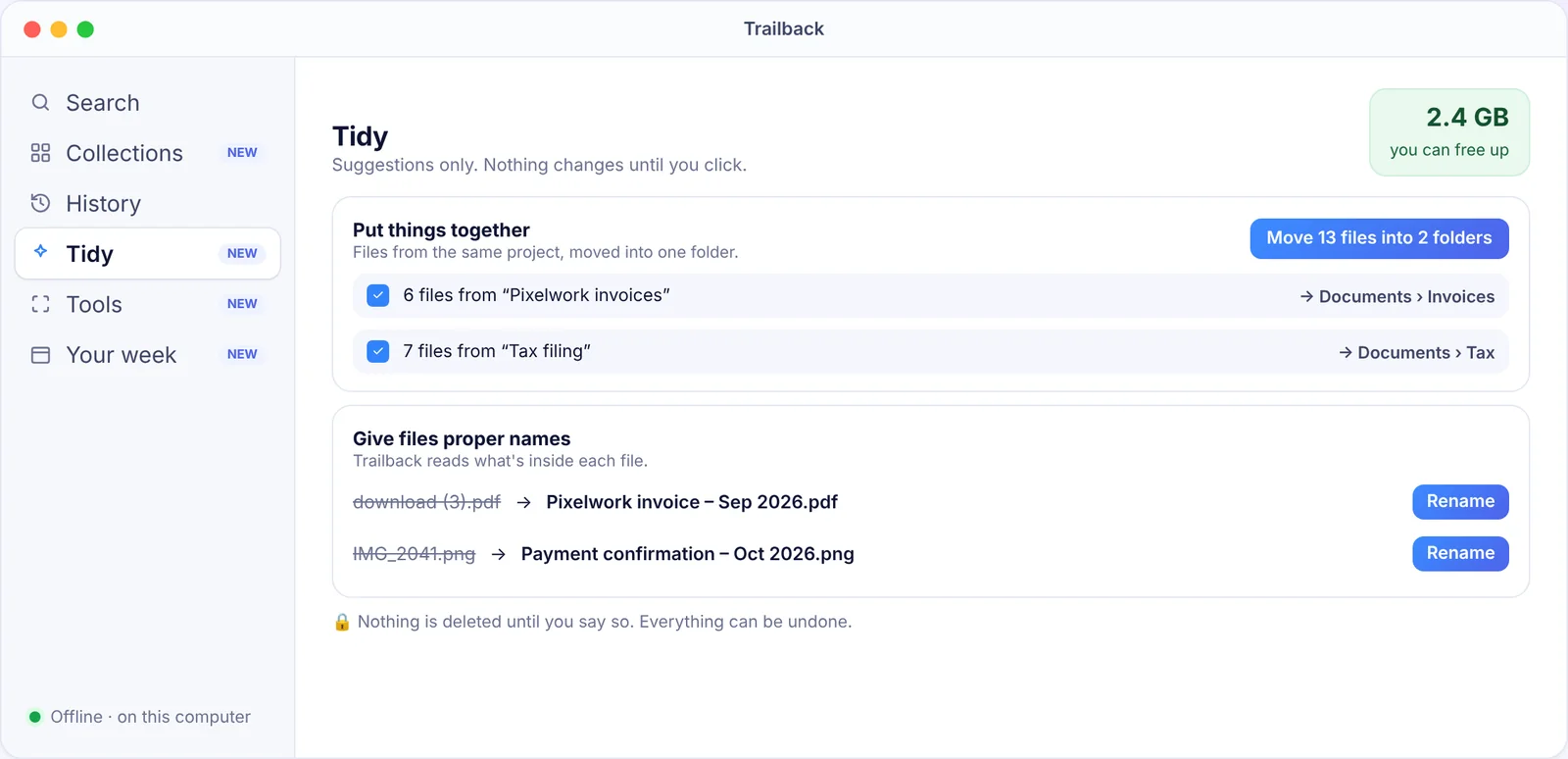
Trailback reads what's inside your files, so it can organise them better than rules based on names:
- Give files proper names:
download (3).pdfbecomesPixelwork invoice – Sep 2026.pdf. You can edit any name before accepting. - Put things together: "Move 13 files into 2 folders", grouping files that belong to the same project.
- Get space back: finds identical copies, old installers and large videos you haven't opened in months.
- Keep private files safe: spots things like ID scans and bank statements in Downloads.
Nothing changes until you click, everything can be undone, and nothing is deleted without asking.
Collections goes further. You don't need folders at all to find things. Trailback sorts every file by type (invoices and receipts, contracts and forms, screenshots, photos, documents) and by source (Gmail, WhatsApp, Google Drive, Slack).
It all runs offline, on Mac and Windows. Try it free for 7 days.
2. Hazel: rules that run by themselves
Hazel watches folders and applies your rules, like "move PDFs with invoice in the name to Documents/Invoices" or "delete installers older than 2 weeks". It's powerful if you enjoy setting up rules. Paid.
3. AppCleaner: remove apps properly
Old apps leave caches and settings behind. AppCleaner removes them all. Free.
4. A duplicate finder
Apps like Gemini find duplicate and similar files. Always review before deleting. Trailback's Tidy also flags identical copies.
A 15-minute Downloads clean-up routine
- Sort by Date Added. Anything older than 3 months that you haven't opened is a candidate to archive.
- Delete installers (
.dmgand.pkg) for apps you've already installed. - Rename the files you'll need again (or let Tidy suggest names).
- Move project files into one folder per project.
- Archive the rest into a dated folder, like
Archive 2026.
Do it once a month. With Trailback, you can also skip the perfect filing system: you'll be able to find a file by describing it anyway.
Related
Find anything on your computer by describing it.
Files, PDFs, the words in your screenshots and the pages you visited. 100% offline. Your data never leaves your computer.
Frequently asked questions
What's the best app to organise files on a Mac?
For automatic, content-aware cleanup with undo, Trailback's Tidy. For custom rules, Hazel. For removing apps, AppCleaner.
How do I clean up my Downloads folder on a Mac?
Sort by Date Added, delete old installers, rename and group files you need, and archive the rest. Tidy in Trailback suggests names, folders and space to free.
Will Trailback delete my files?
No. Tidy only suggests. You choose what to accept, every change can be undone, and anything removed goes to the Bin first.
Pavan is the founder of Trailback, a private, offline app for Mac and Windows that helps you find anything on your computer by describing it. He builds it at Hara Infotech in Hyderabad.
Keep reading
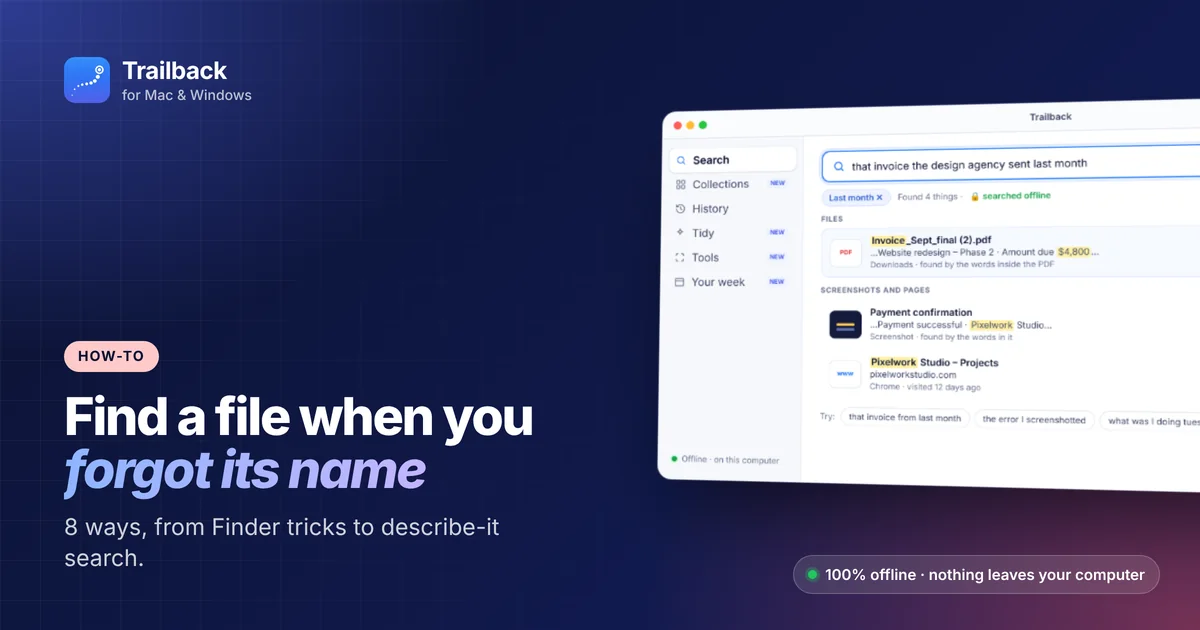
How to Find a File on Mac When You Can't Remember the Name
Eight ways to find a lost file on your Mac, from built-in tricks to searching by what you remember.
12 Mac Apps You Must Download on a New Mac
A day-one checklist for a new MacBook or iMac: the 12 apps to install first, and the settings to change before you start.
The Best Mac Apps in 2026: 25 Picks for Every Kind of Work
Twenty-five macOS apps that earn their place on your Mac, sorted by the job they do, with free options in every group.