Best Spotlight Alternatives for Mac: 7 Better Ways to Search
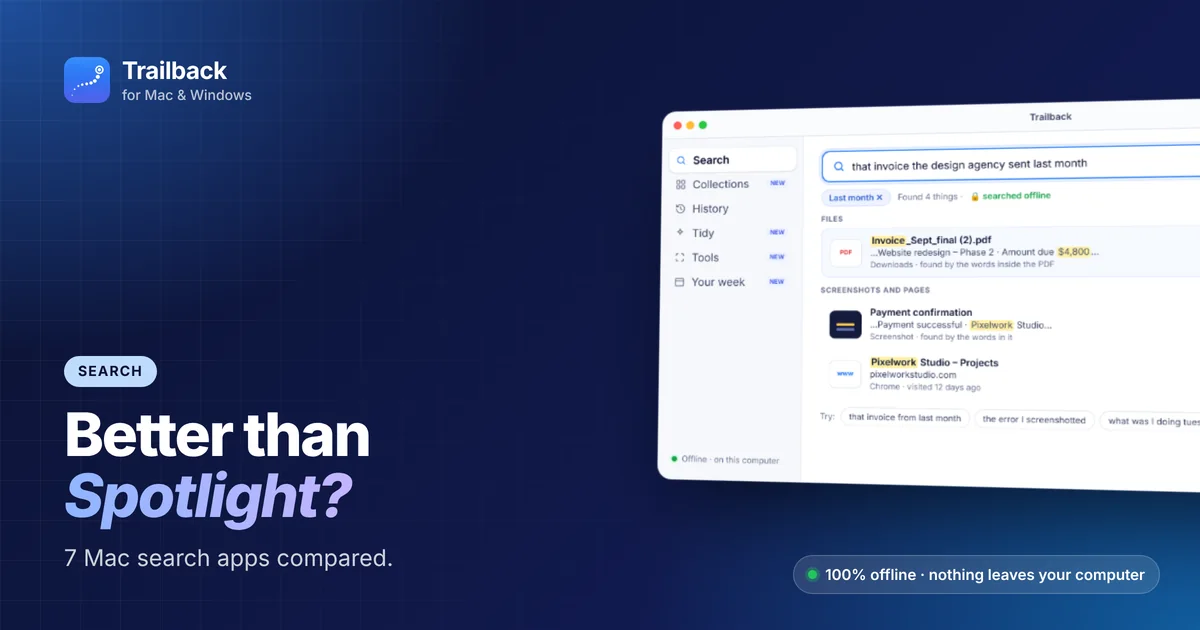
Spotlight is fast and free, and macOS 26 Tahoe made it better, with clipboard history, actions and filters. But it still has limits:
- It works best when you remember the file name, or the exact words inside it.
- It doesn't let you search by when or where you got something ("the PDF from WhatsApp last week").
- It doesn't find web pages you visited once your browser history is cleared.
So here are the best Spotlight alternatives for Mac, split into two groups: launchers (open apps and run commands) and finders (find your stuff).
Quick comparison
| App | Type | Best at | Price |
|---|---|---|---|
| Trailback | Finder | Describe-it search across files, screenshots and web pages | One-time, free trial |
| Raycast | Launcher | Commands, extensions, window management | Free core |
| Alfred | Launcher | Workflows and keyboard power | Free + paid Powerpack |
| HoudahSpot | Finder | Detailed file search with many criteria | Paid |
| Find Any File | Finder | Finding files Spotlight skips (hidden, system) | Paid |
| EasyFind | Finder | Simple searching without Spotlight's index | Free |
1. Trailback: search by describing what you remember
Trailback is built for the moment you think "I know I saw it somewhere...". You type it the way you remember it:
- "that invoice the design agency sent last month"
- "the screenshot where it said payment failed"
- "pasta recipe from Sunday"
Trailback searches files and PDFs by their contents, screenshots by the text in them, and web pages you visited in any browser. It turns phrases like "last month" or "from Gmail" into filters, shows files first, and shows the matching line under each result.
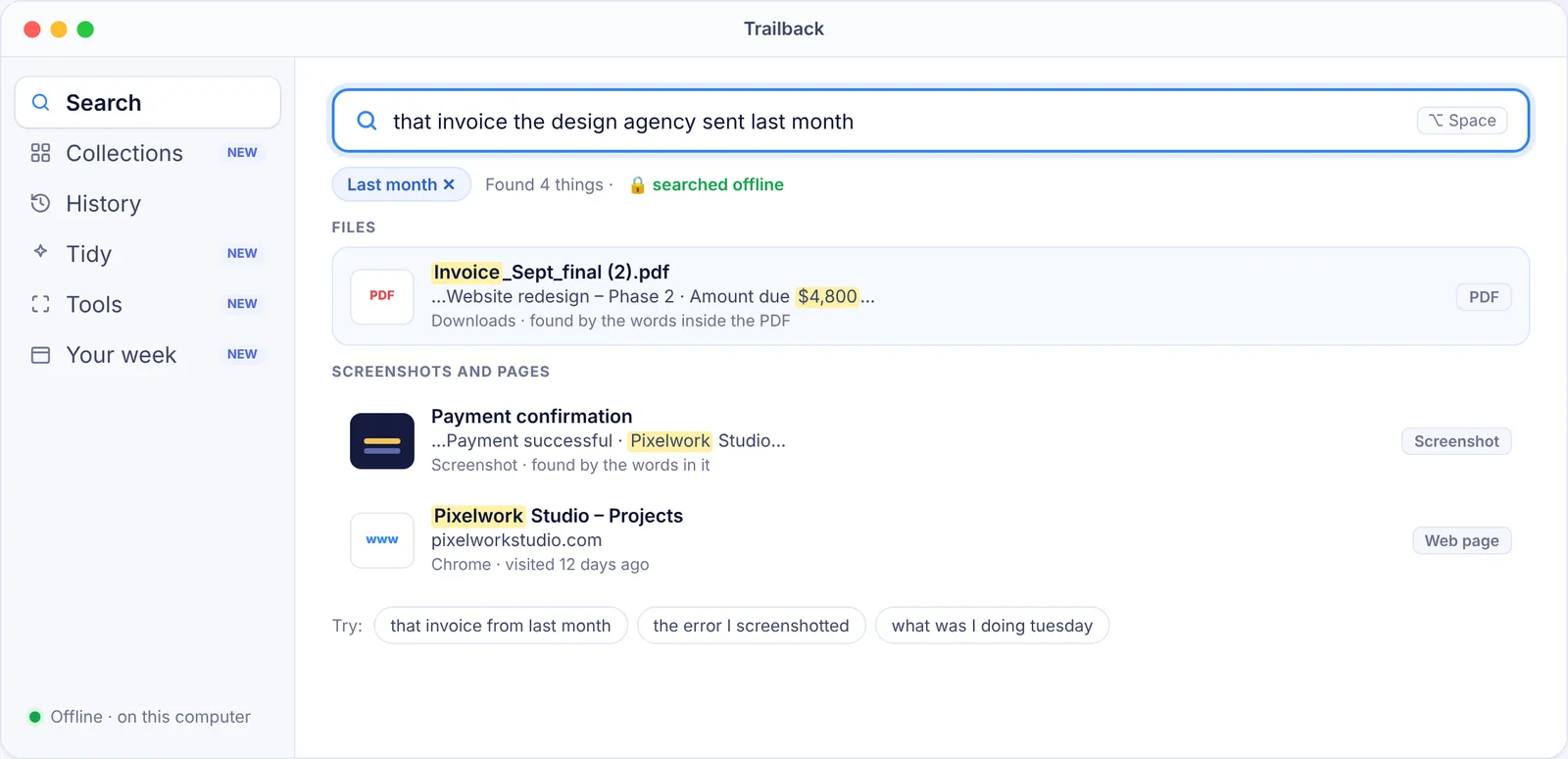
It also has History (look back at what you were doing at any time), Collections and Tidy. Everything runs offline.
Choose it if: you lose files, PDFs, screenshots or pages and can't remember their names.
2. Raycast: the launcher Spotlight wants to be
Raycast opens apps, runs calculations, searches files and runs a huge library of extensions, from one keyboard shortcut. Its file search uses the same index as Spotlight, so it's great for launching but doesn't add new kinds of memory.
Choose it if: you want one command bar for everything.
3. Alfred: powerful workflows
Alfred has been around for over a decade. The free version is a fast launcher. The Powerpack adds clipboard history, snippets and custom workflows.
Choose it if: you like building your own automations.
4. HoudahSpot: search with many conditions
HoudahSpot gives you a detailed search window: file type, date, size, tags, folders and text, combined however you like.
Choose it if: you're searching large project folders with precise conditions.
5. Find Any File: search what Spotlight skips
It searches by name directly on the disk, including hidden and system files that Spotlight leaves out.
Choose it if: you're troubleshooting or looking for system files.
6. EasyFind: free and simple
A free app that searches files without relying on Spotlight's index. It's useful when the index is broken.
7. Spotlight itself: tips to get more out of it
Before switching, try these:
- Search by kind:
kind:pdf invoice - Search by date:
date:yesterdayormodified:today - Rebuild a broken index: add your disk to Spotlight's privacy (excluded) list in System Settings → Spotlight, then remove it again. macOS re-indexes it.
- In Tahoe, press ⌘Space and use the browse modes to filter files, apps and your clipboard history.
Which Spotlight alternative should you use?
- You forget names and lose things → Trailback
- You live on the keyboard → Raycast or Alfred
- You need precise searches → HoudahSpot
- Spotlight's index is broken → EasyFind or Find Any File
Many people use two: a launcher (Raycast) plus a finder (Trailback). For more, read how to find a file on Mac when you can't remember the name and the best Mac apps.
Find anything on your computer by describing it.
Files, PDFs, the words in your screenshots and the pages you visited. 100% offline. Your data never leaves your computer.
Frequently asked questions
Why can't Spotlight find my file?
Usually because you don't remember the name or the exact words, the folder is excluded from Spotlight, or the index needs rebuilding. A describe-it search tool like Trailback avoids the first problem.
Is Raycast better than Spotlight?
For launching apps and running commands, yes, for many people. For finding files you can't name, neither is ideal. Try a search app built for that.
Does Trailback replace Spotlight?
It works alongside it. Keep Spotlight or Raycast for opening apps, and use Trailback (Option + Space) when you need to find something you've seen before.
Pavan is the founder of Trailback, a private, offline app for Mac and Windows that helps you find anything on your computer by describing it. He builds it at Hara Infotech in Hyderabad.
Keep reading
How to Find a File on Mac When You Can't Remember the Name
Eight ways to find a lost file on your Mac, from built-in tricks to searching by what you remember.
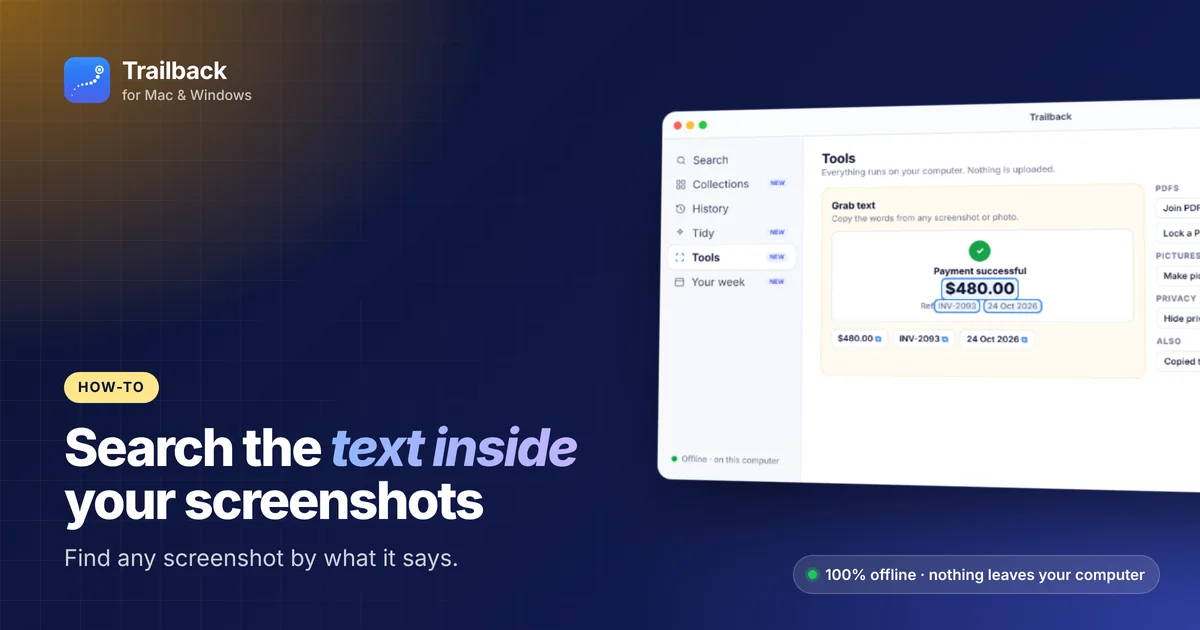
How to Search the Text Inside Screenshots on Mac
You took a screenshot so you wouldn't forget. Here's how to find it again by the words in it.
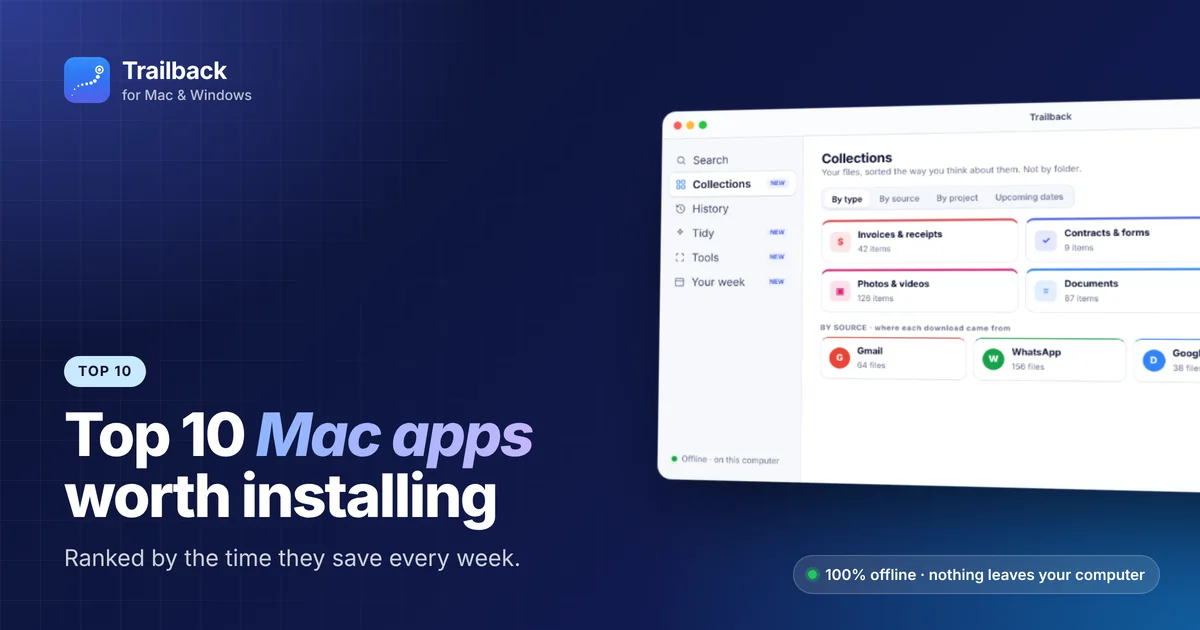
Top 10 Mac Apps Worth Installing in 2026
Ten macOS apps that save the most time every single week, ranked, with what each one does and what it costs.