Screenpipe Alternatives: Find What You Saw Without Recording Your Screen
screenpipe records your screen and audio around the clock, reads the text in every frame, and keeps it all on your computer. It is open source and powerful. It is also a lot: constant recording, disk space, battery, and a lifetime license at around $400 (check screenpipe's site; prices change).
If you mainly need to find things you saw, there are lighter ways. Here are the alternatives, honestly compared. We make Trailback, one of them.
Recording everything vs remembering what you did
- Screen recorders (screenpipe, Microsoft Recall, the old Rewind) capture pictures of your screen and search the text in them. Nothing slips through, but everything is captured, including private things on screen.
- Activity memories (Trailback) note what you used: the pages you opened, the files you saved, the screenshots you took yourself, the text you copied. Far less data, no constant capture, and you can still find things by describing them.
The alternatives compared
| App | How it remembers | Platforms | Where data goes | Price |
|---|---|---|---|---|
| Trailback | Pages, files, screenshots, copied text, with their words | Mac, Windows | Only your computer | One-time |
| screenpipe | 24/7 screen and audio recording | Mac, Windows, Linux | Your computer | About $400 lifetime |
| Microsoft Recall | Screen snapshots every few seconds | Copilot+ PCs only | Your PC | Free with Windows |
| Rewind | Screen recording | Mac | - | Stopped recording on 19 Dec 2025 |
Trailback: the "find it later" part, without the recording
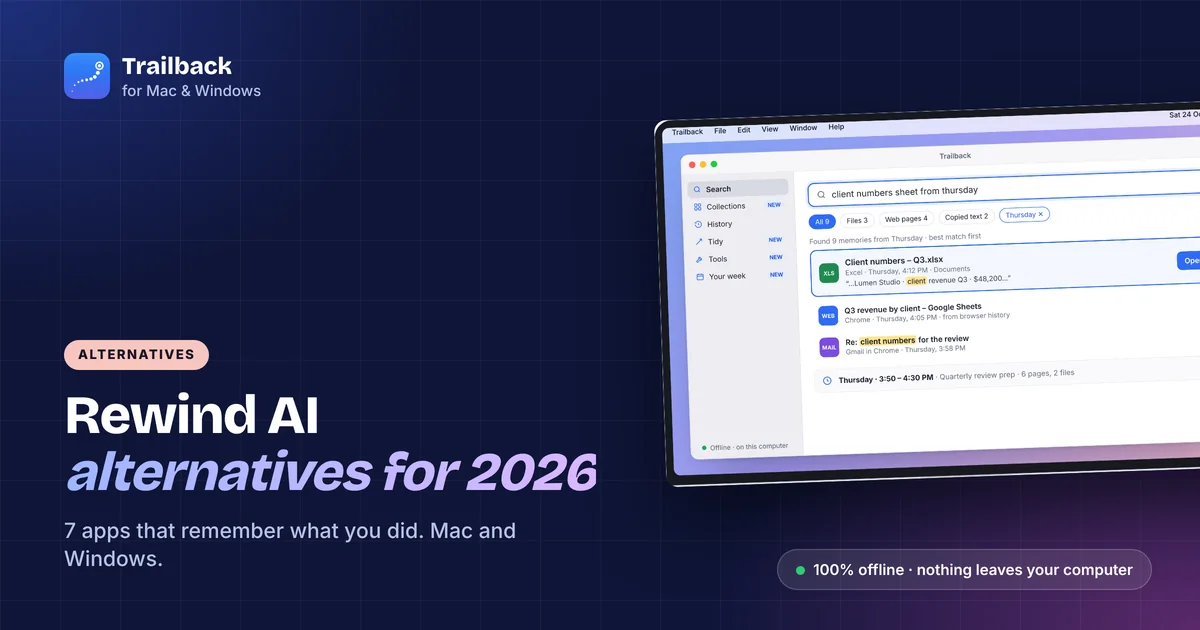
Most people want screen memory for one thing: finding what they saw a few days ago. Trailback does that from much lighter signals. It remembers the web pages you visit (even after you clear browser history), the files and downloads in your folders, the screenshots you take and the words in them, and what you copy. Type what you remember, like "the pricing page from last week", and it finds it, even when your words don't match exactly.
Timeline lets you pick a moment, "yesterday afternoon", and see what you had open. Like screenpipe, it can connect to AI apps on your computer: Claude, Codex and Cursor can ask Trailback about your day. It is fully offline, on Mac and Windows, and a one-time purchase.
What it won't do: replay your screen, record meetings or transcribe audio. If you need those, screenpipe is the better fit.
Microsoft Recall
Built into Windows and free, but only on Copilot+ PCs. If your PC can't run it, see the offline alternatives to Microsoft Recall.
How to choose
- You want every second on record, with audio: screenpipe.
- You want to find pages, files and screenshots without recording your screen: Trailback.
- You have a Copilot+ PC and don't mind snapshots: try Recall.
More options: Rewind AI alternatives and apps that remember everything on your computer.
Find anything on your computer by describing it.
Files, PDFs, the words in your screenshots and the pages you visited. 100% offline. Your data never leaves your computer.
Trailback - a searchable memory of your computer activity
Frequently asked questions
Does Trailback record my screen like screenpipe?
No. Trailback remembers the pages, files, screenshots you take and text you copy, and reads the words in them. It never records your screen or audio.
Is there a screenpipe alternative for Windows?
Yes. Trailback runs on Windows 10 and 11 as well as Mac, fully offline.
Can Trailback connect to Claude like screenpipe?
Yes. Trailback connects to Claude, Codex and Cursor on your computer, so they can ask about your day. Only what you allow is shared with them.
Pavan is the founder of Trailback, a private, offline app for Mac and Windows that helps you find anything on your computer by describing it. He builds it at Hara Infotech in Hyderabad.
Keep reading
Rewind AI Alternatives in 2026: 7 Apps That Remember What You Did (Mac and Windows)
Rewind is gone. These seven apps remember what you did on your computer, from fully offline tools to open-source recorders.
Offline Alternatives to Microsoft Recall: Private Options for Any PC
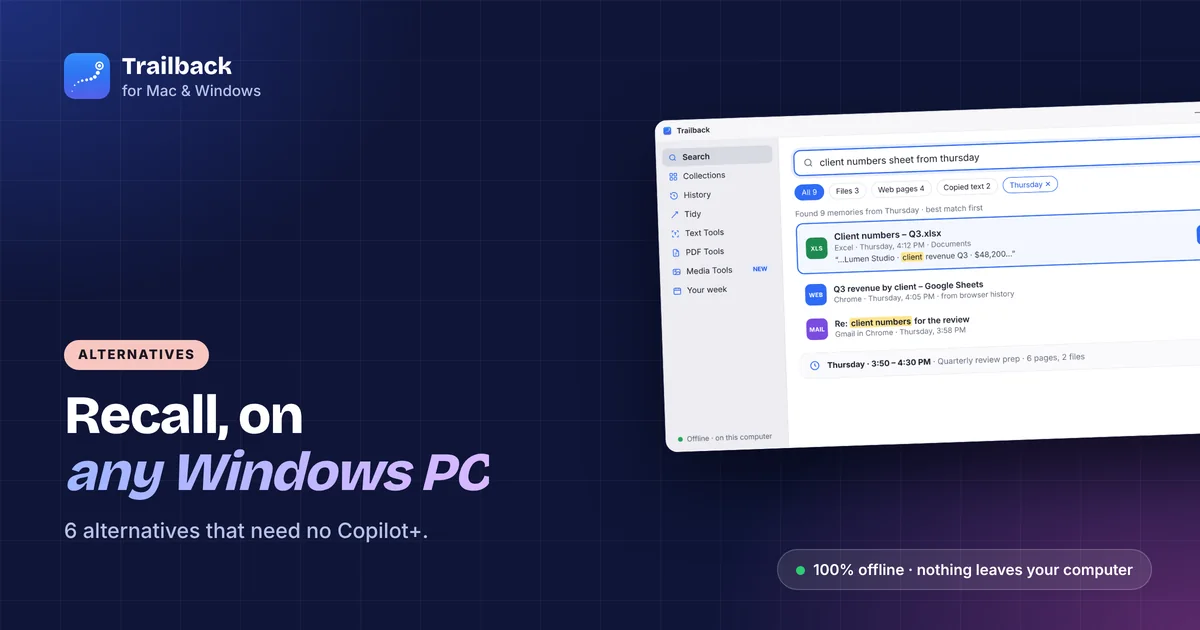
You don't need a Copilot+ PC to get a memory for your computer. Six Recall alternatives for any Windows laptop, compared on privacy and price.
Apps That Remember Everything on Your Computer (2026)
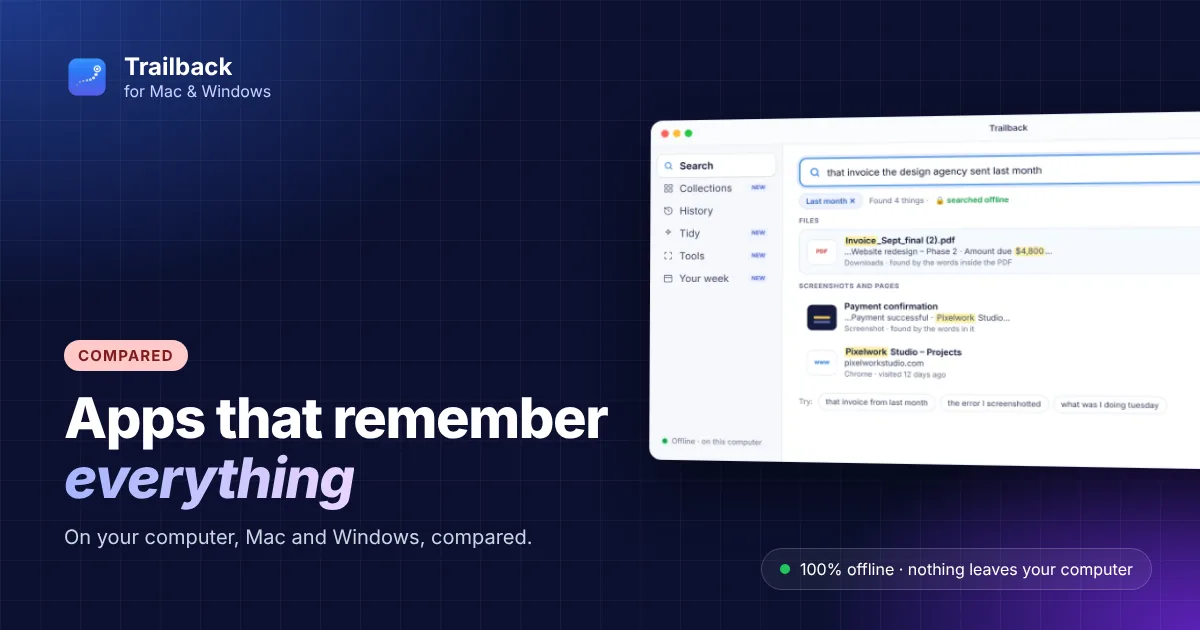
Some record your screen, others remember what you used. The apps that remember everything on your computer, compared on privacy and platforms.