Apps That Remember Everything on Your Computer (2026)
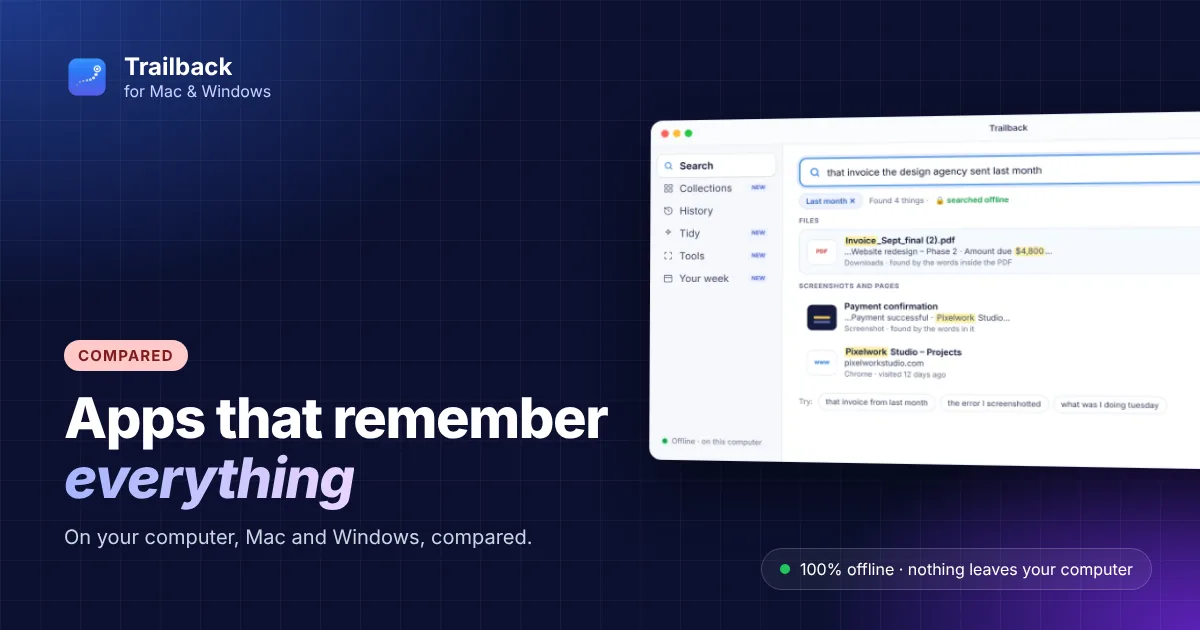
You know you saw it. A price on a web page, a line in a PDF, a number someone sent you on Tuesday. What you don't know is where. That's the problem apps that remember everything on your computer are built to solve: they keep a record of what you did, so you can search it later instead of retracing your steps.
They don't all work the same way. Some record your screen around the clock. Others remember what you actually used: the pages, files and screenshots. Here's how the main options compare in 2026, which ones work on both Mac and Windows, and what to check before you trust one with your day.
Two ways to "remember everything"
- Screen recorders take pictures of your screen every so often (or record video), read the text in them, and let you scroll back. You get everything that was on screen, including things you never meant to keep.
- Activity memories remember what you used: the web pages you visited, the files and PDFs you opened, the screenshots you took, the text you copied. Less to store, less to leak, and results are real items you can open again.
Both answer "where did I see that?". The difference is what gets kept, and where it goes.
The apps compared
| App | Platforms | How it remembers | Where your data goes |
|---|---|---|---|
| Trailback | Mac, Windows | Pages, files, screenshots and copied text, by content | Your computer only, encrypted |
| screenpipe | Mac, Windows, Linux | Records the screen and audio | Your computer (open source) |
| Microsoft Recall | Windows (Copilot+ PCs only) | Snapshots of your screen | Your PC, encrypted |
| Limitless | Mac, Windows, pendant | Meetings and audio | Cloud |
| Raycast | Mac, Windows | Clipboard history and file search | Your computer, with AI features in the cloud |
Features and prices change, so check each app's own site before you decide.
Trailback: remembers what you did, not your screen
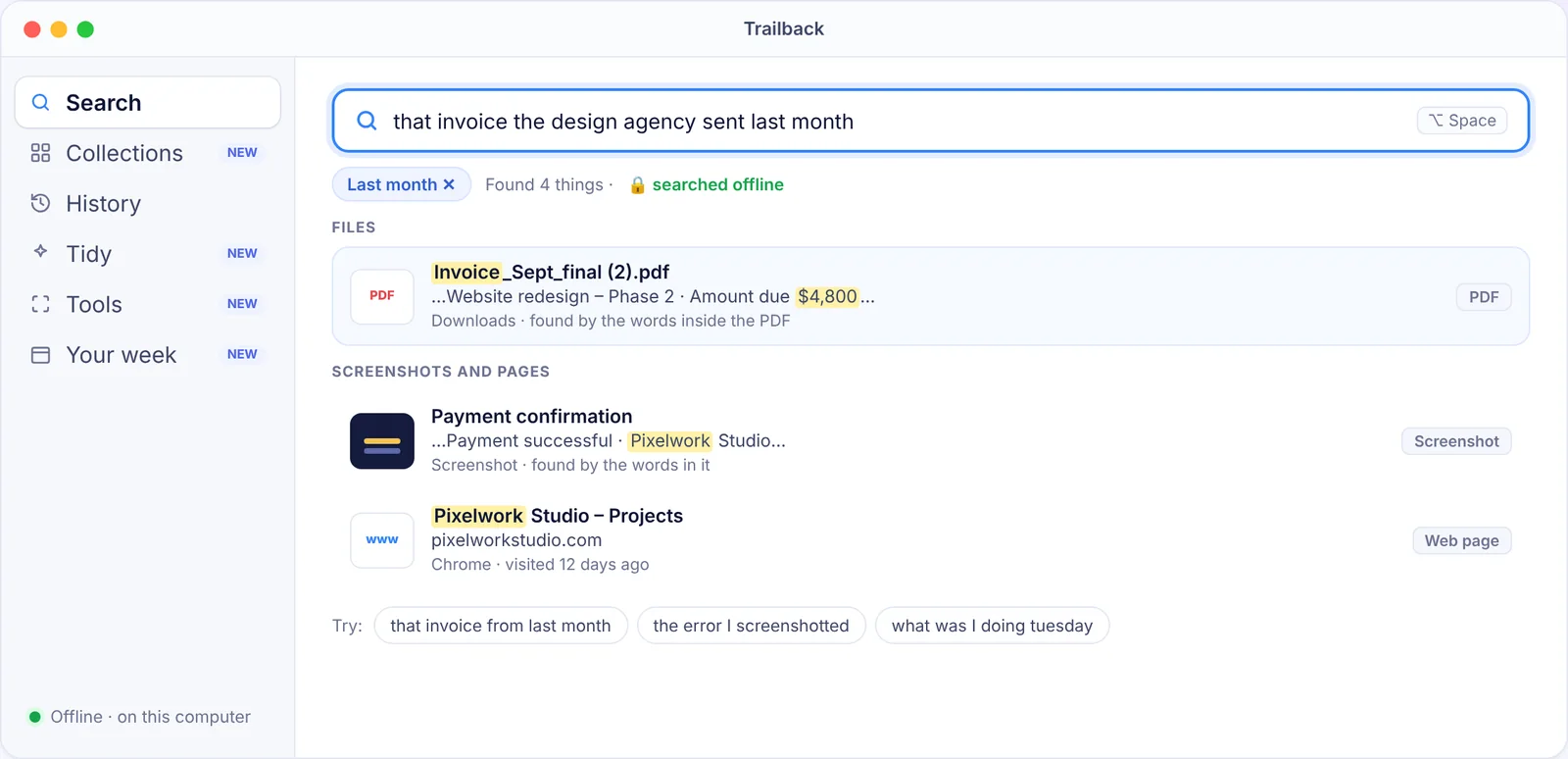
Trailback is an app that remembers everything you do on your computer without recording the screen. It keeps the web pages you visit (through a free browser extension), the files and PDFs you open, the screenshots you take and the text you copy, and reads the words inside them. Then you find anything by describing it: "the invoice from the designer last month", "that screenshot with the pricing table".
You can also pick a time, like "yesterday afternoon", and see everything you had open, then reopen it all in one click. It's 100% offline: no account, no cloud, and everything stays encrypted on your computer. Passwords and card numbers are skipped on purpose.
screenpipe: open-source screen and audio recording
screenpipe records your screen and audio, reads the text in the frames, and keeps it all on your computer. It's open source and popular with developers who want the raw recording. Expect to spend disk space and battery, and remember it captures everything, including things you'd rather it didn't.
Microsoft Recall: built into Windows, on Copilot+ PCs
Recall saves snapshots of your screen as you use your PC and lets you search them. It's free, but only on Copilot+ PCs, so most existing laptops can't run it. If yours can't, see the offline alternatives to Microsoft Recall.
Limitless and Raycast: partial memories
Limitless focuses on meetings and conversations, with a cloud service. Raycast is a launcher with clipboard history and file search. Both are useful, but neither remembers the pages you read or the text in your screenshots.
Cross-platform digital memory apps
If you use a Mac at home and a Windows PC at work, or might switch one day, choose one of the cross-platform digital memory apps. From this list, Trailback, screenpipe, Limitless and Raycast run on both Mac and Windows; Recall is Windows only. Trailback is the same app with the same features on both, so what you learn on one works on the other. (Each Trailback license is for one computer, and a memory stays on the computer it was made on.)
Before you choose: four questions
- Does it record my screen? If yes, it may keep passwords, private messages and anything else that was visible.
- Where is my data stored? On your computer, encrypted, is the safest answer. "In the cloud" means someone else holds a copy.
- Does it skip sensitive things? Look for password, card-number and private-window exclusions.
- Can I delete it? One item, one day, or everything, and for real.
How to choose
- Find anything you saw or used, privately, on Mac or Windows: Trailback.
- Full screen-and-audio recording you control: screenpipe.
- Something built in on a Copilot+ PC: Recall.
- Meetings: Limitless. Just clipboard history: Raycast.
More on this: Rewind AI alternatives, how to get a searchable history of everything you did and offline search apps.
Find anything on your computer by describing it.
Files, PDFs, the words in your screenshots and the pages you visited. 100% offline. Your data never leaves your computer.
Trailback - a searchable memory of your computer activity
Frequently asked questions
What app remembers everything I do on my computer?
Trailback remembers the web pages you visit, the files and PDFs you open, your screenshots and the text you copy, on Mac and Windows, without recording your screen. Screen recorders like screenpipe and Microsoft Recall keep pictures of your screen instead.
Are there apps that remember everything without recording the screen?
Yes. Activity memories like Trailback keep what you used (pages, files, screenshots, copied text) instead of pictures of your screen, so there's less to store and less to leak.
Which digital memory apps work on both Mac and Windows?
Trailback, screenpipe, Limitless and Raycast run on both. Microsoft Recall is Windows only and needs a Copilot+ PC.
Is it safe to use an app that remembers everything?
It depends on where the data goes. Choose one that stores everything encrypted on your own computer, skips passwords and private windows, and lets you delete anything.
Pavan is the founder of Trailback, a private, offline app for Mac and Windows that helps you find anything on your computer by describing it. He builds it at Hara Infotech in Hyderabad.
Keep reading
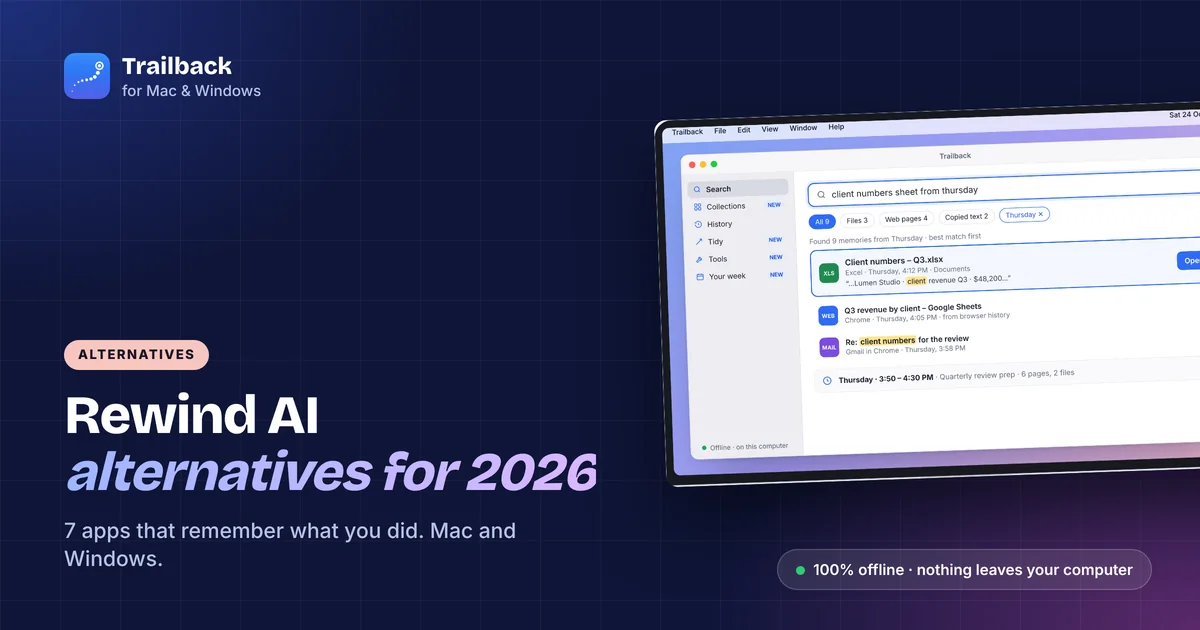
Rewind AI Alternatives in 2026: 7 Apps That Remember What You Did (Mac and Windows)
Rewind is gone. These seven apps remember what you did on your computer, from fully offline tools to open-source recorders.
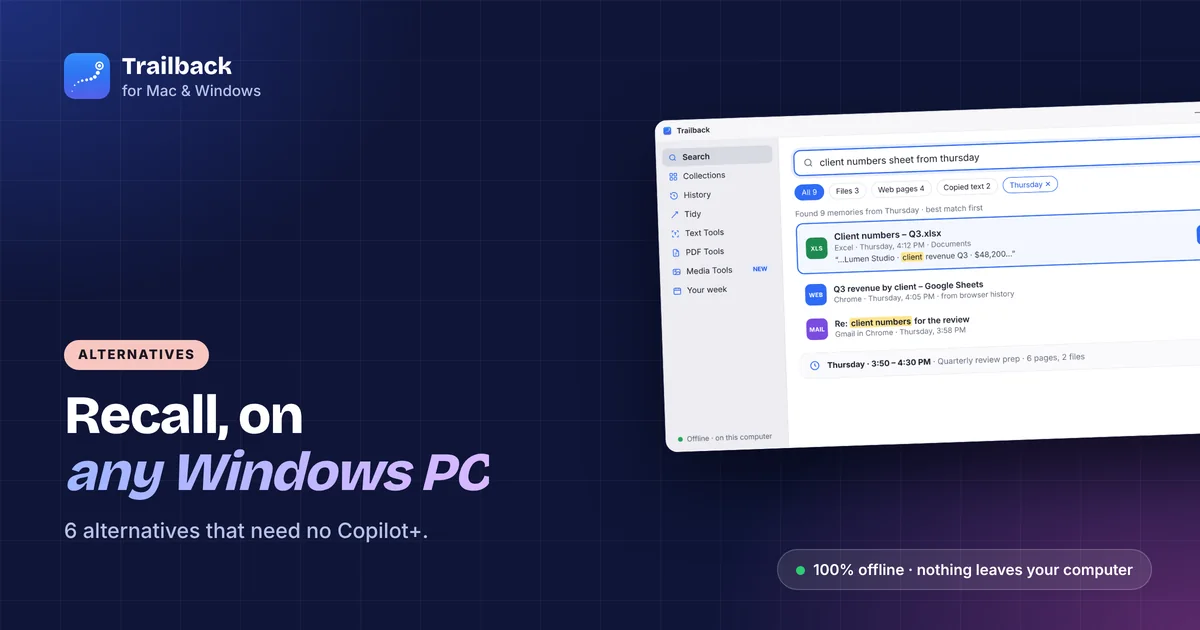
Offline Alternatives to Microsoft Recall: Private Options for Any PC
You don't need a Copilot+ PC to get a memory for your computer. Six Recall alternatives for any Windows laptop, compared on privacy and price.
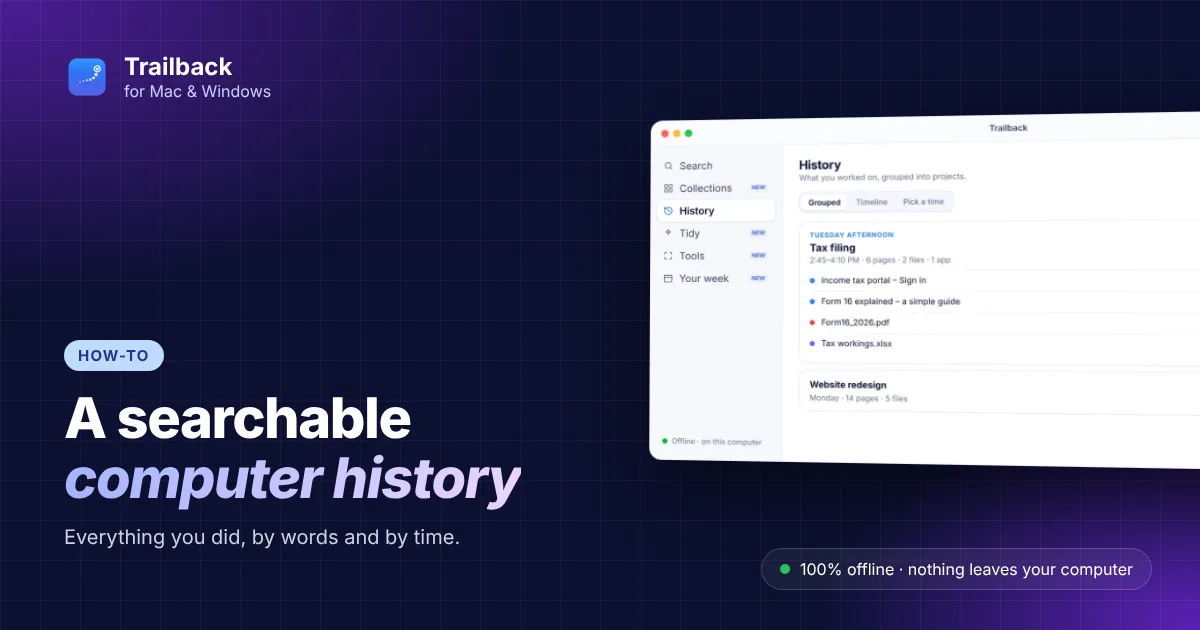
How to Get a Searchable History of Everything You Did on Your Computer
Browser history, Recents and clipboard each keep a little. Here's how to get one searchable history of everything you did, by words and by time.