Top 5 Mac Apps for Productivity (That Actually Save Time)
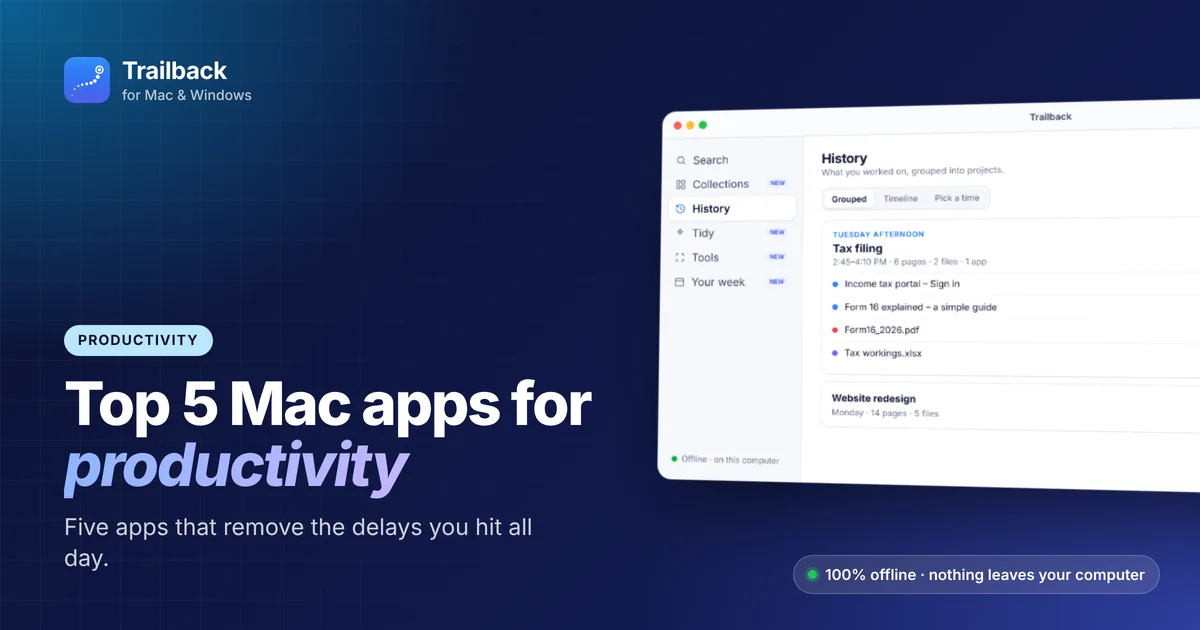
Productivity apps often promise a new system for your whole life. These five don't. Each one removes a small, annoying delay you hit dozens of times a day. Small delays add up to hours.
Here are the top 5 Mac apps for productivity in 2026, one for each part of your day.
1. Trailback: stop searching, start finding
The problem: you know you saved it, downloaded it or read it. You just can't find it. Those few minutes of digging, several times a day, quietly add up to hours each month.
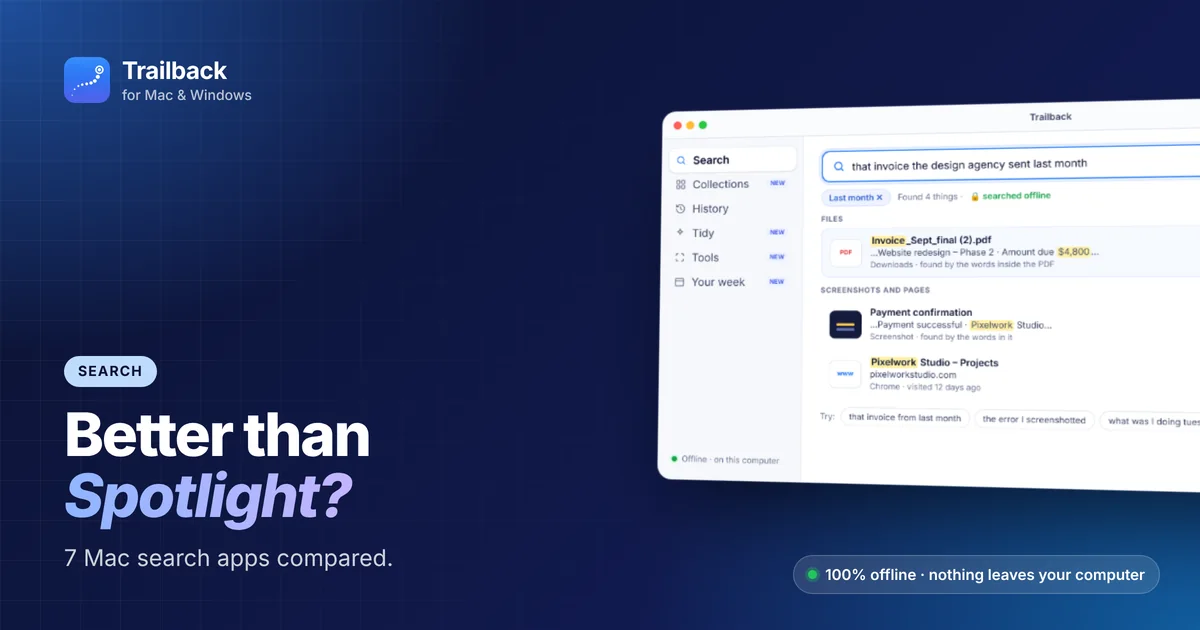
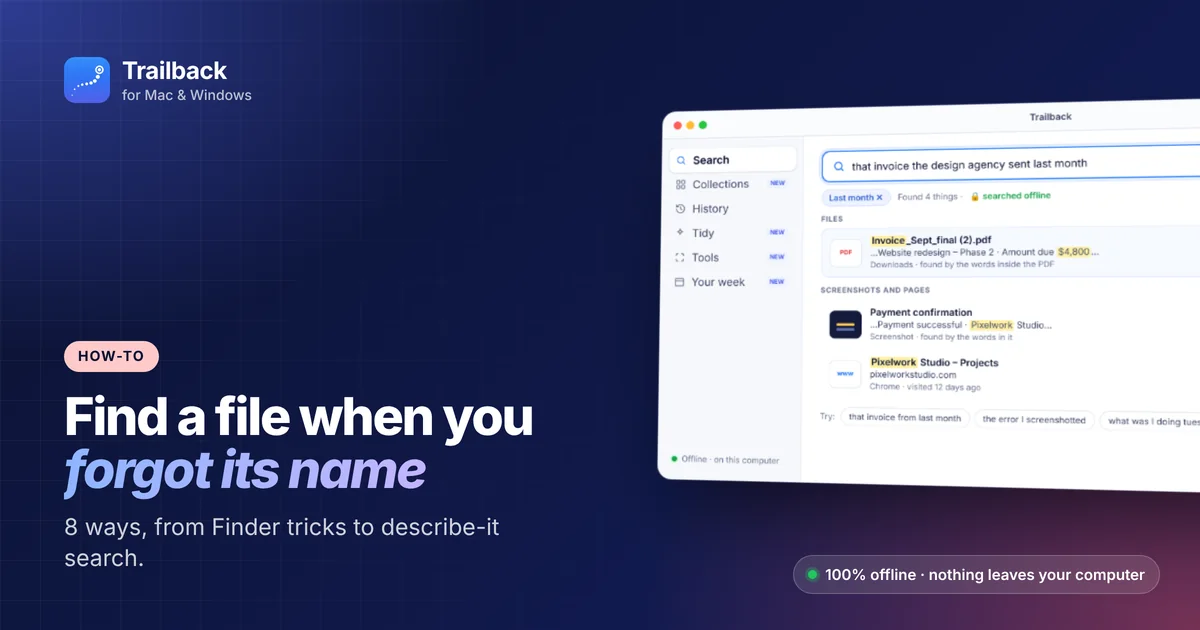
What Trailback does: you describe what you remember, and Trailback finds it across your files, PDFs, screenshots and the web pages you visited:
- "invoice from the design agency last month"
- "the screenshot with the error"
- "what was I doing Tuesday afternoon"
Time phrases like "last month" and sources like "from WhatsApp" become filters automatically. Results show the matching line, so you see the right file before you open it.
Bonus productivity features: - History groups your past work into projects, and Reopen all brings back every page and file from that session. - Grab text copies the words from any screenshot. - Your week is a private recap of what you worked on, plus due dates found in your files.
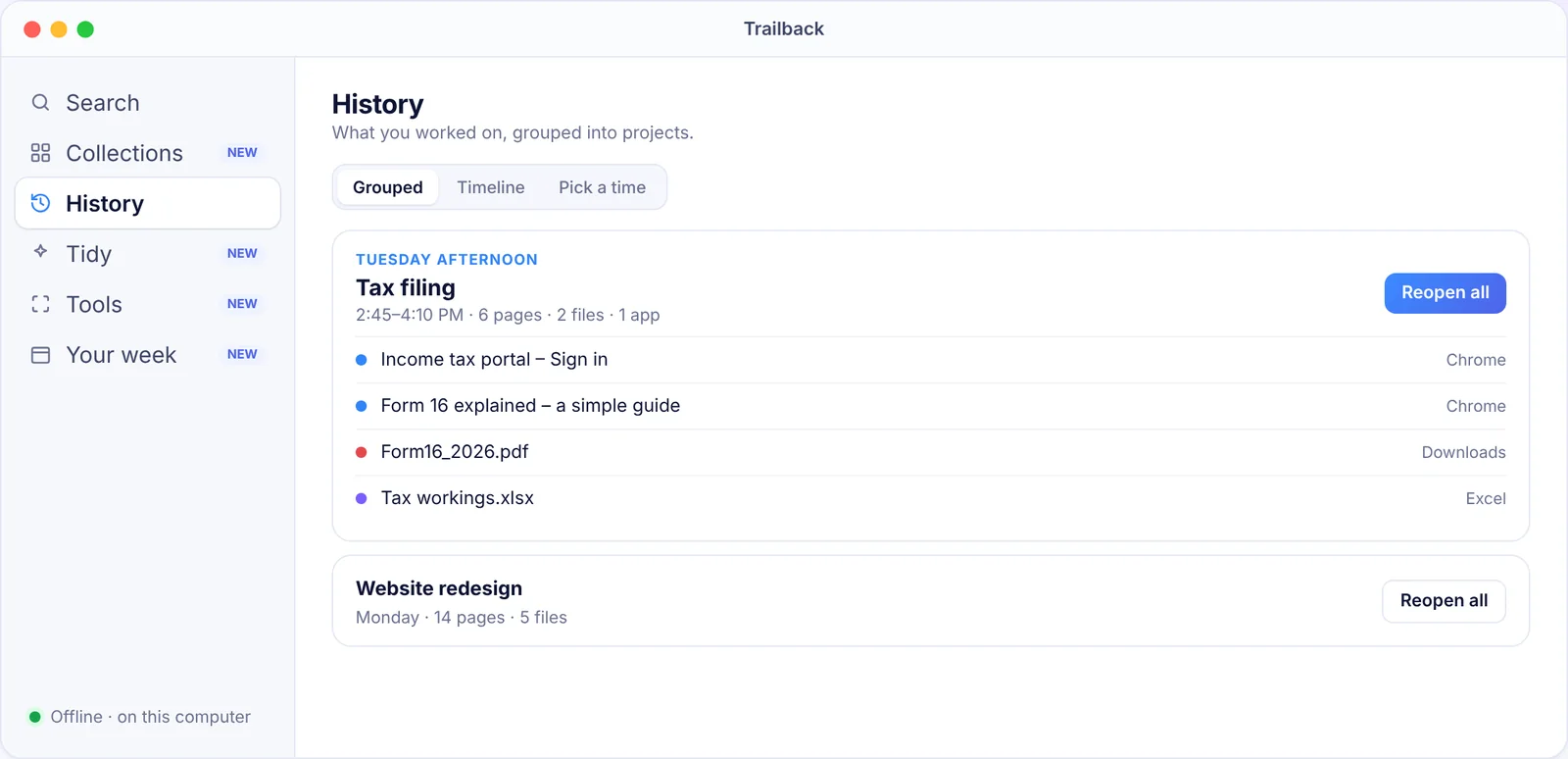
Time saved: several minutes every time you'd otherwise dig through folders or browser history. It's fully offline, on Mac and Windows. Start a free trial.
2. Rectangle: windows in one keystroke
The problem: dragging and resizing windows by hand, all day.
What it does: snap any window to the left half, right half, a third or a corner with a shortcut. Rectangle is free and open source. Pair it with an external monitor and it feels like a new computer.
3. Raycast: launch anything without the mouse
The problem: clicking through Launchpad, Finder and menus.
What it does: one shortcut opens a command bar where you can launch apps, search, do maths, convert currencies and run hundreds of extensions. The core is free.
Not sure between Raycast, Alfred and Spotlight? Read our Spotlight alternatives comparison.
4. CleanShot X (or Shottr): screenshots that do more
The problem: taking a screenshot, opening it, cropping it, annotating it, saving it, then finding it later.
What it does: capture, annotate, blur and share in one flow. CleanShot X is the paid all-rounder. Shottr is a great free option.
Pro tip: your screenshots pile up fast. Trailback reads the text inside every screenshot, so you can find any screenshot by what it says.
5. Things 3: a to-do list you'll actually keep using
The problem: tasks scattered across notes, emails and sticky notes.
What it does: a calm, fast to-do app with Today, Upcoming and Someday lists, and quick entry from anywhere. One-time purchase, no subscription. Prefer something free? Apple Reminders has become very capable in recent versions of macOS.
How these 5 apps work together
- Morning: open Your week in Trailback to see what's due, then plan your day in Things.
- During work: launch with Raycast, arrange windows with Rectangle, capture with CleanShot X.
- Whenever you're stuck looking for something: ask Trailback.
Want more ideas? See the top 10 Mac apps and our full list of the best Mac apps.
Find anything on your computer by describing it.
Files, PDFs, the words in your screenshots and the pages you visited. 100% offline. Your data never leaves your computer.
Frequently asked questions
What is the most useful productivity app for Mac?
It depends on where you lose time. For most people that's searching for files and information, which is what Trailback solves. For window chaos, it's Rectangle.
Are there free productivity apps for Mac?
Yes. Rectangle is free. Raycast and Shottr have free versions. Apple Reminders and Notes are built in.
Does Trailback slow down my Mac?
No. It's built to run quietly in the background, and search results appear as you type.
Pavan is the founder of Trailback, a private, offline app for Mac and Windows that helps you find anything on your computer by describing it. He builds it at Hara Infotech in Hyderabad.
Keep reading
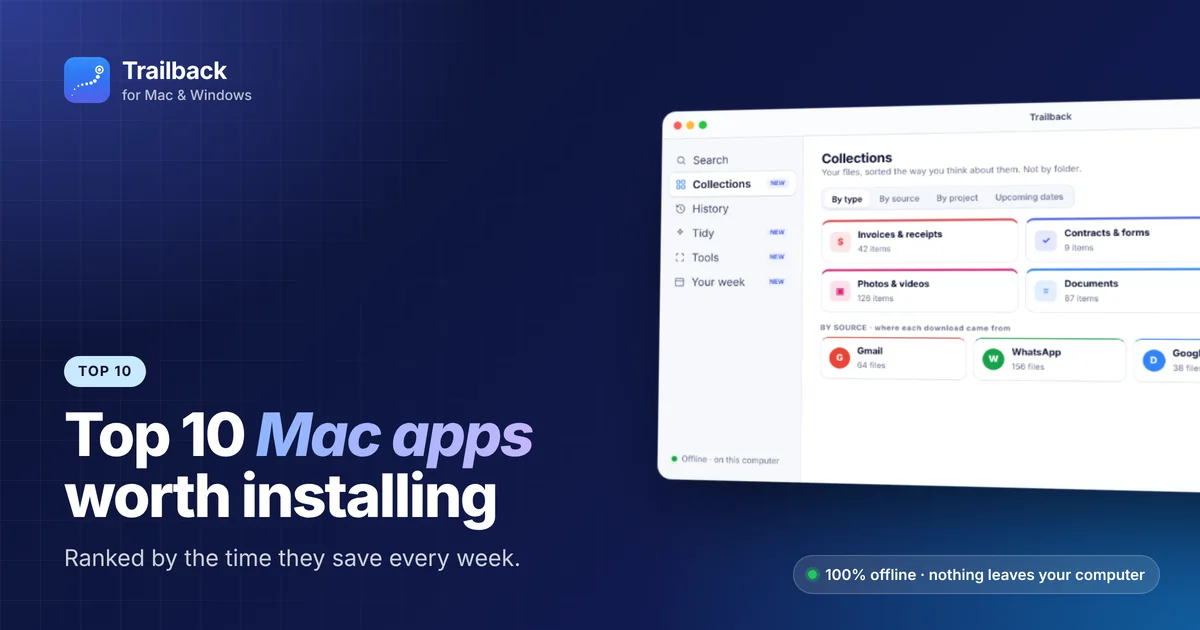
Top 10 Mac Apps Worth Installing in 2026
Ten macOS apps that save the most time every single week, ranked, with what each one does and what it costs.
Best Spotlight Alternatives for Mac: 7 Better Ways to Search
When Spotlight can't find it, these Mac search apps can. What each one is best at, and which to choose.
How to Find a File on Mac When You Can't Remember the Name
Eight ways to find a lost file on your Mac, from built-in tricks to searching by what you remember.