Trailback vs Fenn: Which Mac File Search App Fits You?

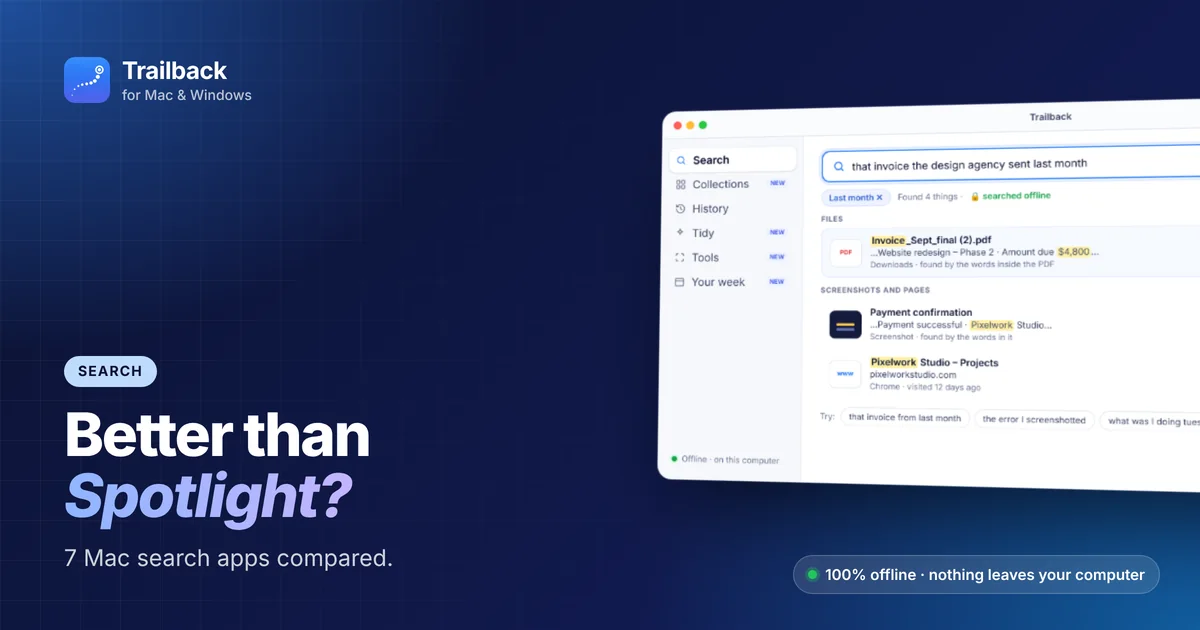
Fenn and Trailback both help you find things on your computer without sending them to the cloud. They are built for different moments, though, so here is a plain comparison. We make Trailback, so read this knowing that, and check Fenn's own pages before you decide: details and prices change.
The short version
- Fenn is a Mac app for searching inside your files with local AI. It reads more than 50 kinds of files, can find people by face, renames files for you, organises folders automatically, and lets you chat with your files. It is sold as a subscription, or once with a year of updates.
- Trailback is a Mac and Windows app that remembers what you did: the web pages you opened (even after you clear your browser history), the files you saved and downloaded, the screenshots you took and the words in them, and the text you copied. You find any of it by describing it. It works fully offline and is a one-time purchase.
If what you lose most is a document buried in your folders, Fenn is built for that. If what you lose is "that page I read on Tuesday" or "the screenshot with the error", Trailback is.
Side by side
| Trailback | Fenn | |
|---|---|---|
| Platforms | Mac (macOS 13+), Windows 10 and 11 | Mac |
| Searches inside files | PDFs, documents, spreadsheets, slides and screenshots | 50+ file types |
| Web pages you visited | Yes, kept even after you clear browser history | No |
| Copied text and notes | Yes | No |
| "What was I doing at 3 PM?" | Yes: Timeline shows any moment | No |
| Face search, AI rename, auto-organising | No | Yes |
| AI chat | Connects to Claude, Codex and Cursor on your computer | Built-in chat with your files |
| Where your data lives | Only on your computer | On your Mac |
| Price | One-time purchase | Subscription, or one-time with a year of updates |
What Fenn does better
- Organising. Fenn renames files and sorts folders for you. Trailback finds things where they are and leaves your folders alone.
- Faces. Fenn can find photos by the people in them. Trailback can't.
- More file types. If you work with unusual formats, Fenn reads more of them.
What Trailback does better
- Web pages. Trailback remembers the pages you open through its browser extension, so you can find a site you read last week even after clearing your history. See how that works.
- Your day, not just your files. Screenshots, downloads (with the site they came from), copied text and notes sit in one search, and Timeline shows what you had open at any moment.
- Windows. The same app on Mac and Windows, with the same search.
- Paying once. No subscription.
Who should pick which
- Pick Fenn if you have years of documents and photos and want them renamed, sorted and searchable by face.
- Pick Trailback if you keep losing things you saw or did: pages, screenshots, downloads, a file you opened yesterday. It is a memory of your computer, not a librarian for your folders.
- They also work fine side by side.
Looking at more options? See the best Spotlight alternatives for Mac and apps that remember everything on your computer.
Find anything on your computer by describing it.
Files, PDFs, the words in your screenshots and the pages you visited. 100% offline. Your data never leaves your computer.
Trailback - a searchable memory of your computer activity
Frequently asked questions
Is Trailback a Fenn alternative?
For finding files, pages and screenshots by describing them, yes. Trailback doesn’t rename or organise your folders, and it can’t search photos by face.
Does Trailback work on Windows?
Yes. Trailback runs on Mac (macOS 13 and later) and on Windows 10 and 11, from the Microsoft Store.
Does Trailback send my files anywhere?
No. Everything Trailback remembers stays on your computer, and search works with the internet off.
How is Trailback priced?
Trailback is a one-time purchase, not a subscription.
Pavan is the founder of Trailback, a private, offline app for Mac and Windows that helps you find anything on your computer by describing it. He builds it at Hara Infotech in Hyderabad.
Keep reading
Best Spotlight Alternatives for Mac: 7 Better Ways to Search
When Spotlight can't find it, these Mac search apps can. What each one is best at, and which to choose.
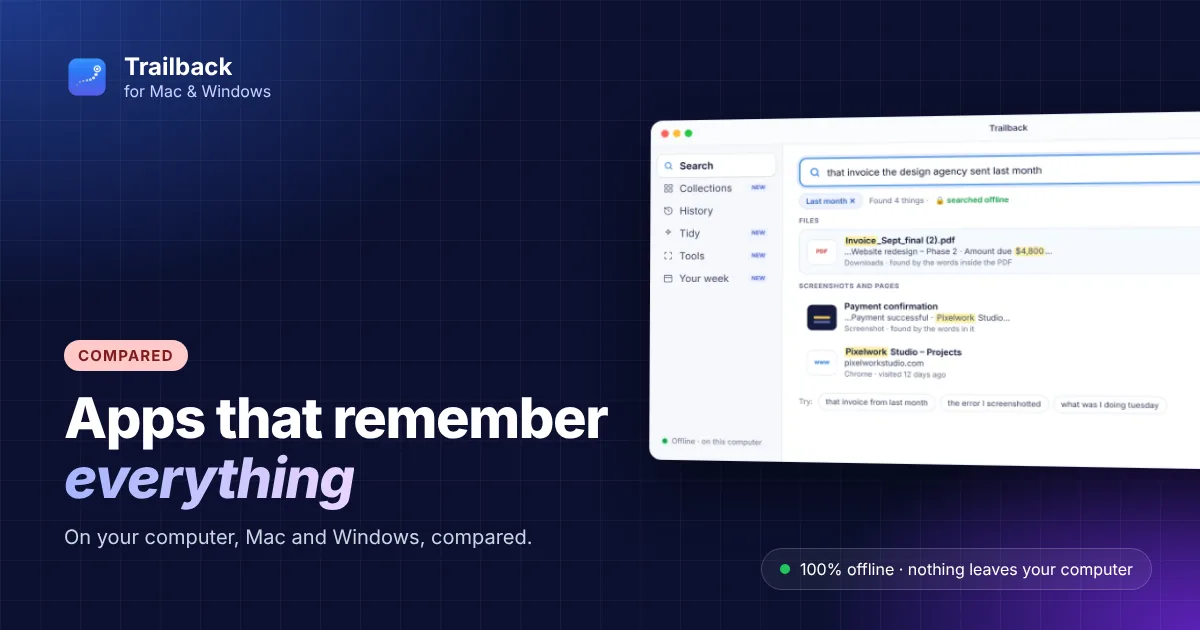
Apps That Remember Everything on Your Computer (2026)
Some record your screen, others remember what you used. The apps that remember everything on your computer, compared on privacy and platforms.
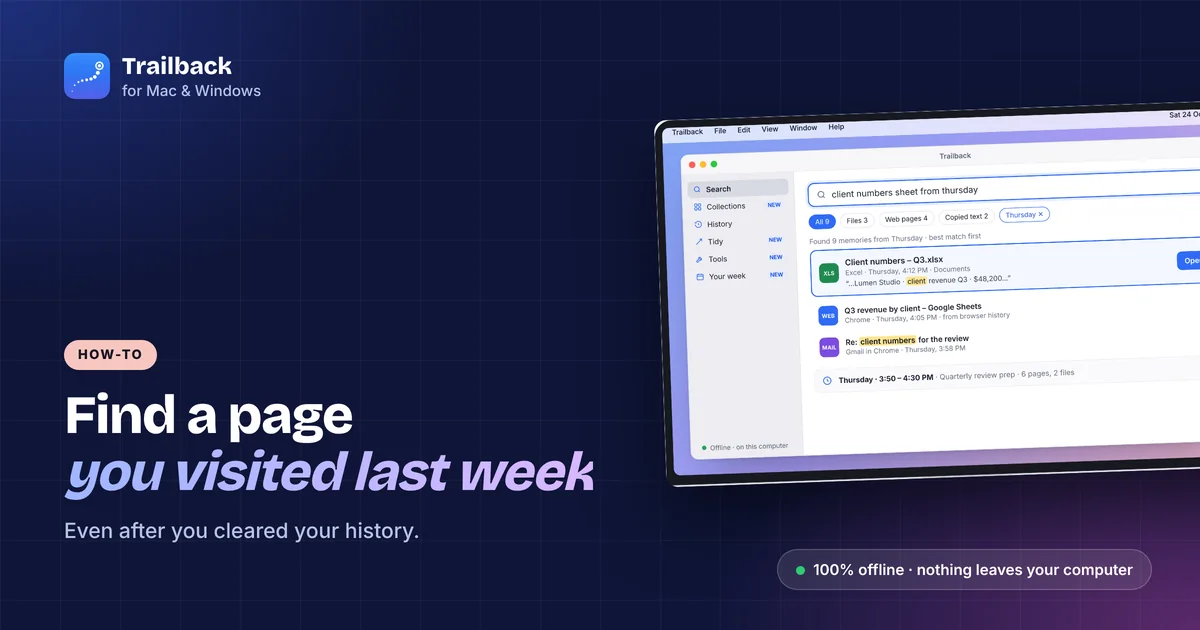
How to Find a Website You Visited Last Week (Even After Clearing History)
Browser history searches titles only, and it's gone when you clear it. Here's how to find that page anyway.