How to Get a Searchable History of Everything You Did on Your Computer

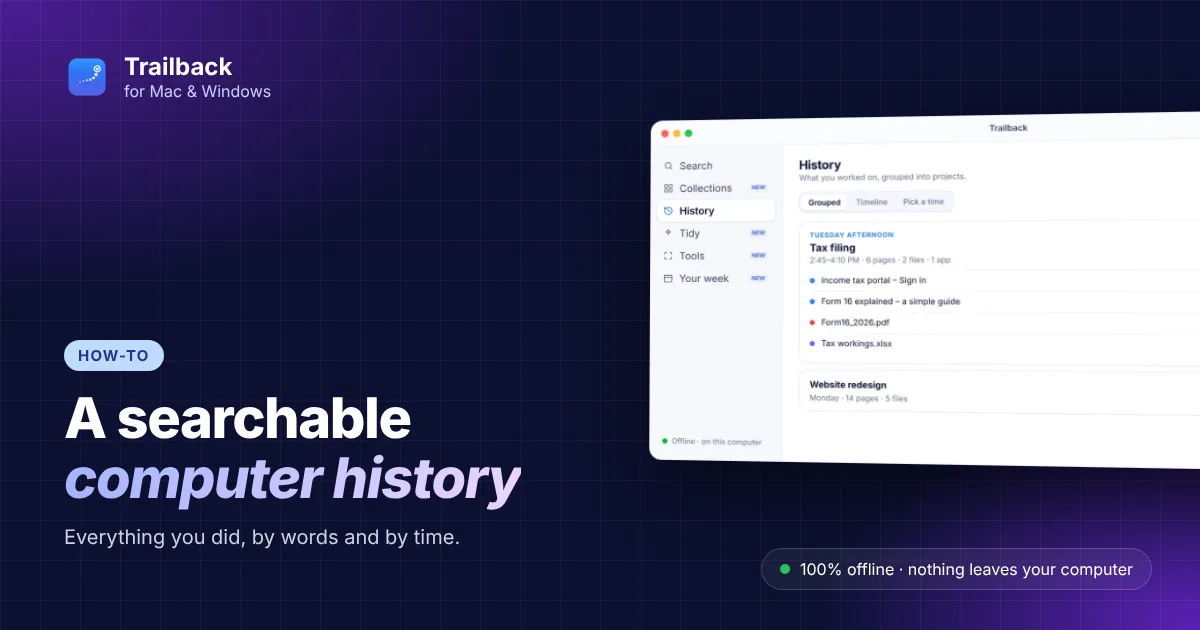
"What was that page I had open on Tuesday?" "Which file did I send before the call?" Your computer did all of it, but finding it again means digging through browser history, Recent files and your Downloads folder one by one. A searchable computer history puts all of that in one place, searchable by words and by time.
Here's what Mac and Windows already keep for you, where it falls short, and how to get a complete, private history of everything you did on your computer.
What your computer already keeps
- Browser history. Every browser keeps one: ⌘ Y in Safari and Chrome on Mac, Ctrl + H on Windows. It searches page titles and addresses, not what was on the page, and it's gone when you clear it. Lost a page? See how to find a website you visited last week.
- Recent files. On a Mac, Finder's Recents lists files you opened lately. On Windows, File Explorer's Home shows recent files. Both list names, not what's inside, and only for a while.
- Clipboard history. Windows keeps your last 25 copies with Win + V (once you turn it on), cleared when you restart. On a Mac, how much is kept depends on your macOS version. See clipboard history on Mac and Windows.
- Windows Timeline used to show what you did by day, but Windows 11 removed it.
Where that falls short
Each of these keeps one kind of thing, in its own place, by name only. None of them can answer "what was I doing on Thursday afternoon?" or "the PDF that mentioned the deposit", and none of them puts pages, files, screenshots and copied text side by side in time order.
Build a searchable computer history
Trailback keeps one timeline of what you did on your computer, on Mac and Windows:
- the web pages you visit, through a free browser extension (kept even if you clear your browser history);
- the files and PDFs you open, save or download;
- the screenshots you take, and the words in them;
- the text you copy (passwords, codes and card numbers are skipped).
It reads the words inside documents and screenshots, so the whole history is searchable by content, not just by name.
Search it by time
Open History and pick a moment, like "Yesterday afternoon" or "Last Friday, 3 PM". Trailback shows the pages, files and screenshots from then, in order, with how long you were active. One click on Reopen all opens them again, right where you left off.
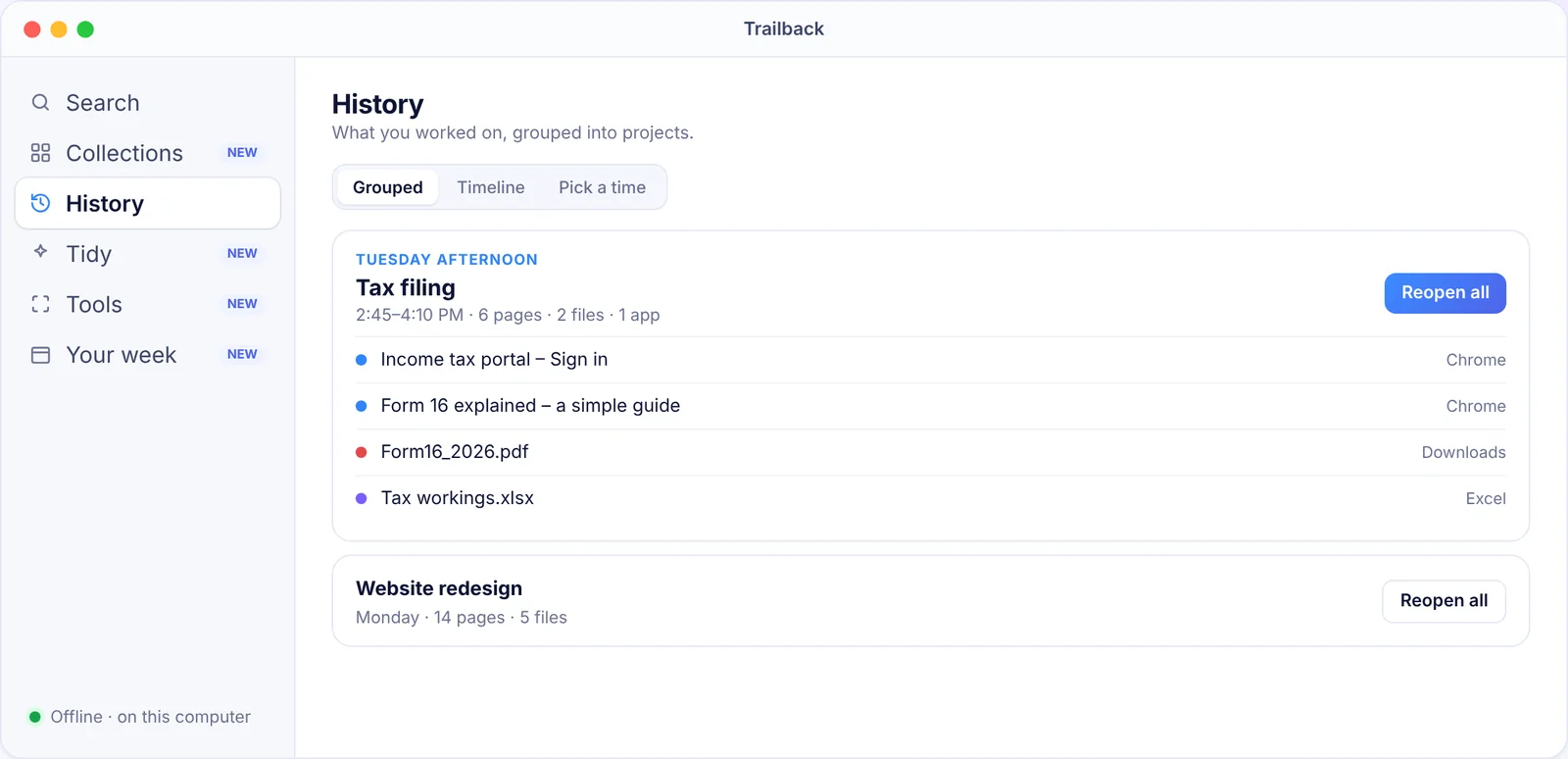
You can also mix words and time in a search: "client numbers sheet from Thursday" or "the invoice from last month".
Turn a day into a report
Need a record of your day, for a timesheet or a work journal? Settings → Storage → Export memory saves any day or period as a readable Day report, in your own time zone, to paste wherever you like. The file isn't locked, so keep it somewhere safe. If you use Claude, Codex or Cursor, you can also let them read your day and write a journal for you; that's off until you turn it on. See the daily work journal guide.
Keep it private
A history of everything you did is personal, so it should stay with you. Trailback works 100% offline: no account, no cloud, and everything is stored encrypted on your computer. It never records your screen, skips private browser windows, and you can pause it, exclude apps and websites, or delete an hour, a day or everything.
Want to compare other tools first? See apps that remember everything on your computer, or read how to see what you were working on yesterday.
Find anything on your computer by describing it.
Files, PDFs, the words in your screenshots and the pages you visited. 100% offline. Your data never leaves your computer.
Trailback - a searchable memory of your computer activity
Frequently asked questions
Can I see everything I did on my computer?
Mac and Windows keep parts of it: browser history, recent files and (on Windows) clipboard history. For one searchable history of pages, files, screenshots and copied text, use an app like Trailback, which keeps it encrypted on your computer.
Does Windows 11 have a timeline of my activity?
No. Windows 10's Timeline was removed in Windows 11. Browser history and File Explorer's recent files remain, but they're separate and only list names.
How do I see what I was doing yesterday afternoon?
In Trailback, open History and pick Yesterday afternoon. It shows the pages, files and screenshots from then, in order, and Reopen all opens them again.
Is a computer activity history private?
With Trailback it is: it works 100% offline, stores everything encrypted on your computer, never records your screen, and you can delete anything.
Pavan is the founder of Trailback, a private, offline app for Mac and Windows that helps you find anything on your computer by describing it. He builds it at Hara Infotech in Hyderabad.
Keep reading
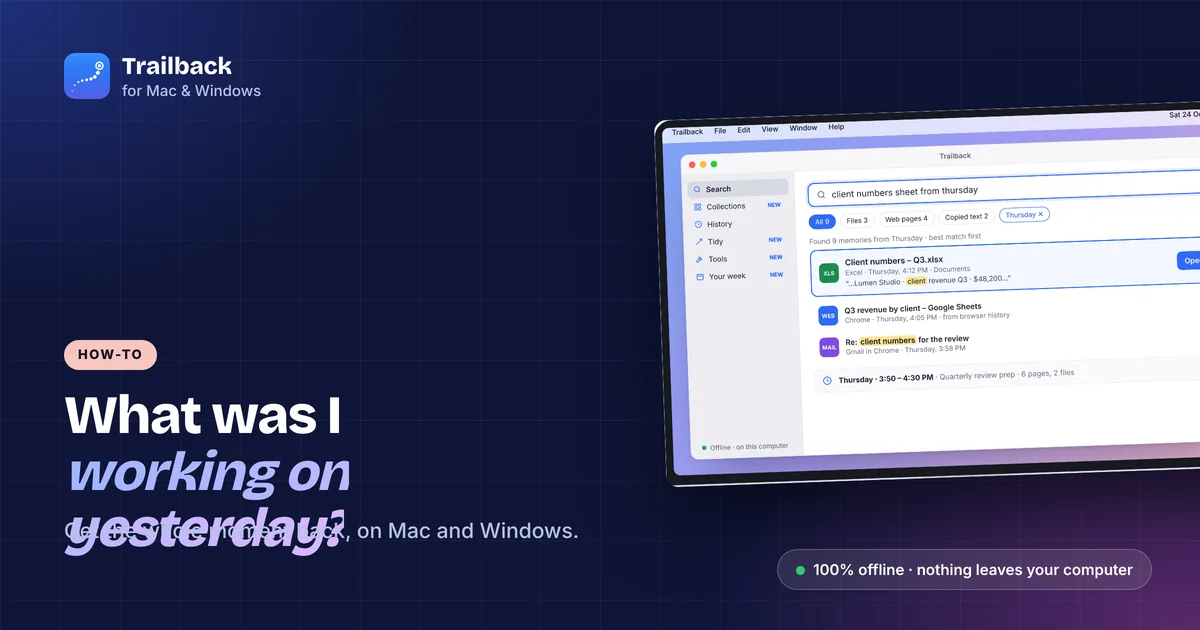
How to See What You Were Working On Yesterday (Mac and Windows)
Monday morning, blank desk. Here's how to get yesterday afternoon back, files, pages and all.
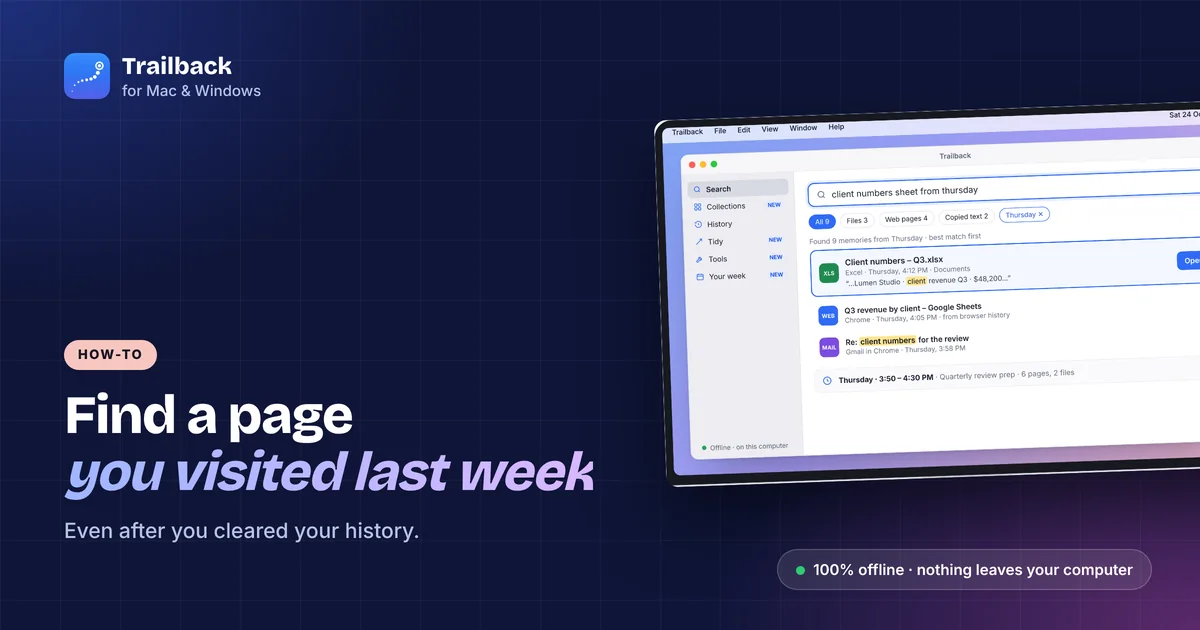
How to Find a Website You Visited Last Week (Even After Clearing History)
Browser history searches titles only, and it's gone when you clear it. Here's how to find that page anyway.
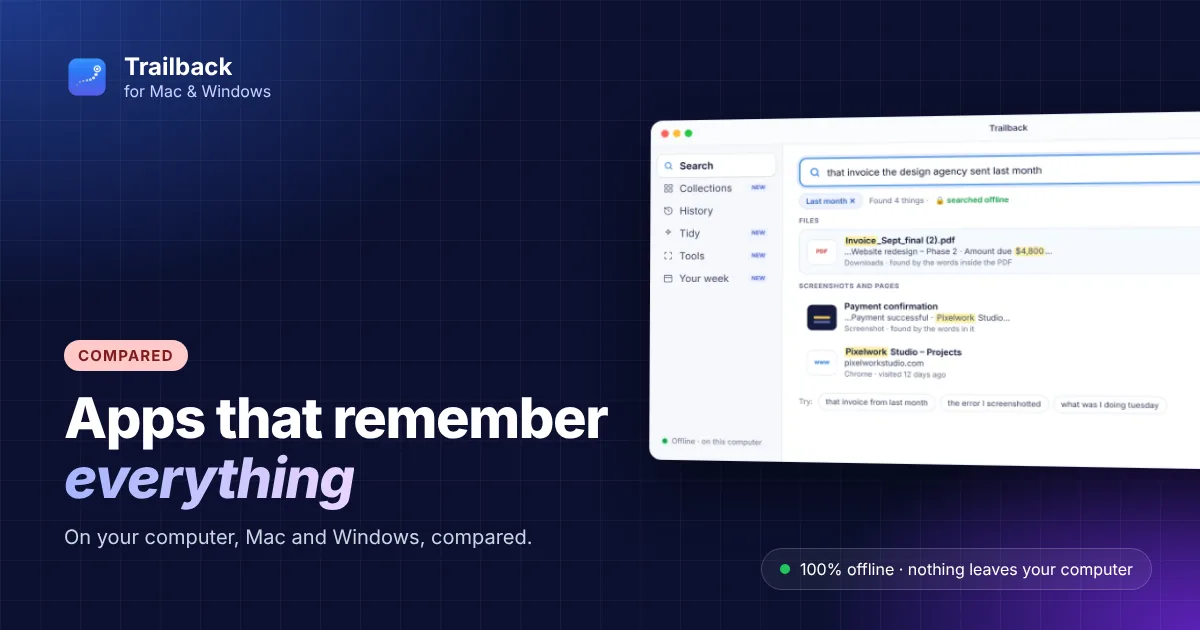
Apps That Remember Everything on Your Computer (2026)
Some record your screen, others remember what you used. The apps that remember everything on your computer, compared on privacy and platforms.