Trailback for Mac
A private memory for your Mac.
Trailback remembers the pages, files and screenshots on your Mac, so you can find anything by describing it. 100% offline. For Apple silicon and Intel Macs, on macOS 13 or later.
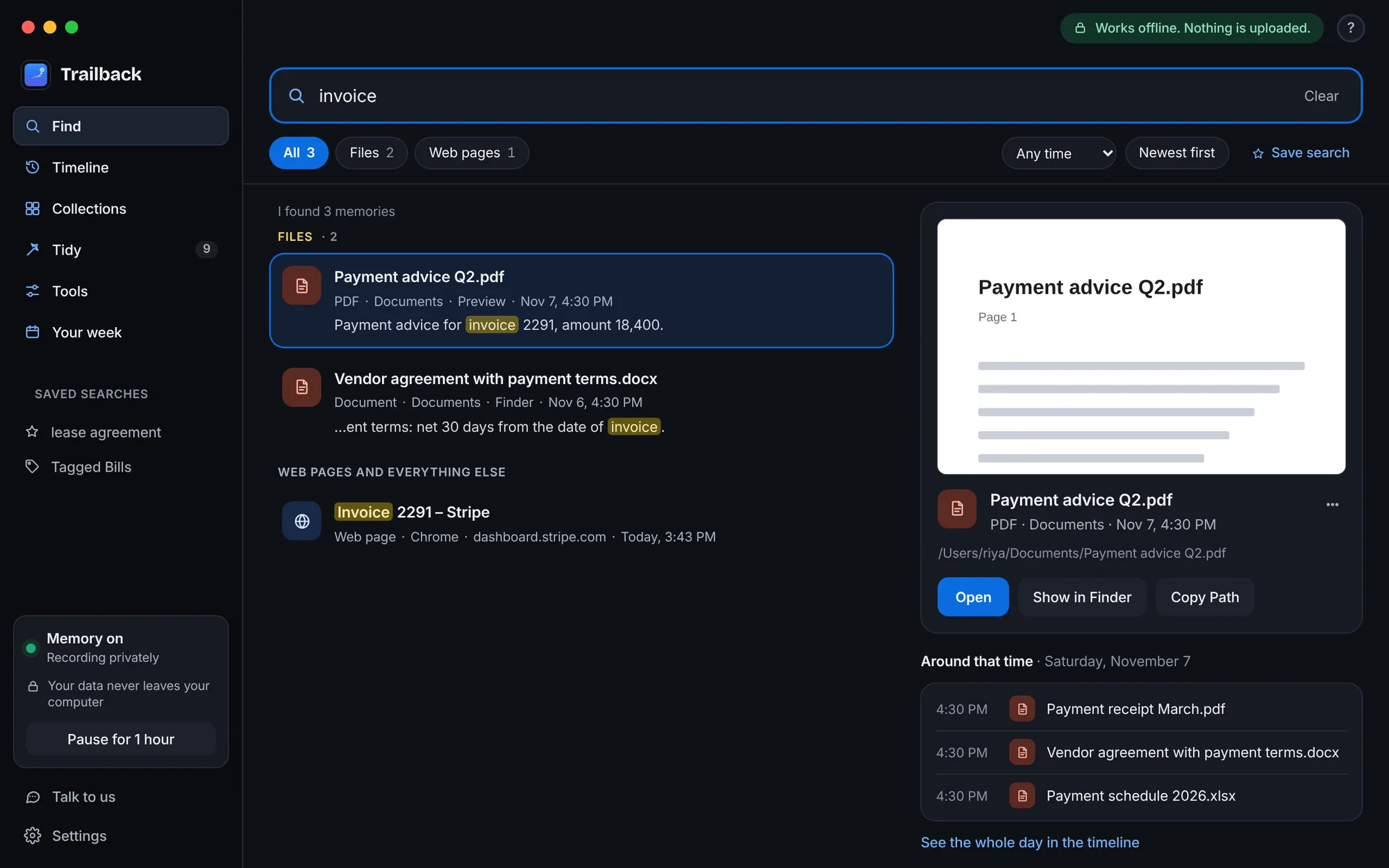
Trailback remembers the pages, files and screenshots on your Mac, so you can find anything by describing it. 100% offline. For Apple silicon and Intel Macs, on macOS 13 or later.
Websites you visit, files you open, screenshots you take, text you copy. Trailback remembers it all, on your Mac. Describe it, and Trailback finds it: the words inside PDFs, documents and screenshots count too, not only file names.
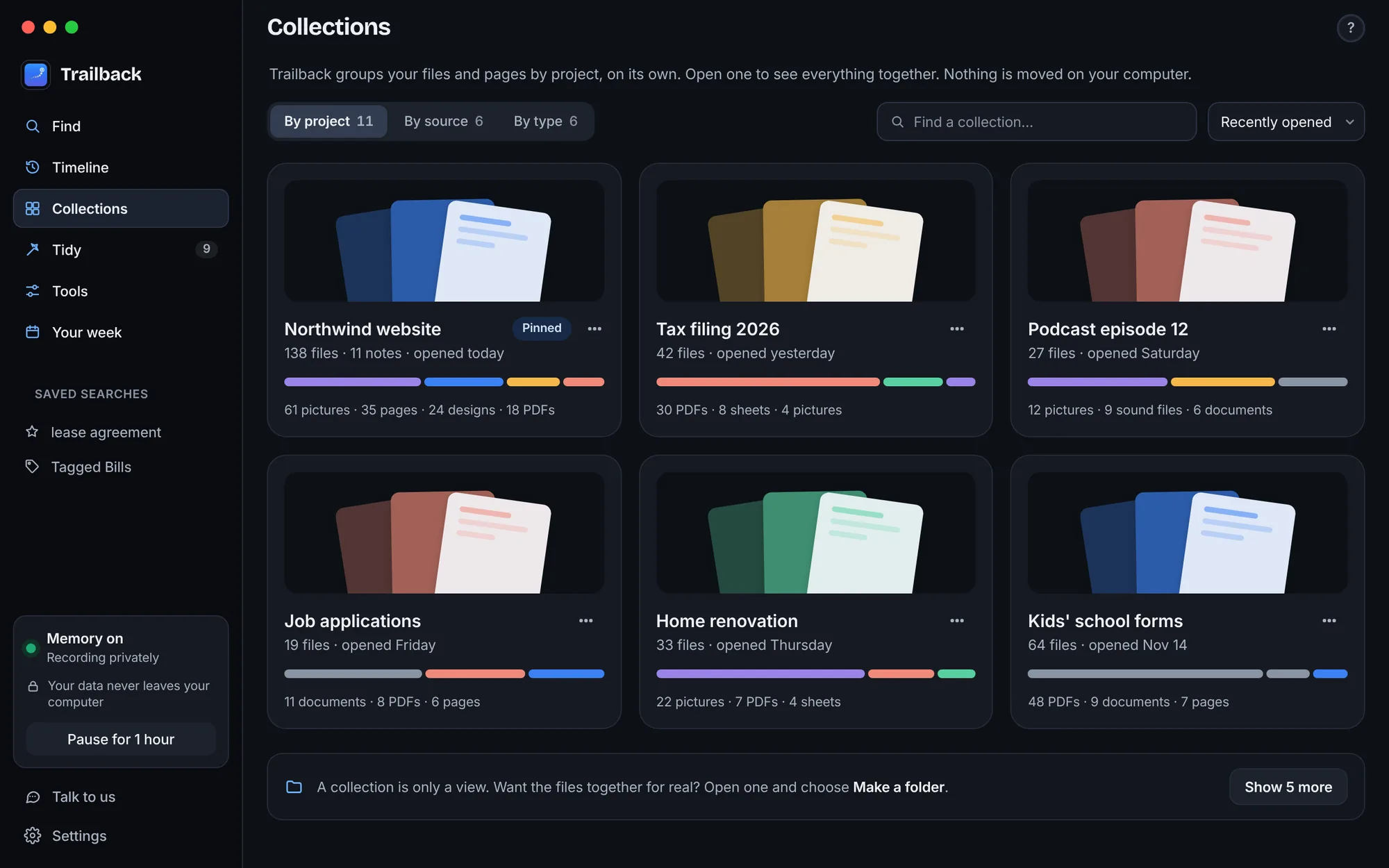
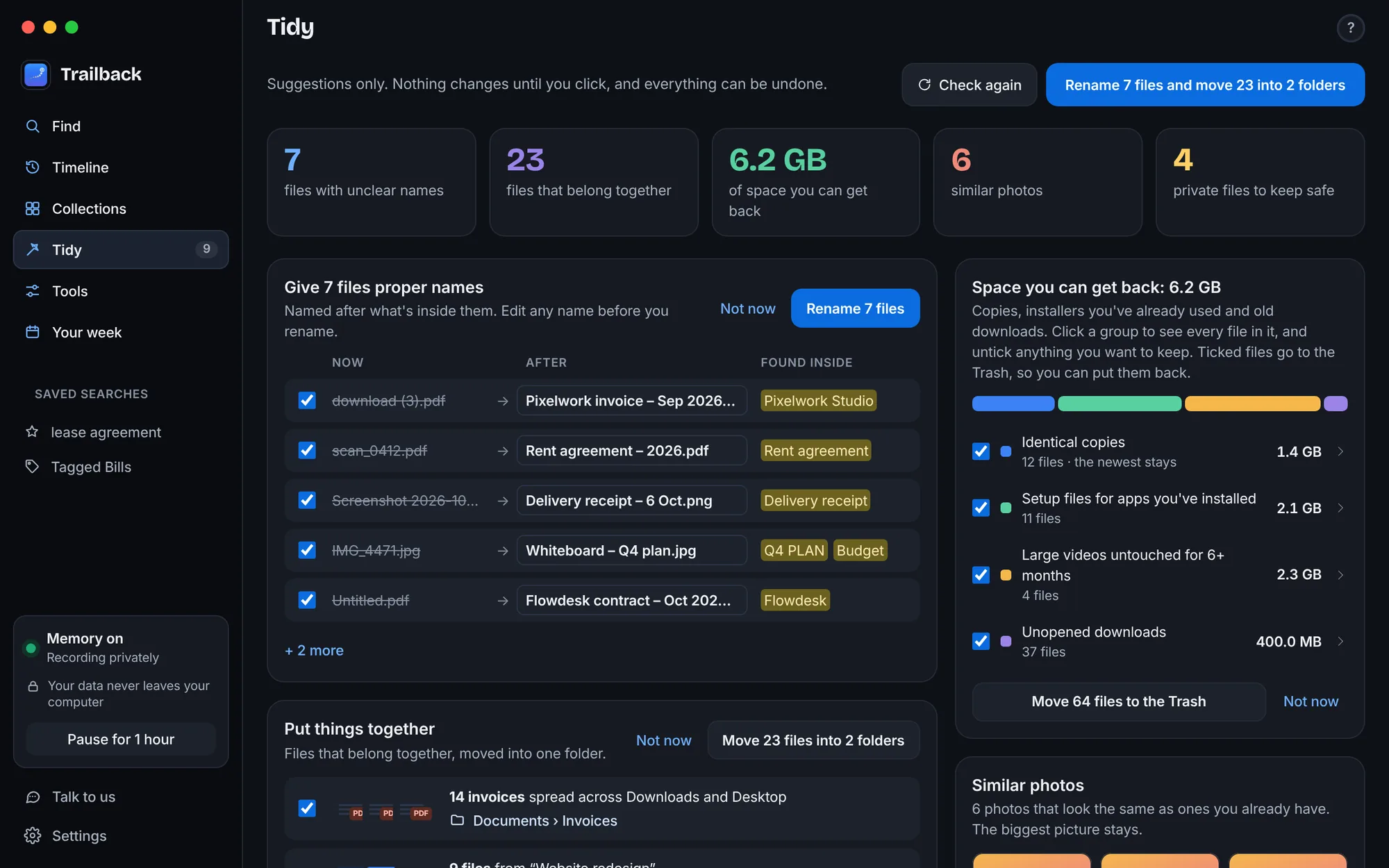
Press Option + Space in any app (or your own keys). Type what you remember, press Return to open it, or drag the file straight into an email or a chat. It sits beside Spotlight and does not replace it.
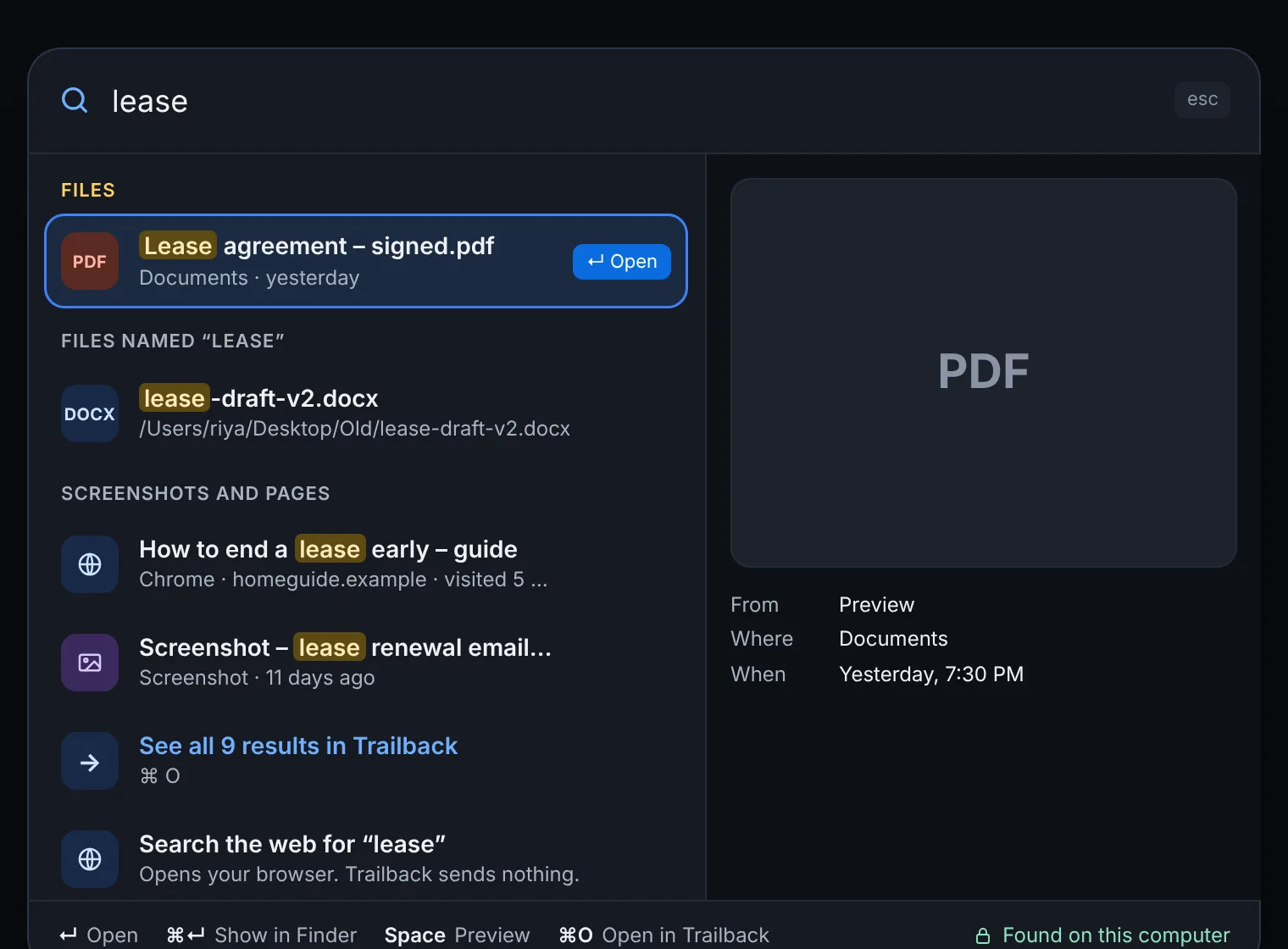
Pick a time, like "yesterday afternoon" or "last Friday at 3", and Timeline shows the pages, files and apps you had open, in order. One click reopens them all.
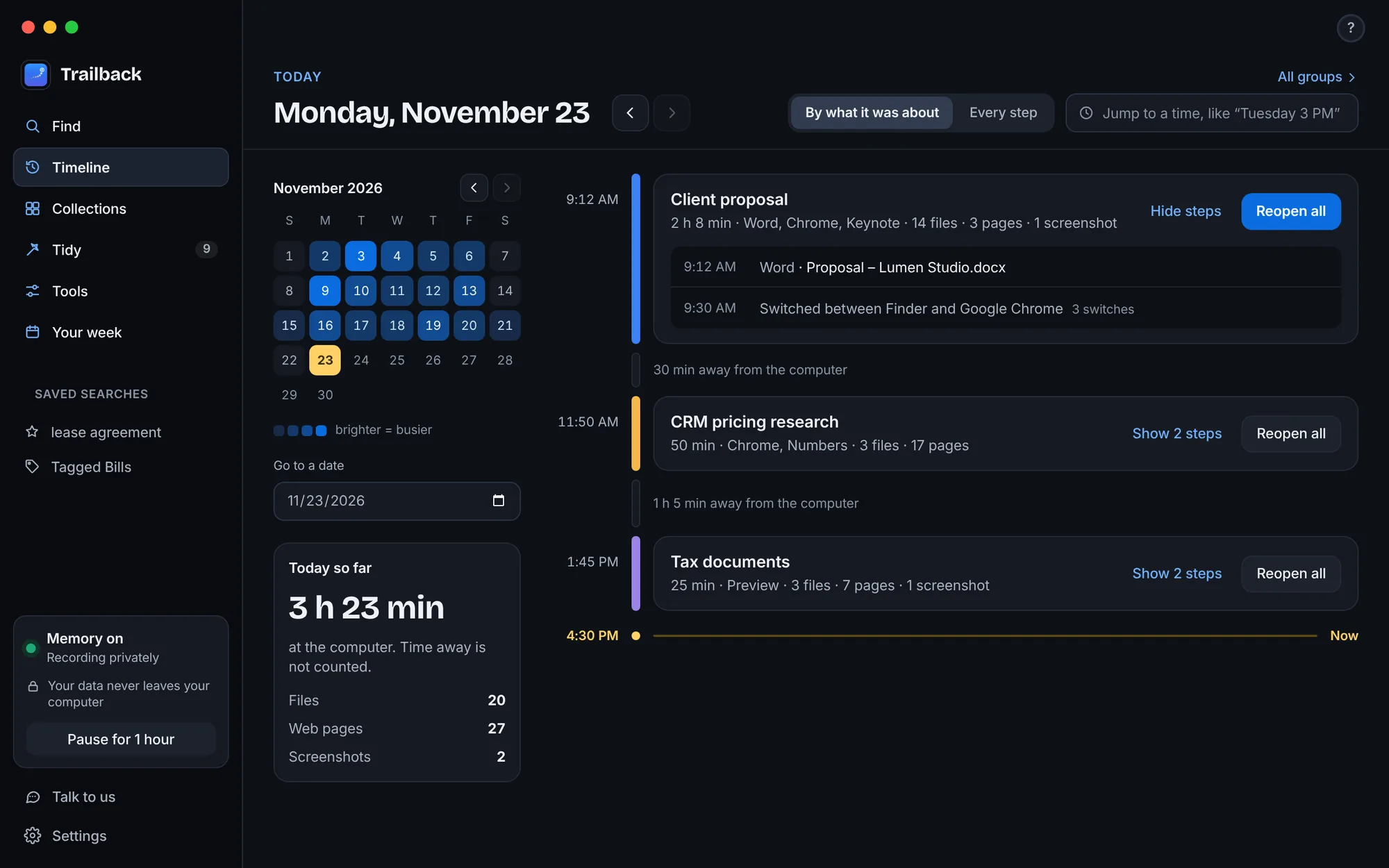
Spotlight is built into every Mac and it is very good at what it does. Trailback is for the times you remember what something was about, but not what it was called or where you saw it.
| Spotlight | Trailback | |
|---|---|---|
| Best when | You know the name, or a word that is in the file | You only remember what it was about, or when you had it open |
| Web pages you read | Not a page you visited last week | Yes, even after you clear your browser history |
| A moment in time | No | Yes: everything you had open at 3 PM last Friday |
| Apps, settings, sums | Yes, and fast | No. Keep using Spotlight for these |
| Price | Free, part of macOS | One-time purchase |
The longer version: Trailback vs Spotlight, and every app side by side on the compare page.
| macOS | macOS 13 or later |
| Macs | Apple silicon and Intel Macs, with the same download |
| Download | About 61 MB, signed and checked (notarized) by Apple |
| Version | 3.0, released 23 November 2026. Updates install from inside the app |
| Languages | English, Japanese, Chinese, Spanish, French, German, Portuguese, Italian, Dutch and Polish |
Your data never leaves your computer. No account, no cloud, nothing to upload. Trailback works with Wi-Fi off, keeps everything encrypted on your Mac, never records your screen and never sees your passwords. It goes online only to check your license key and for updates. Read the privacy policy.
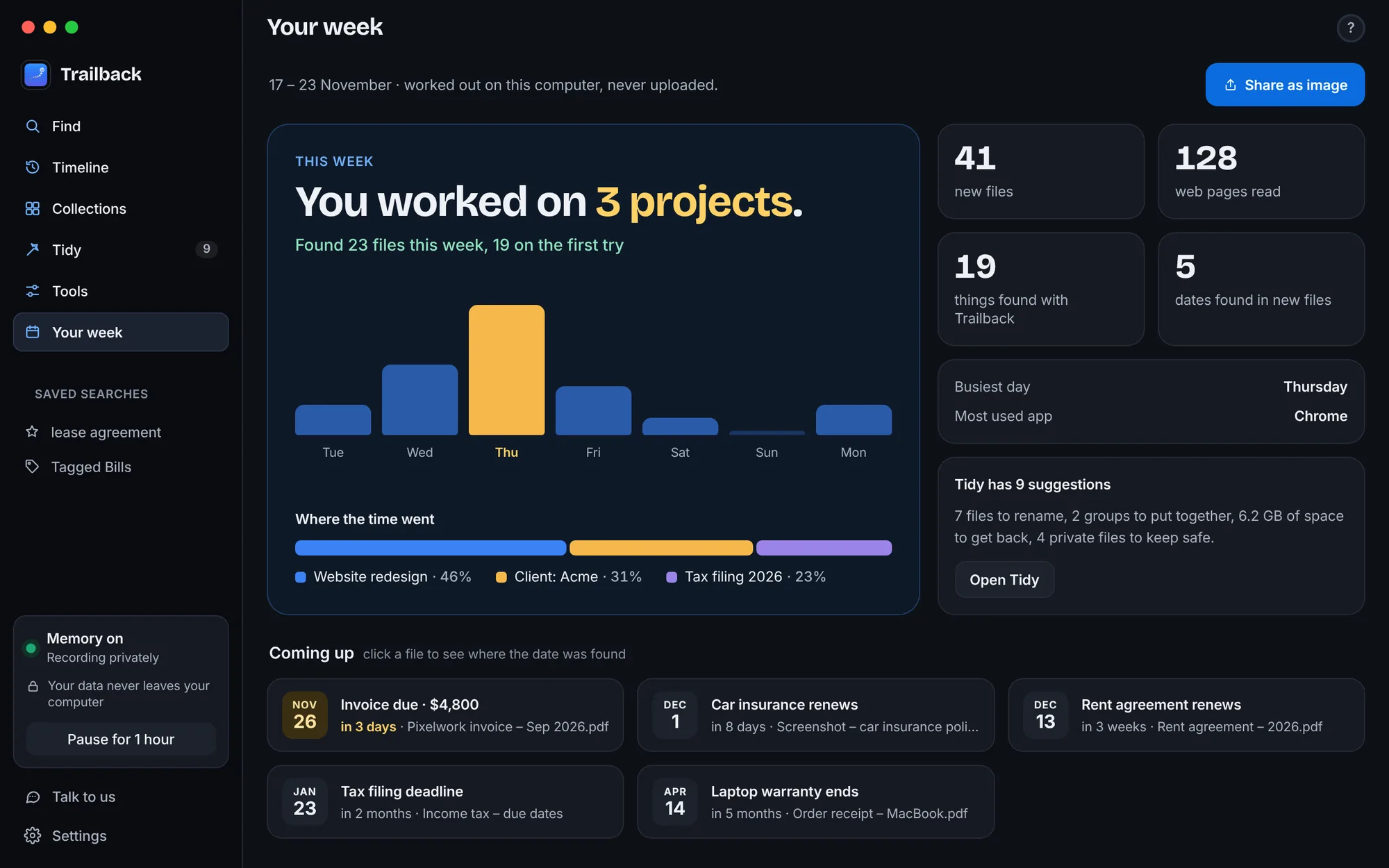
On Windows? See Trailback for Windows: the same app and the same features.
Download Trailback for Mac, then unlock it with your license key. One-time purchase, every future update included, 7-day money back.
Tell us how you use it, or where you got stuck.