Trailback vs Spotlight: Search by Name or by What You Remember
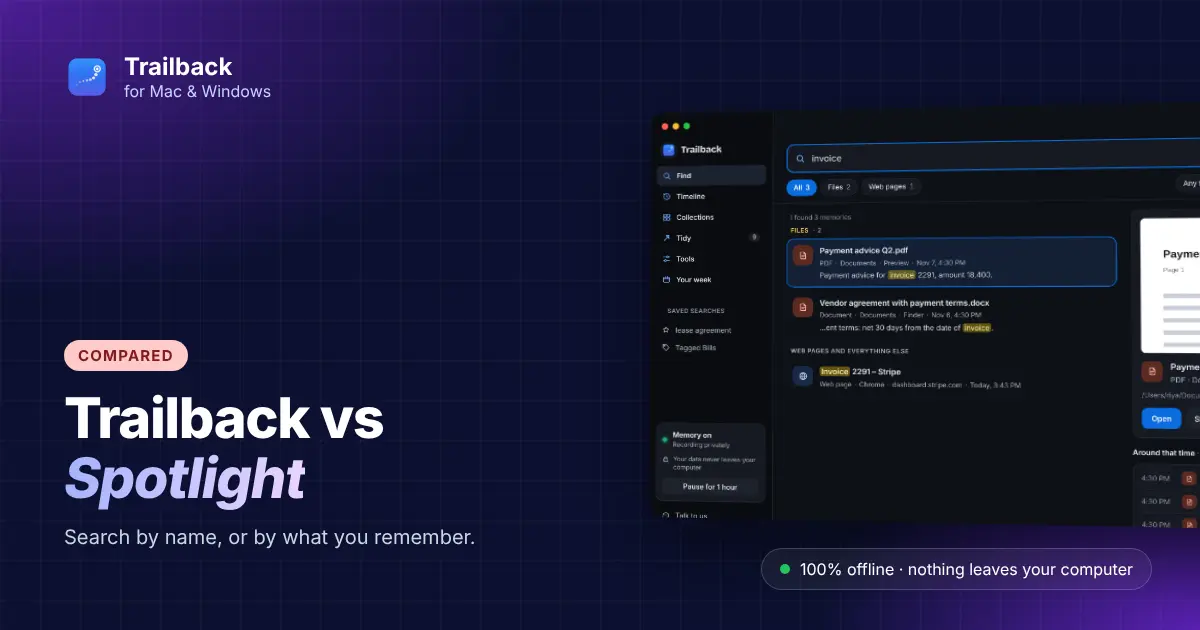
Spotlight is on every Mac, it is free, and it is fast. If you know a file's name, press Command + Space and you will have it in a second. So why would anyone add another search app?
Because of the other kind of lost thing: the one where you remember what it was about, or when you saw it, but not what it was called. That is what Trailback for Mac is for. This page puts the two side by side, including the places where Spotlight is the better choice.
The short version
- Spotlight searches what is on your Mac right now. It is best when you know the name, or an exact word inside the file.
- Trailback remembers what you did: the pages you read, the files you opened, the screenshots you took, the text you copied, and when. It is best when you can only describe the thing.
- They do not get in each other's way. Spotlight keeps Command + Space, and Trailback's Quick Search uses Option + Space.
Side by side
| Spotlight | Trailback | |
|---|---|---|
| Open apps, do sums, convert units | Yes, and very fast | No. Keep Spotlight for these |
| Find a file by its name | Yes, across the whole Mac | Yes, in the folders it watches |
| Find a file by words inside it | Yes, when you remember an exact word | Yes, and by meaning when the words differ |
| Mail, Messages, Contacts, Calendar | Yes | No |
| Text inside screenshots | Yes, on recent macOS | Yes, with the day and time you took it |
| Web pages you visited | Not as a record of what you read | Yes, even after you clear your browser history |
| "What did I have open on Friday at 3?" | No | Yes, in Timeline |
| Where a download came from | Sometimes, in Get Info | Yes, shown with the file |
| Clipboard history | Yes, on macOS Tahoe | Yes (passwords and codes are skipped) |
| Windows | No | Yes, the same app |
| Price | Free, part of macOS | One-time purchase |
What Spotlight does better
- It is already there and it costs nothing. No setup, no permissions to give.
- It launches apps and answers quick questions. Sums, unit conversions, definitions, settings. Trailback does none of this.
- It searches the whole Mac, including Mail, Messages, Contacts and Calendar. Trailback reads the folders you would expect (Desktop, Documents, Downloads, Pictures and any you add) and does not read your Mail app.
- macOS Tahoe made it stronger, with clipboard history, actions and filters.
If Spotlight has stopped finding things it used to find, that is a different problem, and it can usually be fixed: see what to do when Spotlight is not working.
What Trailback does better
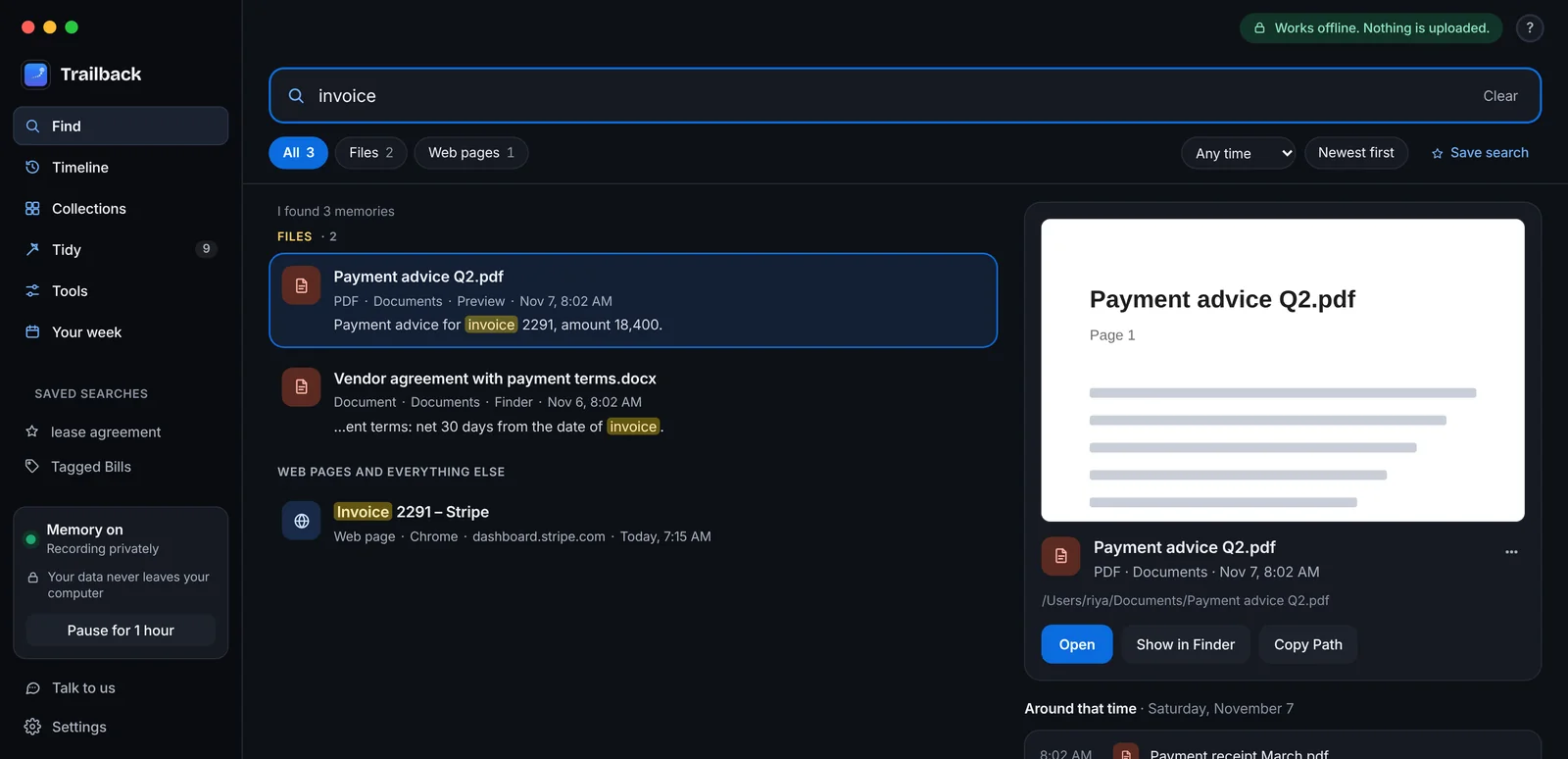
- You can describe it. "The lease agreement I signed last month" or "the screenshot where it said payment failed". Phrases like "last month" become a date filter by themselves.
- It remembers pages you read, in Safari, Chrome, Firefox, Edge and Brave, by name and time. Clearing your browser history does not remove them from Trailback.
- It knows when. Timeline shows any day as blocks of work, and reopens the pages and files from a block together.
- It shows the surroundings. Beside each result you see what else you had open around that time, which is often the thing you were really after.
- It works on Windows too, with the same screens.
Three real searches
- "Budget 2026.xlsx": you know the name. Use Spotlight. It will be faster than anything else.
- "The PDF about sleep and memory I read last month": the file is called something like 1-s2.0-S0149.pdf. Spotlight can find it if you guess a word that is inside. Trailback finds it from the description and the month. This is the everyday case for researchers.
- "The pricing page I looked at on Tuesday": this is not a file at all. Spotlight has little to go on. Trailback lists the pages you visited on Tuesday.
Who should pick which
Keep Spotlight. It is free and it is the best launcher for most people. Add Trailback if you often think "I know I saw it somewhere" and lose time looking. If you want to compare more apps, including Raycast, Alfred and HoudahSpot, there is one table on the compare page, and a longer list in the best Spotlight alternatives for Mac.
Find anything on your computer by describing it.
Files, PDFs, the words in your screenshots and the pages you visited. 100% offline. Your data never leaves your computer.
Trailback - a searchable memory of your computer activity
Frequently asked questions
Is Trailback a replacement for Spotlight?
No. Spotlight opens apps, does sums and finds files by name, and it is very good at that. Trailback sits beside it for the things you can only describe. Most people keep both.
Can Spotlight find a web page I visited last week?
Not reliably. Spotlight can suggest sites and search some browser bookmarks and history, but it is not a record of what you read. Trailback remembers the pages you visited with the day and time, even after you clear your browser history.
Can Spotlight read the text in screenshots?
Yes. On recent versions of macOS, Spotlight can find pictures by the text in them. Trailback does this too, and also remembers when you took the screenshot and what you had open at the time.
Does Trailback use the Spotlight index?
No. Trailback keeps its own private memory on your Mac, so it also works for things Spotlight does not keep, such as pages you visited and text you copied.
Pavan is the founder of Trailback, a private, offline app for Mac and Windows that helps you find anything on your computer by describing it. He builds it at Hara Infotech in Hyderabad.
Keep reading
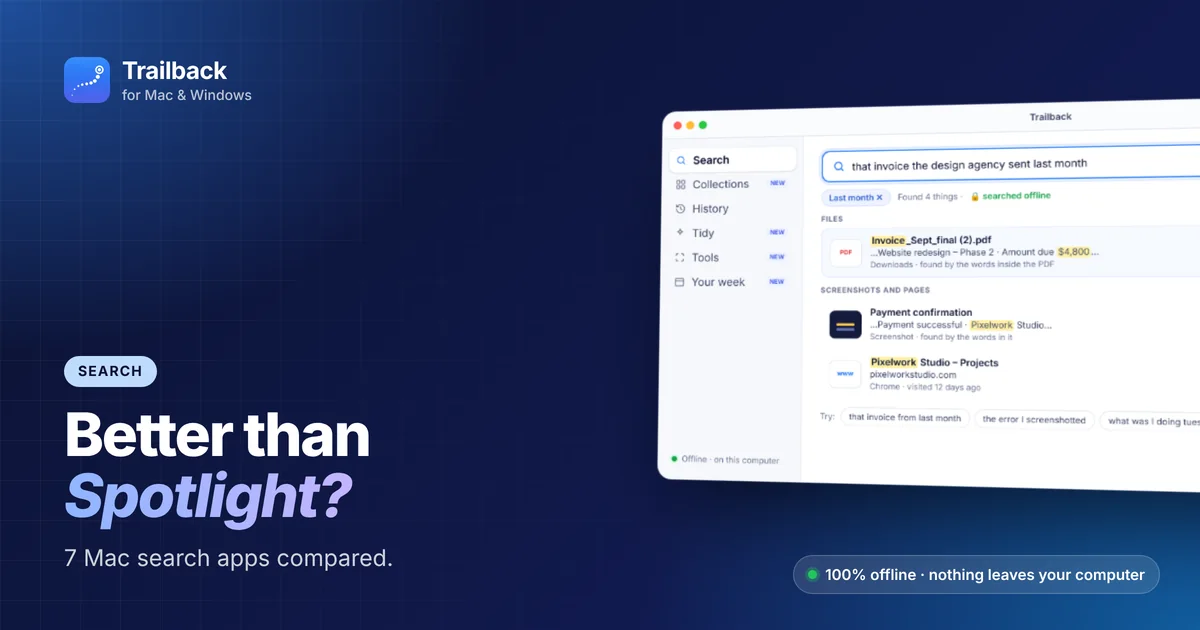
Best Spotlight Alternatives for Mac: 7 Better Ways to Search
When Spotlight can't find it, these Mac search apps can. What each one is best at, and which to choose.
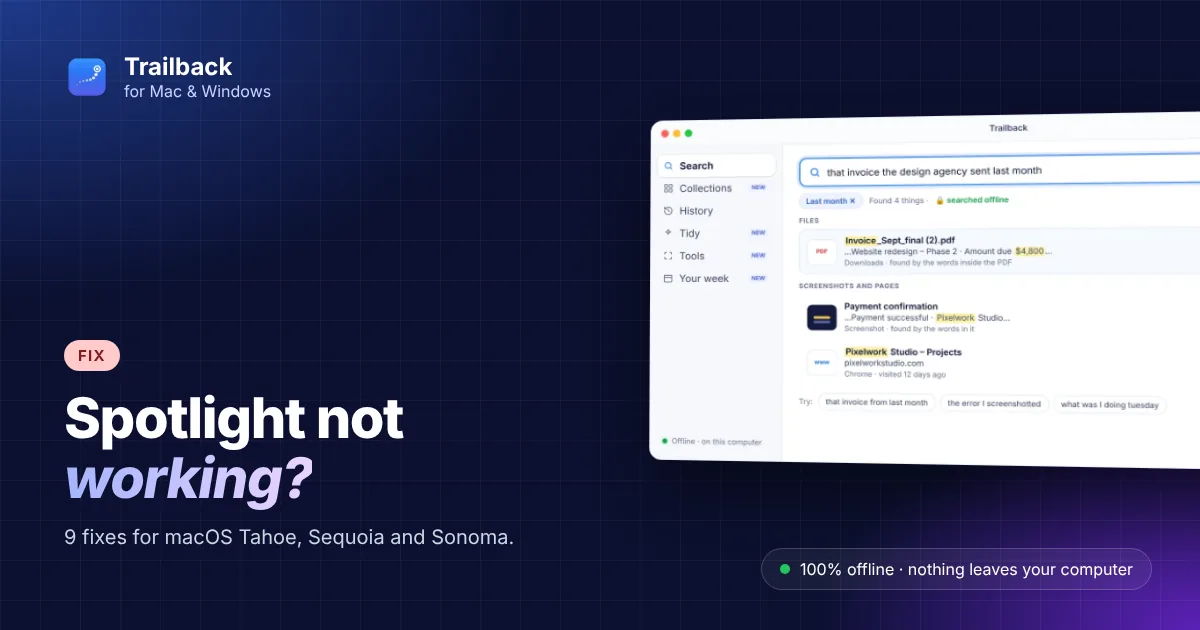
Spotlight Not Working on Mac? 9 Fixes That Work
Spotlight showing nothing, or not the file you know is there? Nine fixes, from waiting for indexing to rebuilding the index.
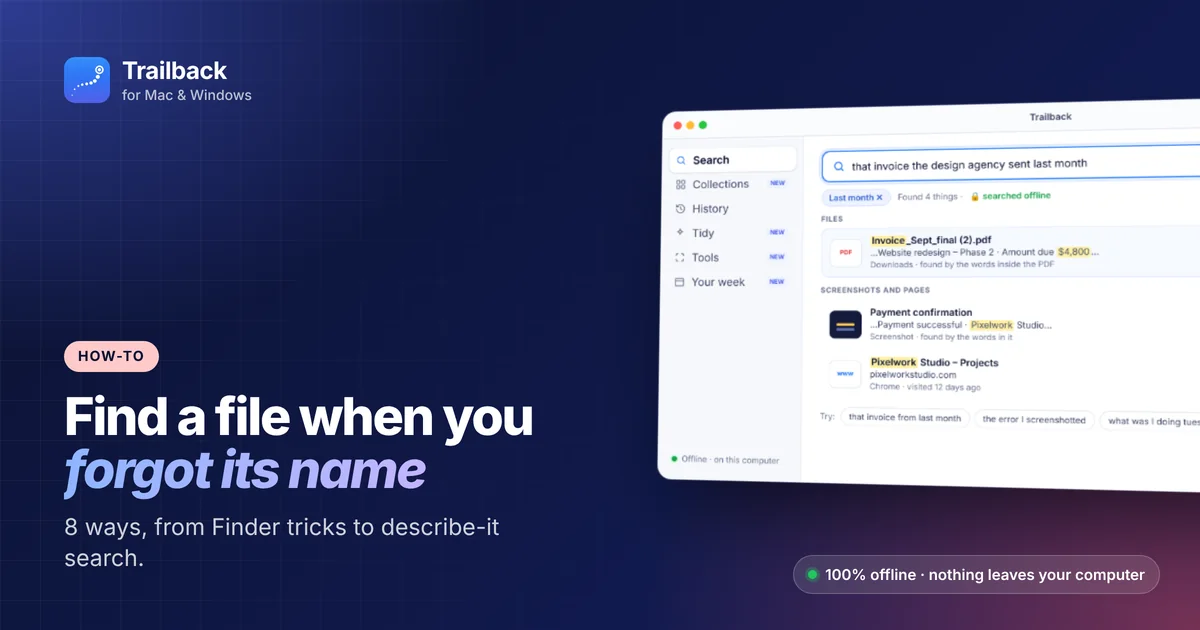
How to Find a File on Mac When You Can't Remember the Name
Eight ways to find a lost file on your Mac, from built-in tricks to searching by what you remember.