Trailback for researchers

Find the PDF you read last month.

You read it. You remember the argument, maybe a number, not the title or where it came from. Trailback remembers the papers, pages and notes you opened, so you can find them by describing them. 100% offline, on Mac and Windows.
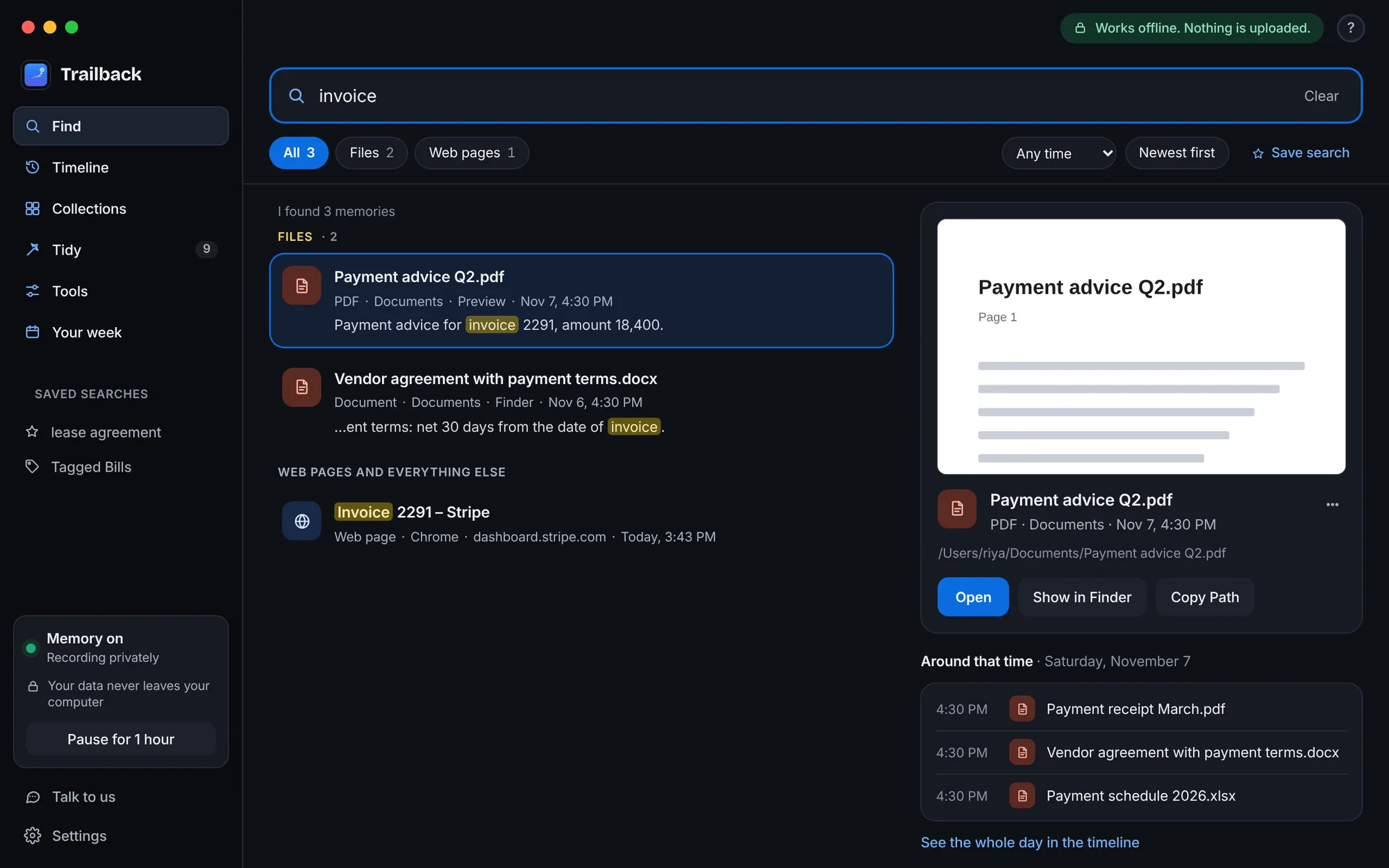
Trailback search results: a PDF and a document found by the words inside them, plus a web page, with a preview beside them

Searches that work

Type what you remember, the way you would say it to a colleague.

  • "the PDF about sleep and memory I read last month"Finds the paper by the words inside it, not its file name (which was probably 1-s2.0-S0149.pdf).
  • "the article about sample sizes I read last week"Finds a web page you visited by its name and when you read it, even after you cleared your browser history.
  • "screenshot of the bar chart from the survey"Reads the words in your screenshots, so a figure you saved is searchable.
  • "the quote I copied about peer review"Text you copied is remembered with the app it came from.
  • "what was I reading on Tuesday afternoon"Timeline shows the pages and files you had open, and reopens them together.

Made for a pile of PDFs

  • Reads the words inside PDFs, documents, slides and spreadsheets, including scanned pages and screenshots
  • Remembers where a download came from, so you can get back to the journal page or the site
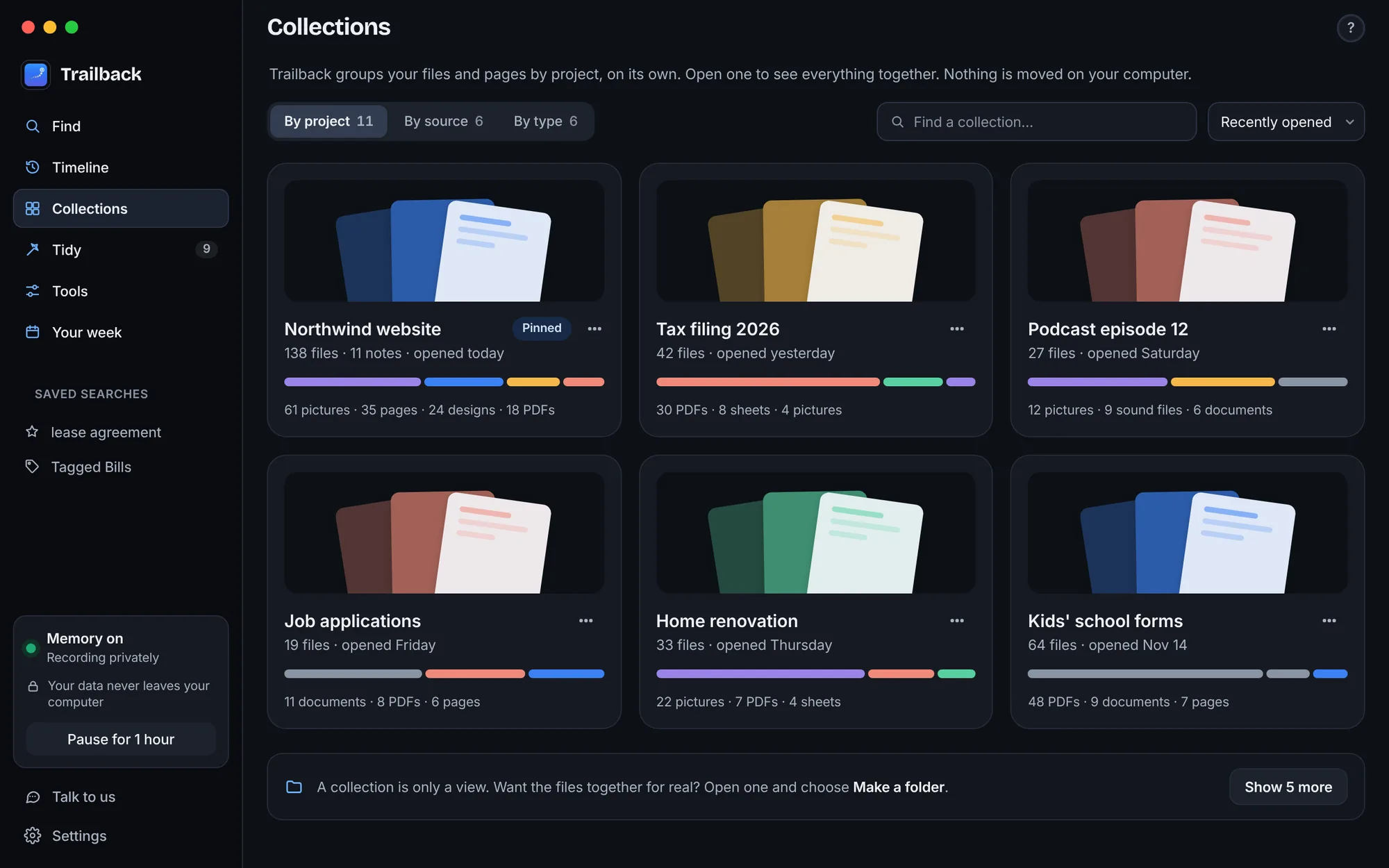
  • Collections group your files by project, by source and by type, without you sorting anything
  • Searches in 10 languages, with Japanese and Chinese text handled properly
  • Tidy suggests proper names for files called "download (3).pdf", and changes nothing until you say yes
Trailback Collections: files and pages grouped by project, by where they came from and by type
Collections: papers and pages grouped for you

Unpublished work stays yours

Your data never leaves your computer. Drafts, data and reviewer comments are not uploaded anywhere, because Trailback has no cloud and no account. It works with Wi-Fi off and keeps everything encrypted on your computer. If you want an AI app such as Claude to see what you worked on, that is a switch you turn on yourself, and it is off until you do.

Trailback is not a reference manager. It does not format citations or sync a library. Keep the one you use; Trailback is for finding the thing you can only half remember.

Related guides: how to find a PDF by its content, how to find a website you visited last week, and how Trailback sits next to other search apps on the compare page.

Pay once. Yours forever.

Trailback is the same app on Mac and Windows. One-time purchase, every future update included, 7-day money back.

Questions?

Tell us how you use it, or where you got stuck.

Talk to us