The Best Windows 11 Apps in 2026: 20 Picks Worth Installing
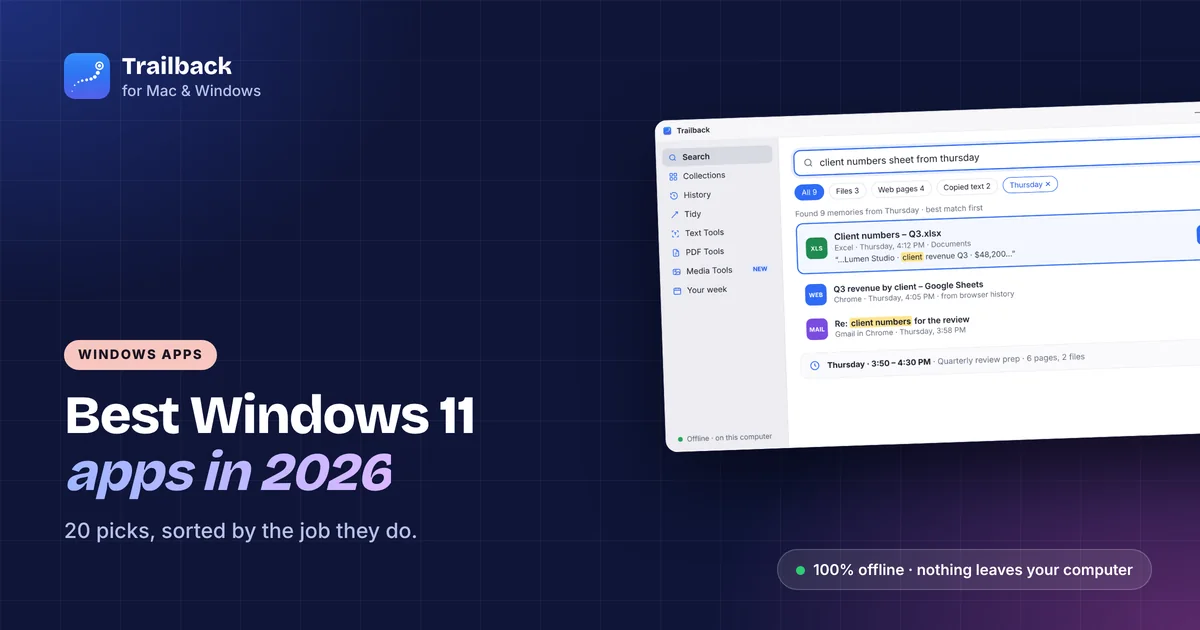
A new Windows PC comes with a lot installed and very little you'd choose yourself. These are the 20 Windows 11 apps we'd put on a fresh machine, sorted by the job they do. Every group has a free option.
How we picked these Windows apps
- They do one job well and stay out of the way.
- They're actively maintained in 2026.
- They respect your PC: no bundled extras, no nagging, and clear about what leaves your computer.
Search and memory: find things again
Trailback (ours). Remembers the web pages you visit, files you open, screenshots you take and text you copy, and finds any of it when you describe it: "the invoice pdf from last month", "screenshot with the error". Reads the text inside PDFs and screenshots. Fully offline, no account, $19 one-time. More about Trailback.
Everything. Instant file-name search across every drive. Free, tiny, and the first thing many people install.
PowerToys Run. Part of Microsoft PowerToys. Press Alt + Space to launch apps, do quick maths and find files. Free.
Screenshots and screen recording
ShareX. Free, open source, and does everything: region capture, scrolling capture, GIFs, annotations and upload to your own destinations.
Snipping Tool. Already on Windows 11. Win + Shift + S, plus text actions to copy text out of a screenshot. See how to search text in screenshots on Windows.
Windows and the desktop
PowerToys FancyZones. Snap windows into layouts you design. Free, from Microsoft.
Microsoft PowerToys (the rest). Keyboard Manager, Always on Top, Text Extractor, Image Resizer and more. One install, many small fixes.
Flow Launcher. A fast launcher with plugins, if you want more than PowerToys Run.
Clipboard and text
Windows clipboard history. Win + V. Already there, just turn it on. Keeps the last 25 items until restart. Our clipboard history guide covers the limits.
Ditto. Free clipboard manager that keeps a searchable history across restarts.
Files and organising
Files (by Yair A). A modern File Explorer replacement with tabs, dual panes and tags. Free and open source.
7-Zip. Opens and creates every archive format. Free.
WinDirStat / WizTree. See what's taking up space, with a treemap. Both free.
Privacy and security
Bitwarden. A password manager with a generous free tier and open-source apps for every platform.
O&O ShutUp10++. A free switchboard for Windows telemetry and privacy settings. Read each setting before you flip it.
Trailback again counts here: it's one of the few "memory" apps that never uploads anything. For more, see best privacy apps for Mac, many of which have Windows versions.
Notes and writing
Obsidian. Local Markdown notes, free for personal use, with a huge plugin ecosystem.
Notepad++. Free text editor that opens anything and never slows down.
Media
VLC. Plays everything. Free.
IrfanView. Fast image viewer and batch converter. Free.
HandBrake. Converts and shrinks video. Free and open source.
Our minimal starter set
If you only install five: Trailback, Everything, PowerToys, ShareX and Bitwarden. Together they cover finding things, capturing things, fixing the desktop and staying safe.
Find anything on your computer by describing it.
Files, PDFs, the words in your screenshots and the pages you visited. 100% offline. Your data never leaves your computer.
Frequently asked questions
What are the must-have apps for Windows 11?
For most people: a file search tool (Everything), PowerToys, a screenshot tool (ShareX), a password manager (Bitwarden), and a memory app like Trailback for finding pages, files and screenshots again.
Are these apps free?
Everything, PowerToys, ShareX, Ditto, Files, 7-Zip, Bitwarden (free tier), Obsidian, Notepad++, VLC, IrfanView and HandBrake are free. Trailback is $19 one-time.
Which of these work offline?
All of them work without internet. Trailback in particular stores everything on your PC and never uploads.
Is there a Windows version of Rewind?
Rewind was Mac-only and has stopped recording. See Rewind AI alternatives for Windows options.
Pavan is the founder of Trailback, a private, offline app for Mac and Windows that helps you find anything on your computer by describing it. He builds it at Hara Infotech in Hyderabad.
Keep reading
Microsoft Recall Alternatives That Work on Any Windows PC (2026)
You don't need a Copilot+ PC to get a memory for your computer. Six Recall alternatives for any Windows laptop, compared on privacy and price.
How to Find a File on Windows 11 When You Forgot the Name
Eight ways to find a lost file on Windows 10 or 11, from built-in tricks to searching by what you remember.
The Best Mac Apps in 2026: 25 Picks for Every Kind of Work
Twenty-five macOS apps that earn their place on your Mac, sorted by the job they do, with free options in every group.