Never Miss a Renewal: Find Due Dates Hidden in Your PDFs and Emails

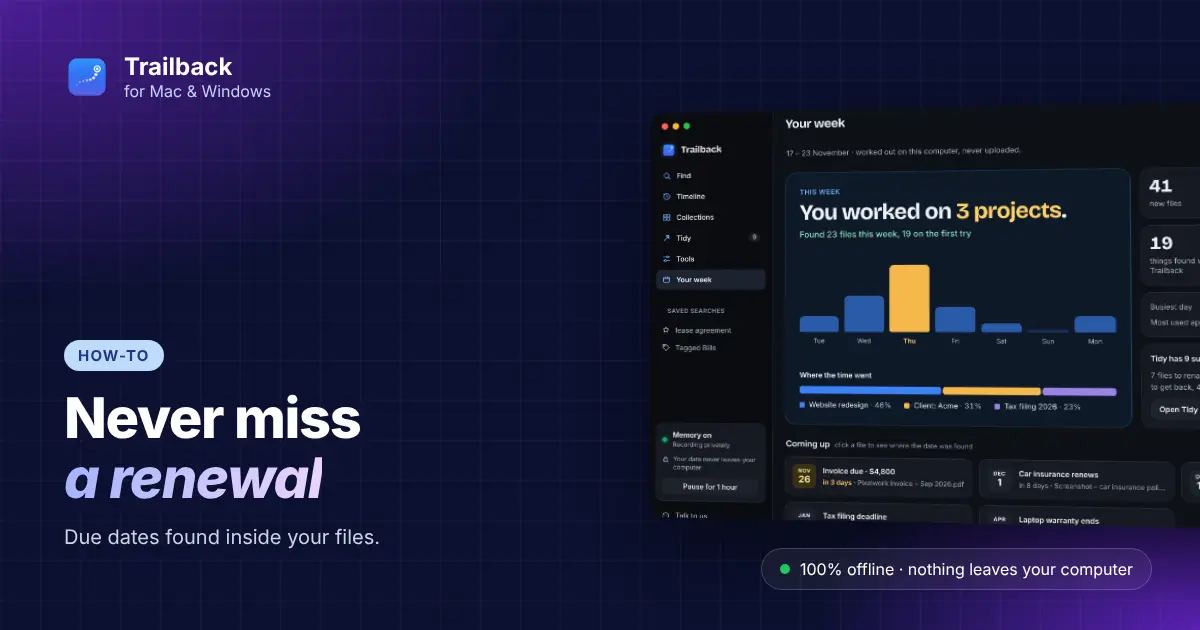
Nobody misses a renewal because they did not care. They miss it because the date was on page 3 of a PDF that arrived eleven months ago. The car insurance, the web address for your business, the software you pay for once a year, the rent agreement, the invoice with 30 days to pay: each one has a date, and each date is buried in a different place.
This guide shows how to dig those dates out of your email and your files, and a way to have the ones in your files listed for you.
Where the dates hide
- Insurance policies: "policy ends", "renewal date", often in a table on the first or second page.
- Invoices and bills: "due date", "pay by", "payment due".
- Contracts and rent agreements: "valid until", "expires on", and the notice period before it.
- Subscriptions and web addresses: "renews on", usually in an email receipt.
- Warranties: "warranty expires", on the receipt you kept as a photo or a screenshot.
In your email: search for the words
Email is where most of these arrive, and every mail app can search for the words above. In Gmail, type this in the search box:
"renews on" OR "renewal date" OR "due date" OR "expires" OR "valid until"
Add has:attachment to see only messages with a file attached, or newer_than:1y for the last year. Outlook and Apple Mail accept the same words, one phrase at a time.
- Good for: a once-a-year sweep. Set aside twenty minutes and go through the results.
- The catch: the search finds messages, not dates. You still open each one, find the date and write it down.
Tip: when a bill or policy arrives, save the PDF into your Documents folder. Then it sits with your other papers, where the next two methods can see it.
In your files: search inside PDFs
Both Spotlight on a Mac and File Explorer on Windows can search the words inside PDFs. Search for "renewal date" or "due date" and you get a list of files that contain the phrase. See how to find a PDF by its content for the details and for what to do when the PDF is a scan.
Again, you get files, not dates. You open each one and read. That is fine for five files and tiring for fifty.
The reliable way: your calendar
For anything that truly must not be missed, the calendar is still the right tool. When the document arrives, add an entry a few weeks before the date, with the file's name in the notes. It only fails in one way: you have to remember to do it, for every document, every time.
Have the dates in your files listed for you: Trailback
Trailback is our app for Mac and Windows. It remembers the files, pages and screenshots on your computer so you can find them by describing them. Since it already reads the words inside your invoices, contracts, receipts, bills and policies, it also picks out the dates that matter and lists them under Coming up, soonest first: on the Find screen and on Your week.
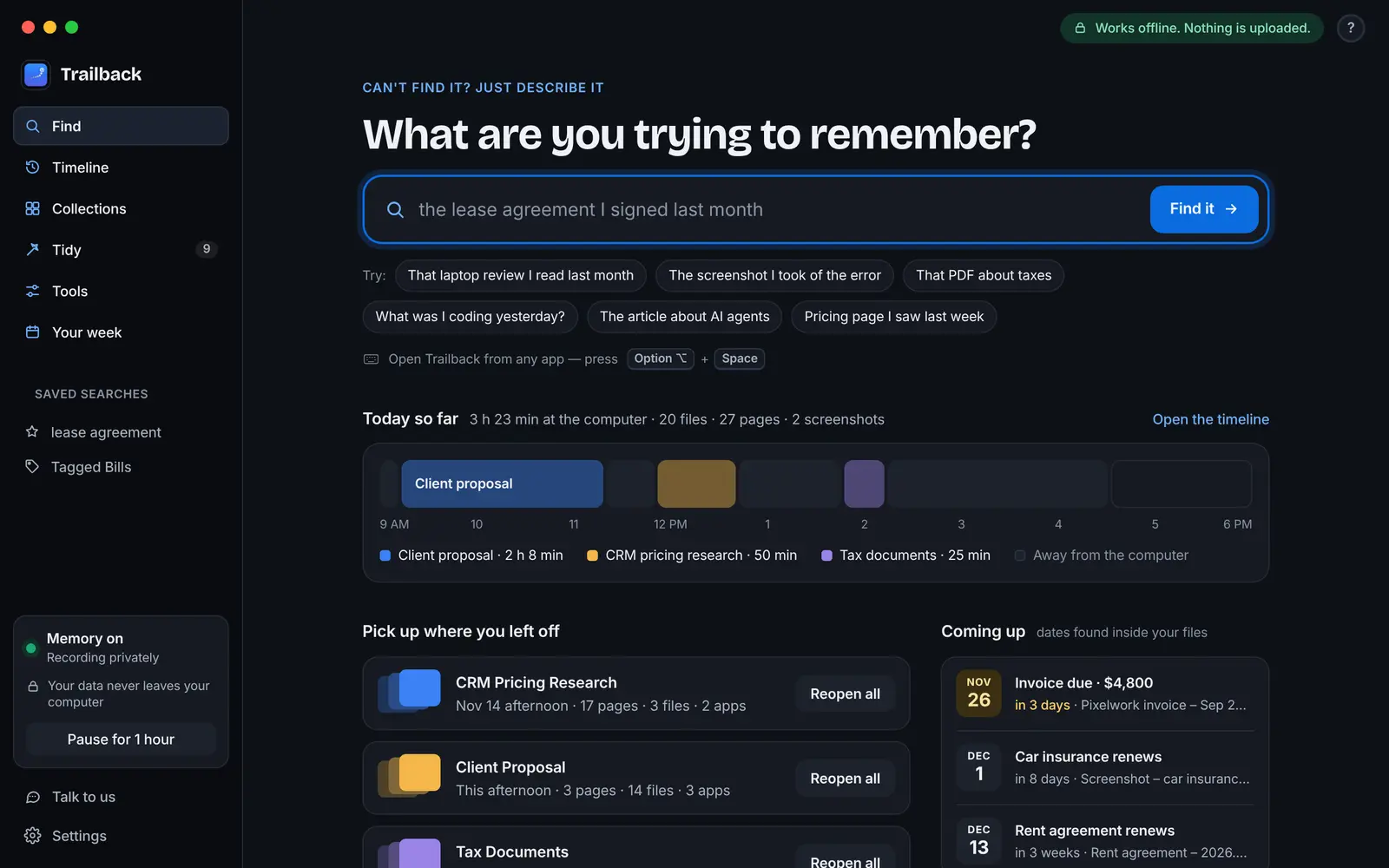
How it decides what counts:
- A label has to sit right next to the date. "Due 15 Oct 2026", "renews on 1 March 2027", "valid until 31/12/2026". A date on its own, such as the day a letter was written, is ignored.
- If a date can be read two ways, it is skipped. 03/04/2026 could be 3 April or 4 March. A wrong date is worse than a missing one.
- Screenshots count. A screenshot of a renewal notice is read like any other file.
- Other languages count. Labels in French, German, Spanish, Italian, Polish, Japanese and Chinese are understood too.
- Click a date to see the file it was found in, so you can check it yourself.
It all happens on your computer. Nothing is uploaded, and it works with Wi-Fi off.
What it does not do
- It does not read your mail app. For a date that only exists in an email, save the PDF or take a screenshot, and it will be picked up.
- It is not an alarm. It shows what is coming when you open Trailback. Use your calendar for the dates that must not be missed.
- It will miss dates written without a clear label, because it prefers skipping to guessing.
Which way fits?
| Way | Finds | Effort | Good for |
|---|---|---|---|
| Email search | Messages that mention a date | You read each one | A yearly sweep |
| Search inside PDFs | Files that mention a date | You read each one | A handful of files |
| Calendar | Only what you entered | A minute per document | Dates that must not be missed |
| Trailback Coming up | The dates themselves, from your files | None after setup | Seeing what is coming without looking for it |
A sensible mix: let Trailback show you what is coming, and copy the two or three dates that really matter into your calendar. If invoices and contracts are your working life, Trailback for freelancers covers the rest of the week too, and the compare page shows how Trailback sits next to other apps. Keeping those papers findable is easier with a few habits from how to organize files on a Mac.
Find anything on your computer by describing it.
Files, PDFs, the words in your screenshots and the pages you visited. 100% offline. Your data never leaves your computer.
Trailback - a searchable memory of your computer activity
Frequently asked questions
How do I find all my renewal dates?
Search your email for words like renews, renewal date, expires and valid until, and do the same in your files. Or use an app that reads the dates inside your files and lists them. Trailback does this on Mac and Windows.
Does Trailback read my emails?
No. Trailback does not read your mail app. It reads the files on your computer and your screenshots, so a bill you saved as a PDF or took a screenshot of is included.
Will Trailback remind me before a date?
Trailback lists the dates coming up on its Find and Your week screens, soonest first. It is not an alarm, so for something that must not be missed, also put it in your calendar.
What if a date is written in a confusing way?
A date like 03/04/2026 can mean 3 April or 4 March. When Trailback cannot be sure which, it skips the date instead of guessing.
Pavan is the founder of Trailback, a private, offline app for Mac and Windows that helps you find anything on your computer by describing it. He builds it at Hara Infotech in Hyderabad.
Keep reading
How to Find a PDF by Its Content on Mac and Windows
Dozens of PDFs called document.pdf? How to find the right one by the words inside it, on Mac and Windows.
Best Mac Apps to Organize Files and Clean Up Your Downloads Folder
How to turn a Downloads folder full of "download (3).pdf" into something you can actually use, with built-in tools and the best Mac apps.
How to See What You Were Working On Yesterday (Mac and Windows)
Monday morning, blank desk. Here's how to get yesterday afternoon back, files, pages and all.