Trailback 3.0: What's New
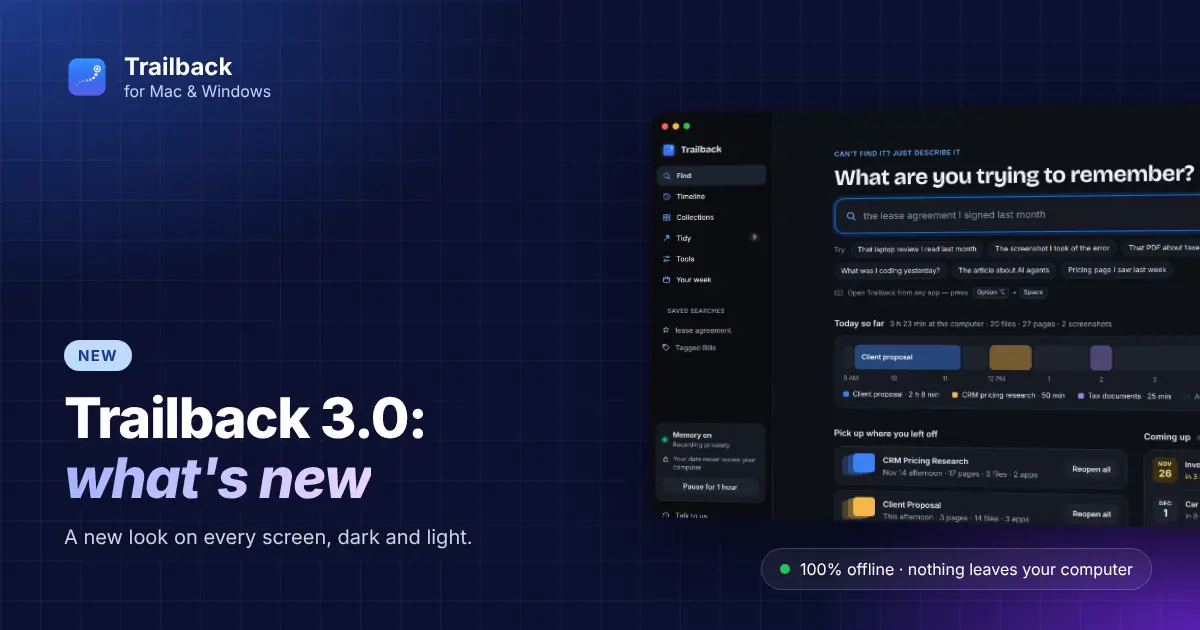
Trailback 3.0 came out on 23 November 2026. It is the biggest change to how the app looks since the first version: every screen has been redrawn, in dark and in light, and several screens work in a simpler way. Nothing about privacy changed. Trailback still works fully offline, and your data never leaves your computer.
The short version
- A new look on every screen, in dark and light: calmer colours, bigger headlines, and one amber highlighter that marks whatever Trailback found.
- A simpler sidebar: Find, Timeline, Collections, Tidy, Tools and Your week.
- A preview beside your search results: the picture, where the file is, and what you were doing around that time.
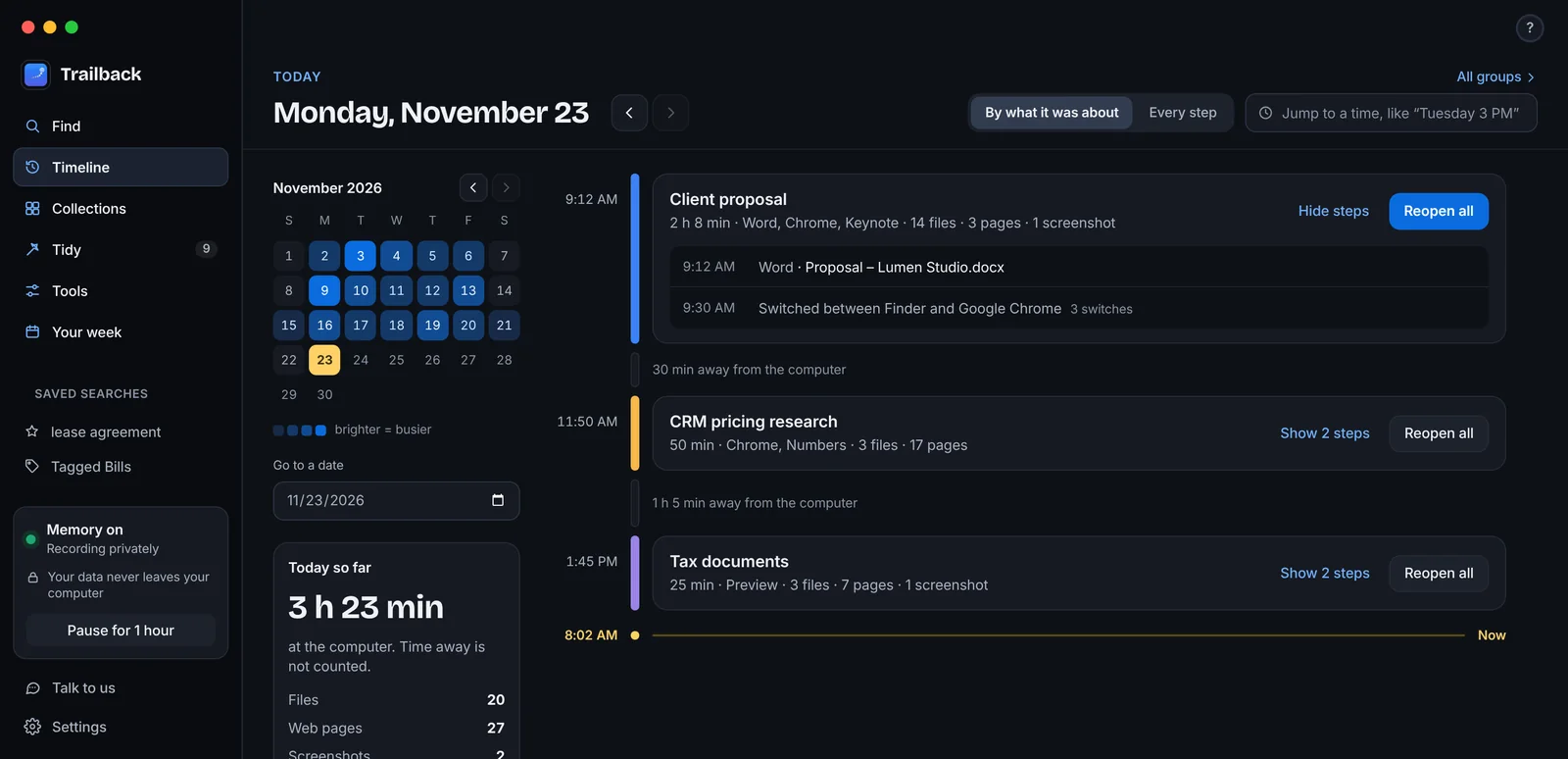
- Timeline shows one day as blocks of work, with the time away left out.
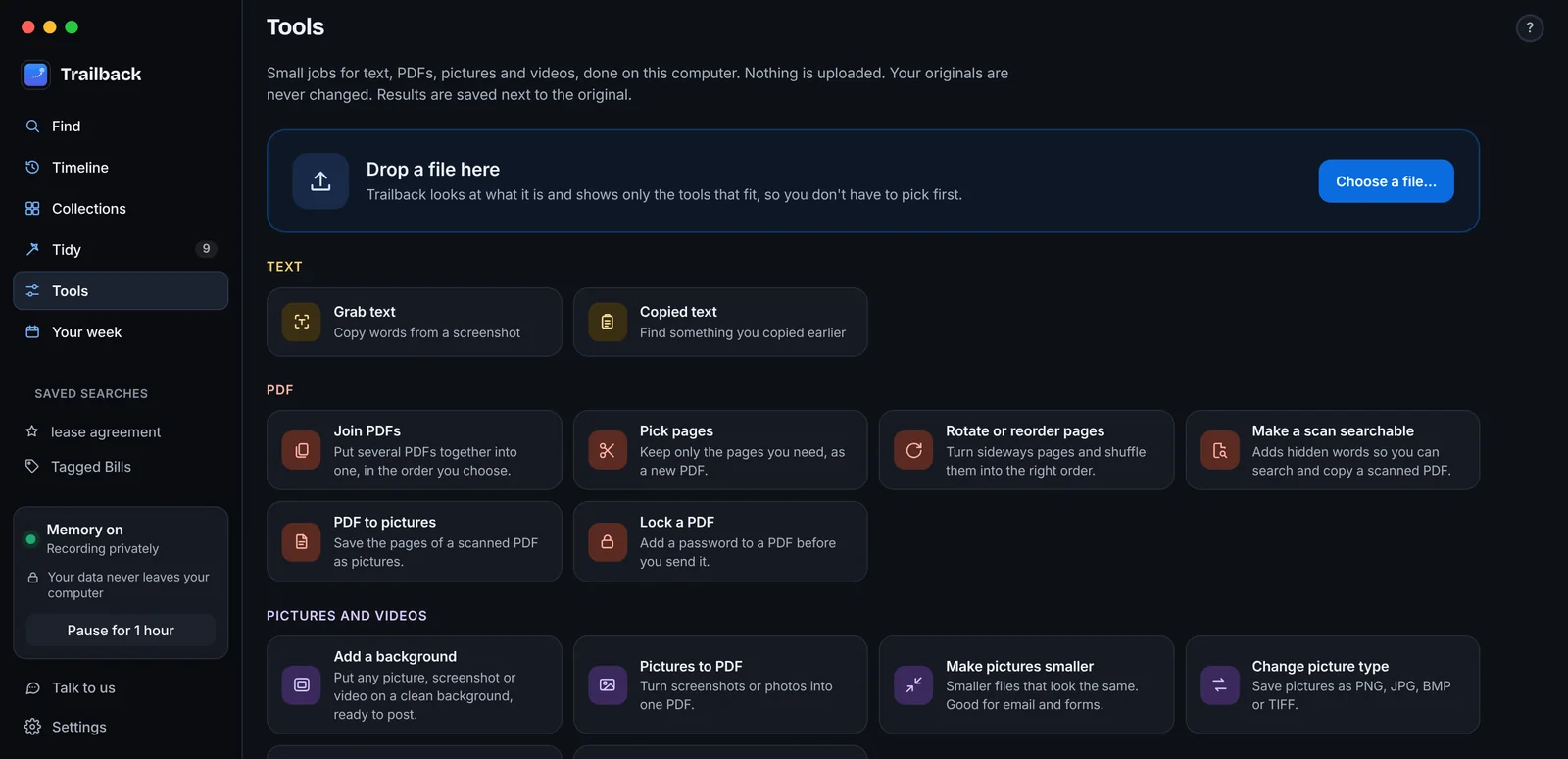
- Tools is one screen for text, PDF, picture and video jobs.
- Settings is in four sections, and Privacy starts with the complete list of what leaves your computer.
Find: your day so far, and what is coming up
The first screen is now called Find. Under the search box it shows your day so far as a coloured strip, the work you might want to pick up again, and the dates coming up that Trailback found inside your files, such as an invoice that is due or an insurance policy that renews.
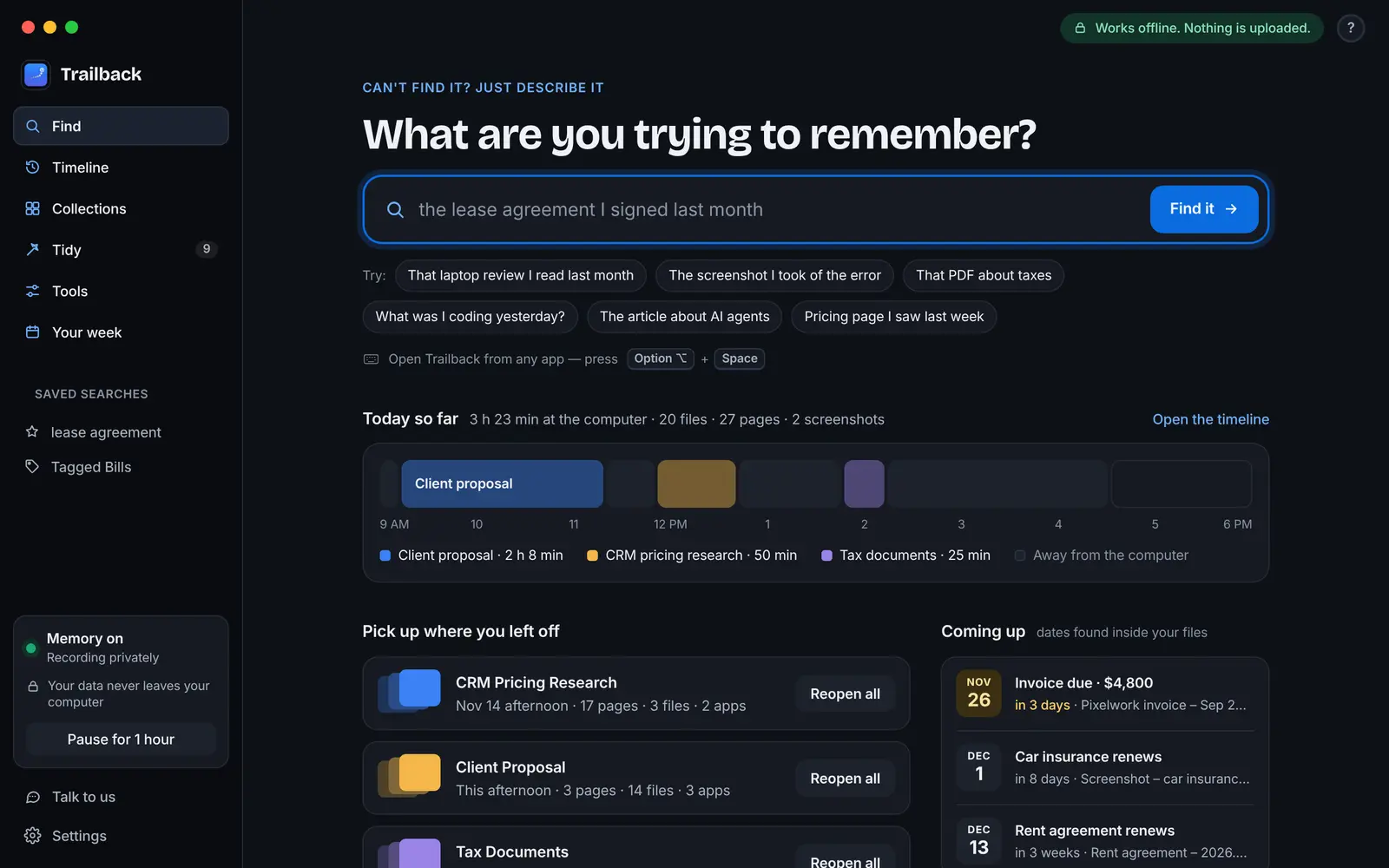
Search results with a preview beside them
Search works the way it did: type what you remember, such as "the invoice the design agency sent last month". What is new is the panel beside the results. It shows the picture or the first page, where the file is, buttons to open it or show it in its folder, and what else you had open around that time. The words that matched are marked with the amber highlighter.
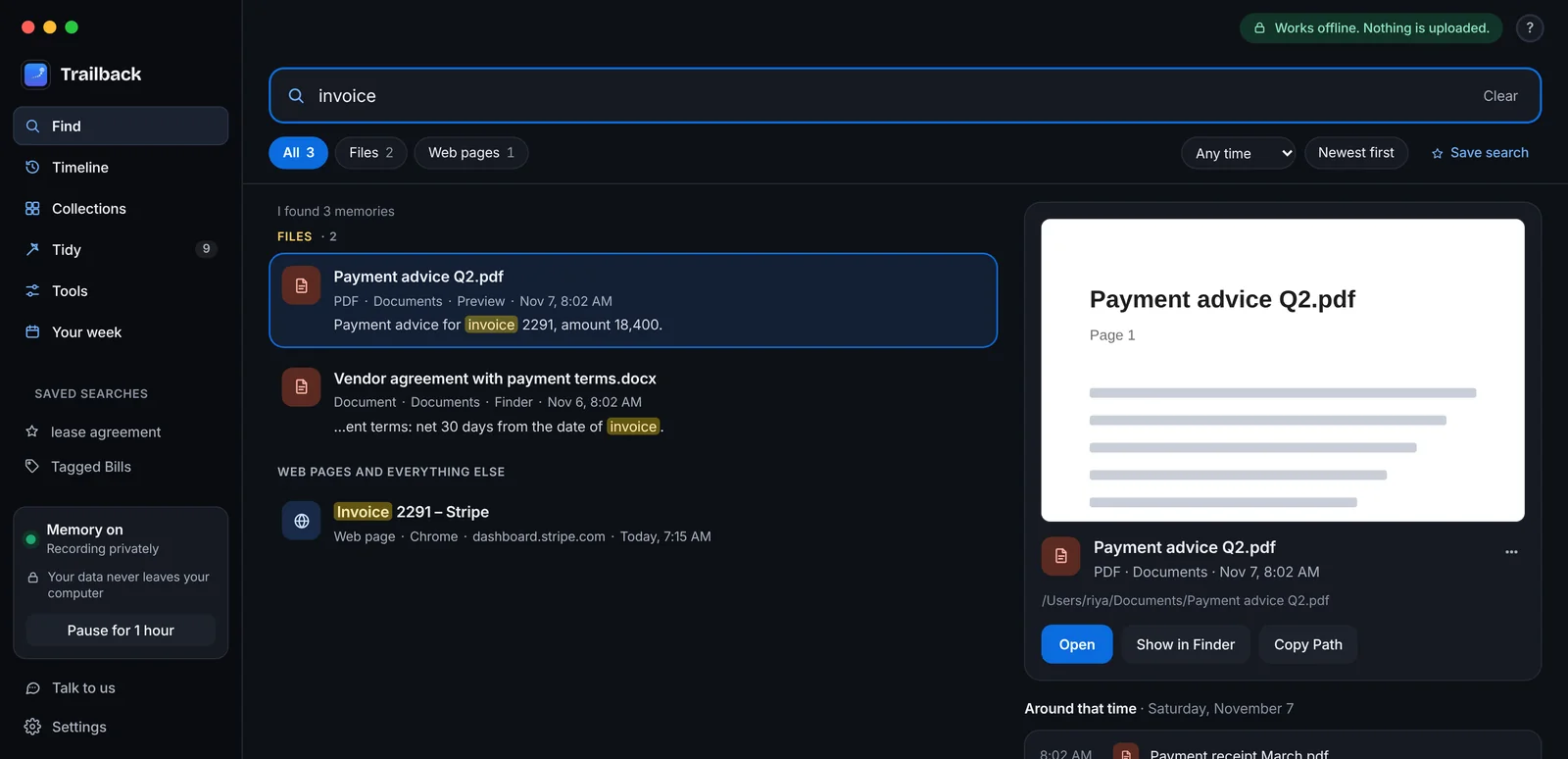
Timeline: one day, as blocks of work
Timeline used to be a long list. Now it shows one day at a time as blocks of work, each with its files, pages and screenshots. Time away from the computer is left out, so the hours are honest. A small calendar shows which days were busier, and Reopen all brings a block's pages and files back in one click. If you bill by the hour, see Trailback for freelancers.
Collections, Tidy and Your week
- Collections shows each project as a stack with a bar of what is inside, and groups files by where they came from.
- Tidy starts with what it found, in numbers: files with unclear names, files that belong together, space you can get back. Similar photos has its own card.
- Your week shows a bar for each day and the projects the week went to.
Tools on one screen
Tools is now one screen for text, PDF, picture and video jobs. Drop a file on it and Trailback shows only the tools that fit that file. Like everything else, the tools run on your computer.
Settings in four sections
Settings has four sections: General, Privacy, Browsers and AI apps, and License and storage. Privacy starts with What leaves this computer: the complete, short list. Light, Dark and Auto moved to General, under Appearance. Quick Search, the first-run screens and the help sheet have the new look too, in all 10 languages.
The facts in one place
| Trailback 3.0 | |
|---|---|
| Released | 23 November 2026 |
| Mac | macOS 13 or later, Apple silicon and Intel, about 61 MB |
| Windows | Windows 10 and 11 (64-bit), about 49 MB, from the Microsoft Store |
| Quick Search | Option + Space on Mac, Alt + Shift + Space on Windows |
| Languages | English, Japanese, Chinese, Spanish, French, German, Portuguese, Italian, Dutch and Polish |
| Privacy | Works fully offline. No account, no cloud, no screen recording |
| Price | One-time purchase, updates included |
How to get it
- On a Mac: Trailback offers the update by itself. Click Update and restart, and it reopens on 3.0. New here? Start on the Trailback for Mac page.
- On Windows: the Microsoft Store installs it once Microsoft has finished checking it. See Trailback for Windows.
To see how Trailback sits next to Spotlight, Raycast, Recall and others, there is one table on the compare page. And if most of your lost things are papers and PDFs, see Trailback for researchers.
More reading: a searchable history of your computer and how to see what you were working on yesterday.
Find anything on your computer by describing it.
Files, PDFs, the words in your screenshots and the pages you visited. 100% offline. Your data never leaves your computer.
Trailback - a searchable memory of your computer activity
Frequently asked questions
When was Trailback 3.0 released?
Trailback 3.0 came out on 23 November 2026 for Mac. On Windows it arrives through the Microsoft Store once Microsoft has finished checking it.
Is Trailback 3.0 a free update?
Yes. Every update is included with your license. On a Mac, Trailback offers the update by itself; on Windows the Microsoft Store installs it.
Did anything change about privacy in 3.0?
No. Trailback still works fully offline and your data never leaves your computer. Settings now starts the Privacy section with a short list called What leaves this computer.
Which computers does Trailback 3.0 run on?
Macs with macOS 13 or later, both Apple silicon and Intel, and PCs with Windows 10 or 11.
Pavan is the founder of Trailback, a private, offline app for Mac and Windows that helps you find anything on your computer by describing it. He builds it at Hara Infotech in Hyderabad.
Keep reading
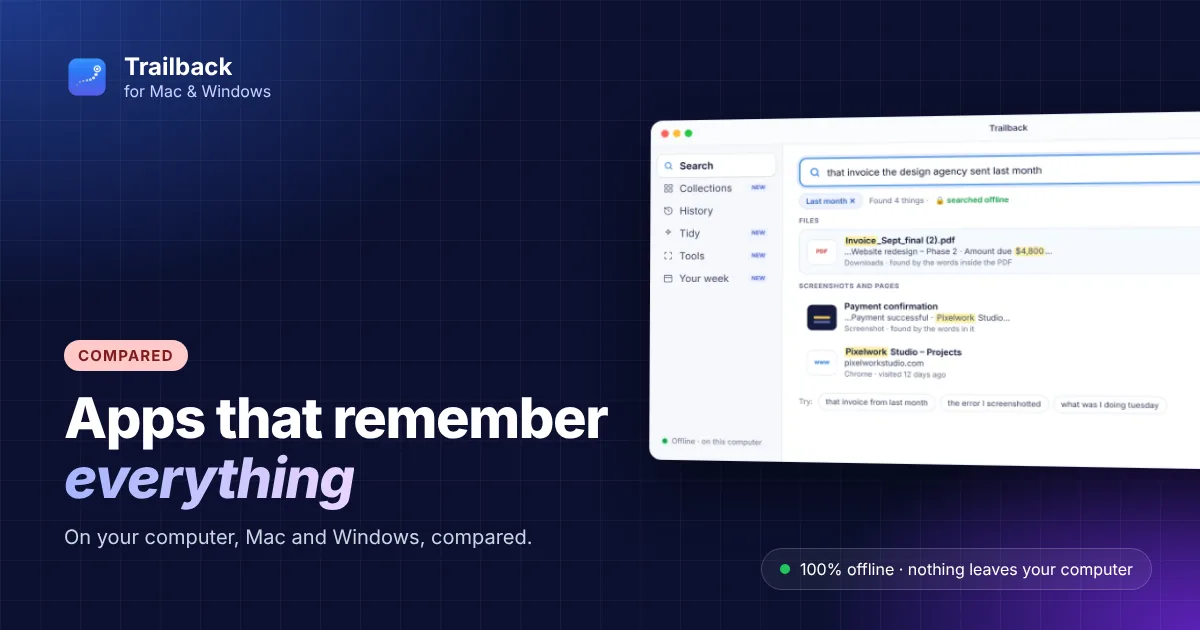
Apps That Remember Everything on Your Computer (2026)
Some record your screen, others remember what you used. The apps that remember everything on your computer, compared on privacy and platforms.
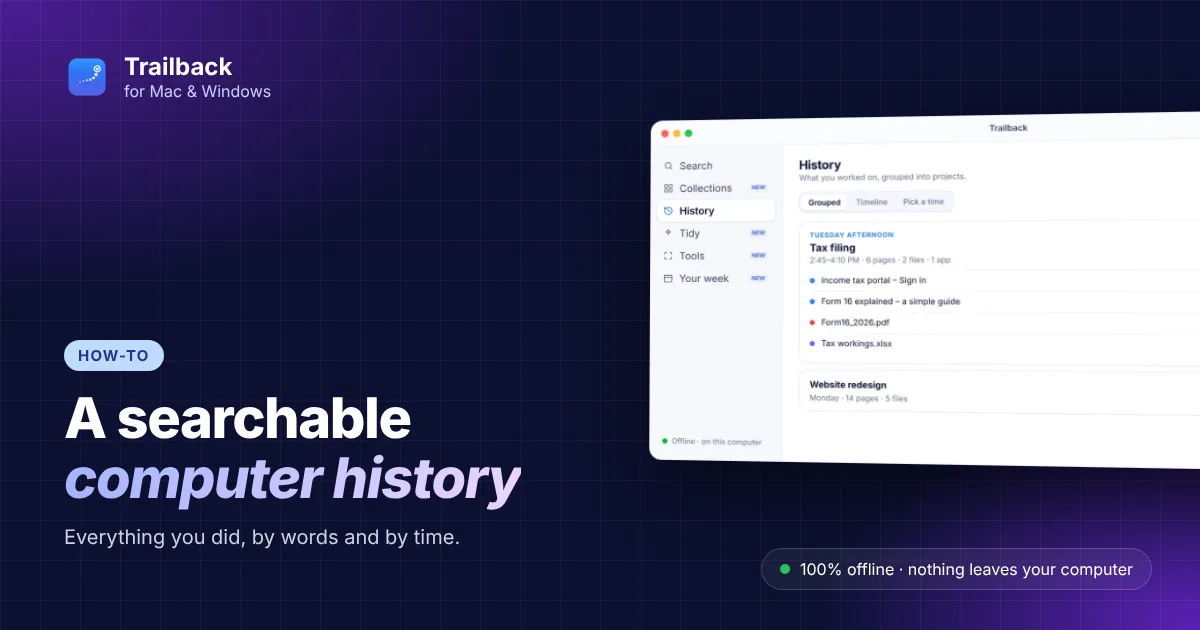
How to Get a Searchable History of Everything You Did on Your Computer
Browser history, Recents and clipboard each keep a little. Here's how to get one searchable history of everything you did, by words and by time.
How to See What You Were Working On Yesterday (Mac and Windows)
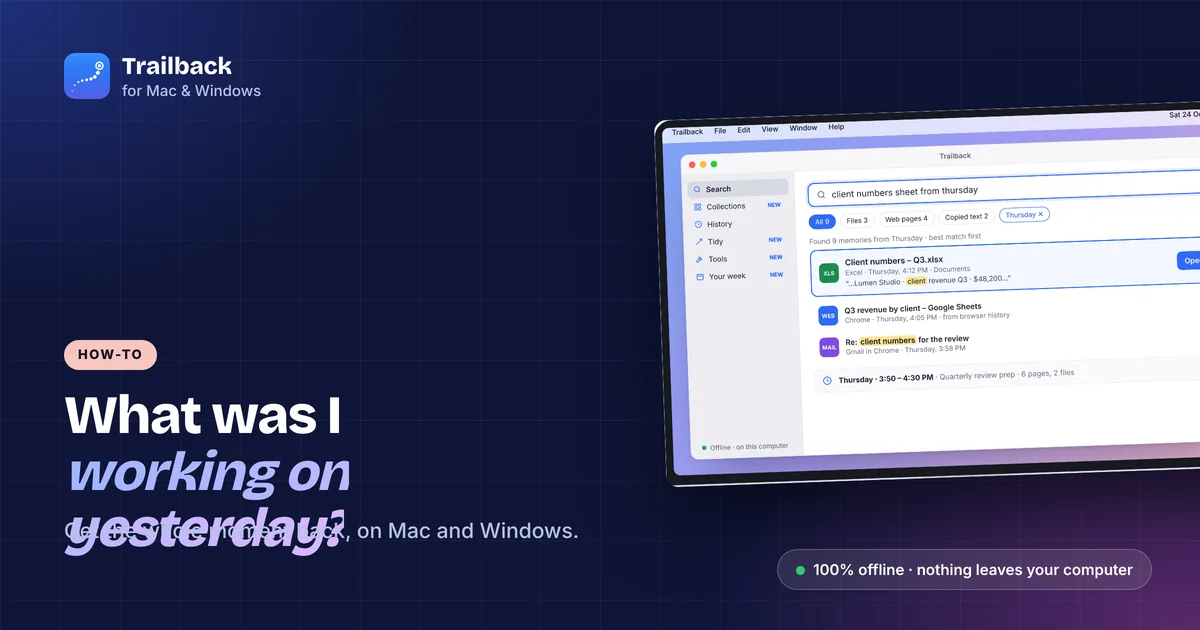
Monday morning, blank desk. Here's how to get yesterday afternoon back, files, pages and all.