Trailback vs Raycast and Alfred: Launcher or Memory?
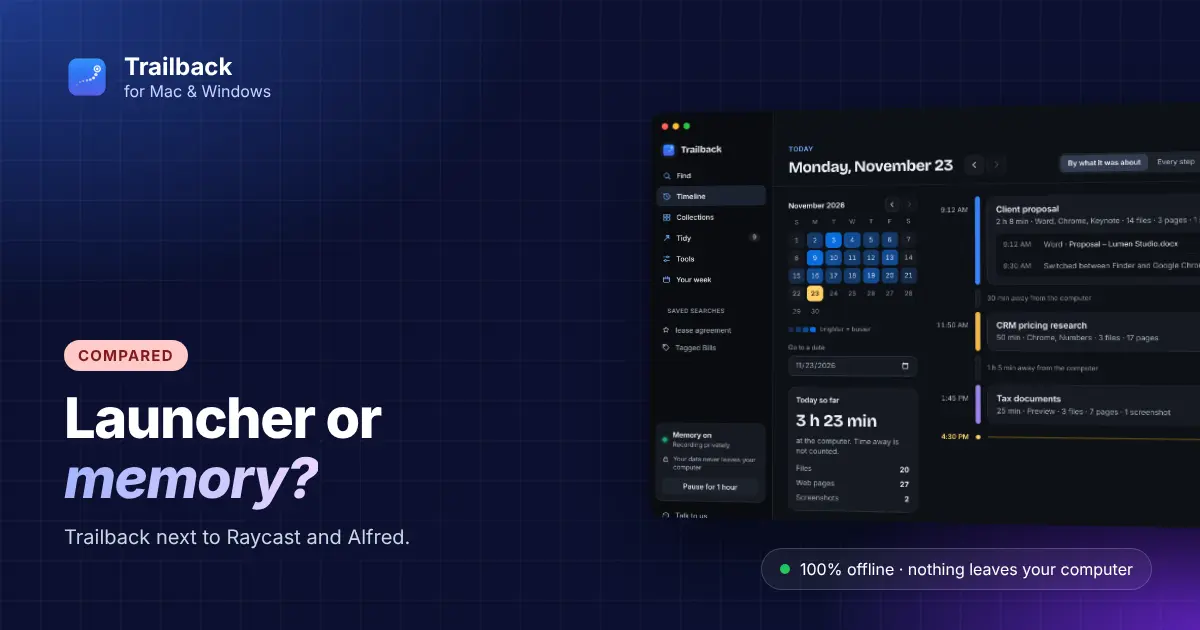
People often ask whether Trailback replaces Raycast or Alfred. It does not, and it is not meant to. Raycast and Alfred are launchers: you press a shortcut, type a few letters and something happens. Trailback is a memory: it remembers what you did on your computer, so you can find it again later by describing it.
This page explains the difference plainly, says where the launchers are better, and shows how the two kinds of app fit together.
The short version
- Raycast and Alfred are for doing things fast: open an app, run a command, move a window, paste something you copied earlier.
- Trailback is for finding things you can only half remember: a PDF, a page you read, a screenshot, a file a client sent in March.
- If you want one keyboard bar for everything, pick a launcher. If you lose time looking for things you know you saw, add Trailback.
Side by side
| Raycast | Alfred | Trailback | |
|---|---|---|---|
| What it is | Launcher and command bar | Launcher with workflows | A private memory of what you did |
| Open apps, run commands | Yes | Yes | No |
| Window control, snippets, add-ons | Yes, hundreds of add-ons | Yes, with the paid Powerpack | No |
| Clipboard history | Yes | Yes, with the Powerpack | Yes (passwords and codes are skipped) |
| File search | By name or a word inside, using the Mac's index | By name or a word inside, using the Mac's index | By describing it, by time, and by what is inside |
| Web pages you visited | No | No | Yes, even after you clear your browser history |
| "What was I doing on Tuesday afternoon?" | No | No | Yes, in Timeline |
| Runs on | Mac, with a newer Windows version | Mac | Mac and Windows |
| Online parts | Sync and AI use its online service | None needed | None. Works fully offline |
| Price | Free, with a paid Pro plan | Free, with a paid Powerpack | One-time purchase |
What Raycast and Alfred do better
- Launching and commands. Opening apps, running scripts, quick sums, moving windows. Trailback does not try to do any of it.
- Add-ons and workflows. Raycast has a large library of add-ons. Alfred's workflows let you build your own automations. Trailback has no add-ons.
- Speed for things you can name. If you know the file is called "Budget 2026", a launcher gets you there in a second.
- The free versions go a long way. You can use either launcher for years without paying.
What Trailback does better
- Finding by description. "The contract the design agency sent in March" finds the PDF by the words inside it, whatever it is called.
- Remembering pages. The pages you read in any browser are kept by name and time, so "the pricing page I saw last week" has an answer.
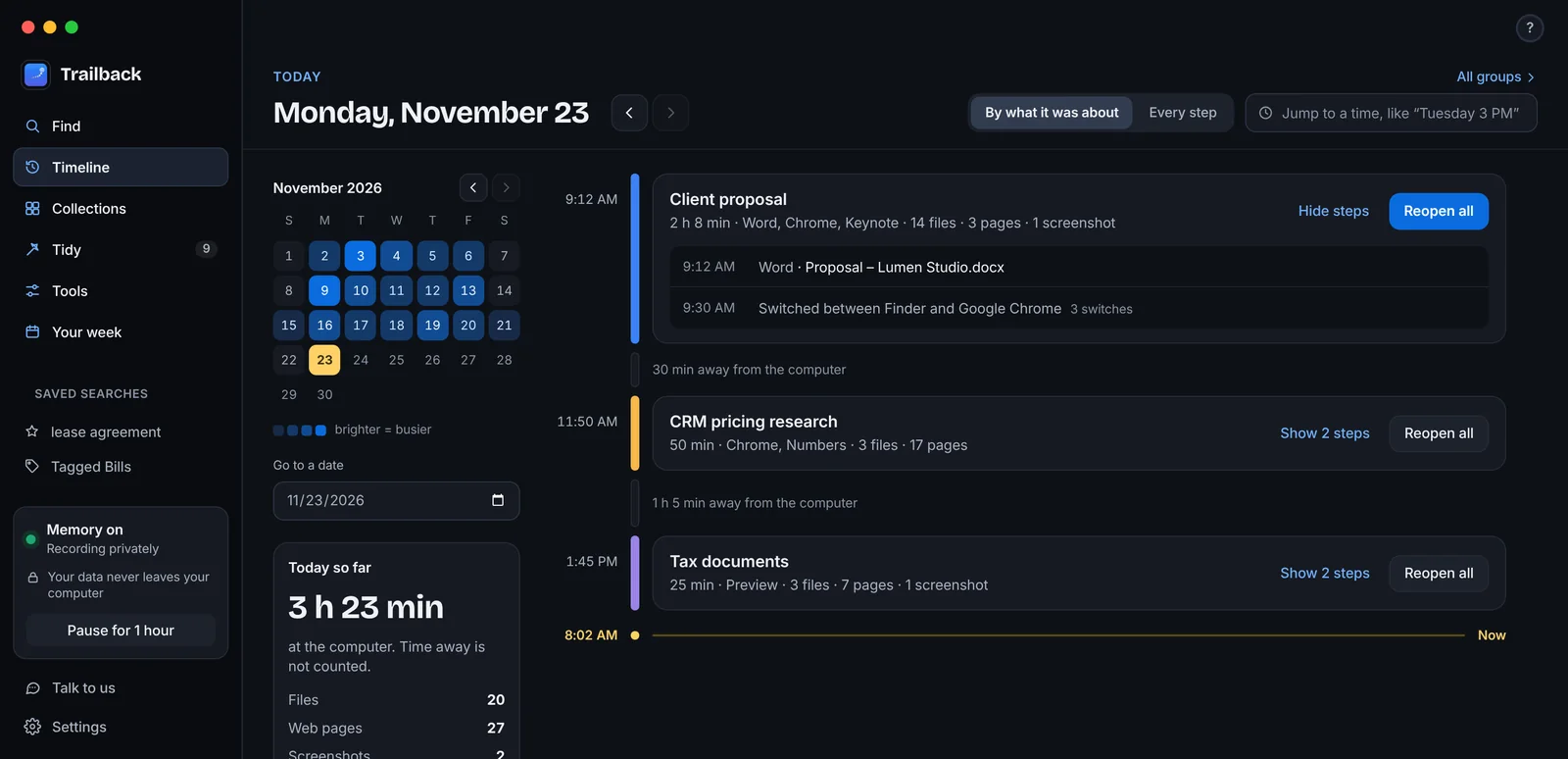
- Remembering time. Timeline shows any day as blocks of work. That makes it useful for timesheets too: see Trailback for freelancers.
- Staying on your computer. No account and nothing to sync. Your data never leaves your computer.
Using them together
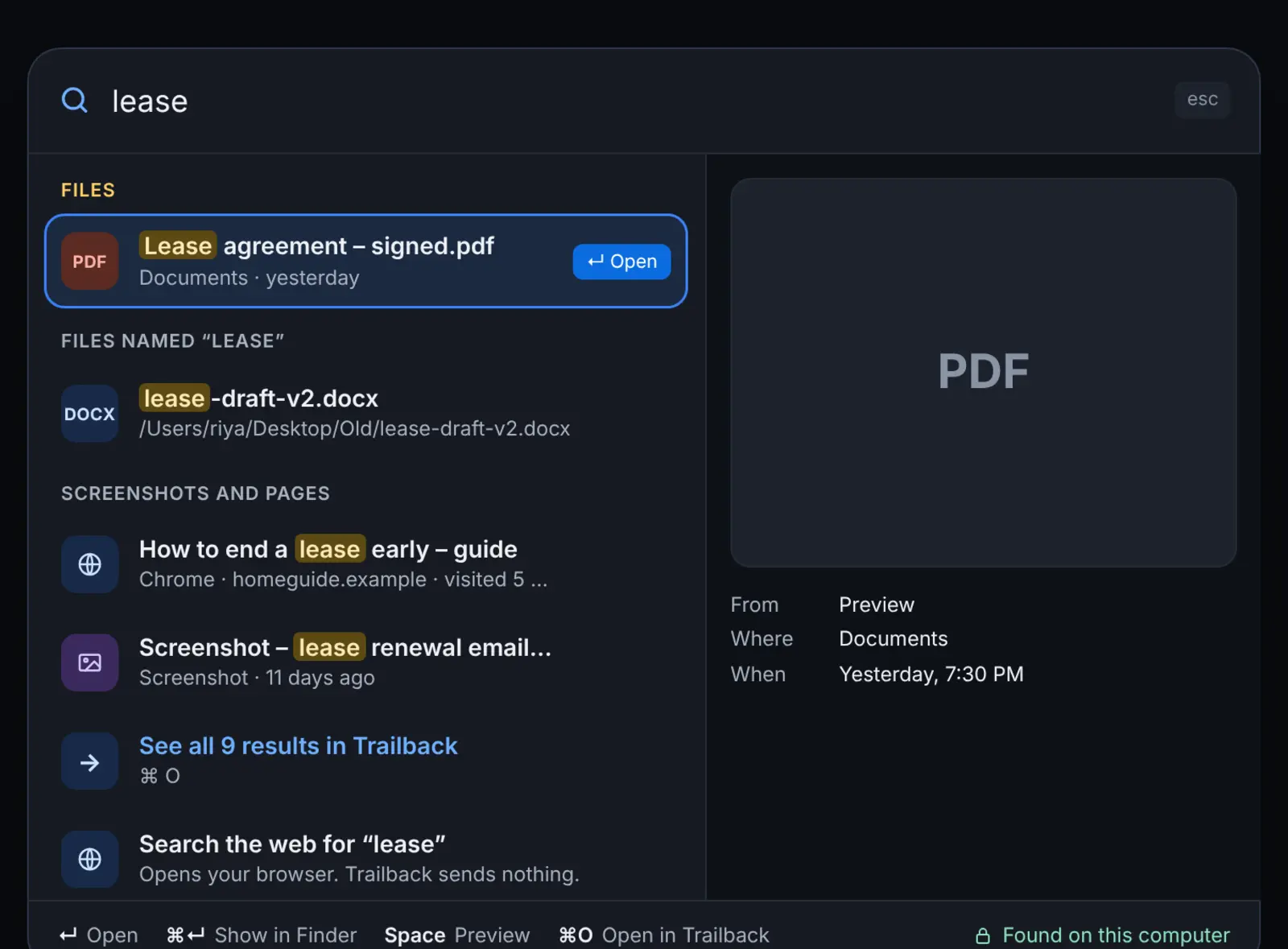
This is what most people end up doing. The launcher keeps its shortcut. Trailback's Quick Search opens with Option + Space on a Mac, or Alt + Shift + Space on Windows, and you can choose your own keys if that clashes with your launcher.
- Need to open an app, resize a window or run a command? Launcher.
- Need the thing you copied five minutes ago? Either one. See clipboard history on Mac and Windows.
- Need the file or page you saw last month and cannot name? Trailback.
Who should pick which
If you only want one new app and you live on the keyboard, start with Raycast or Alfred. If your problem is finding things again, a launcher will not solve it, and Trailback will. All the apps people compare with Trailback are in one table on the compare page, and there is a longer list of launchers and finders in the best Spotlight alternatives for Mac.
Find anything on your computer by describing it.
Files, PDFs, the words in your screenshots and the pages you visited. 100% offline. Your data never leaves your computer.
Trailback - a searchable memory of your computer activity
Frequently asked questions
Is Trailback a Raycast alternative?
Only for finding things. Raycast is a launcher: it opens apps, runs commands and manages windows, and Trailback does none of that. Trailback remembers the pages, files and screenshots you used, so you can find them by describing them.
Can Raycast or Alfred find a file by what is inside it?
Their file search uses the Mac's own search index, so they can find a file when you type its name or a word inside it. They do not keep a record of what you opened or when.
Can I use Trailback with Raycast or Alfred?
Yes. They use different shortcuts and do not get in each other's way. Many people launch with Raycast or Alfred and find with Trailback.
Do Raycast and Alfred work on Windows?
Alfred is Mac only. Raycast added a Windows version in 2025. Trailback is the same app on Mac and Windows.
Pavan is the founder of Trailback, a private, offline app for Mac and Windows that helps you find anything on your computer by describing it. He builds it at Hara Infotech in Hyderabad.
Keep reading
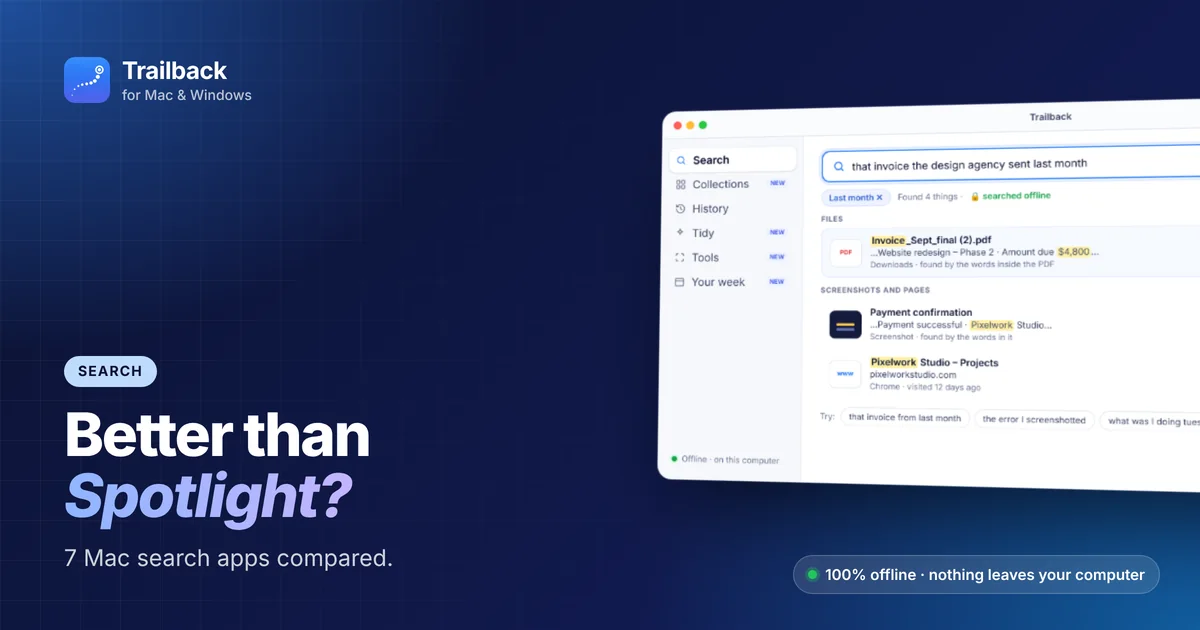
Best Spotlight Alternatives for Mac: 7 Better Ways to Search
When Spotlight can't find it, these Mac search apps can. What each one is best at, and which to choose.
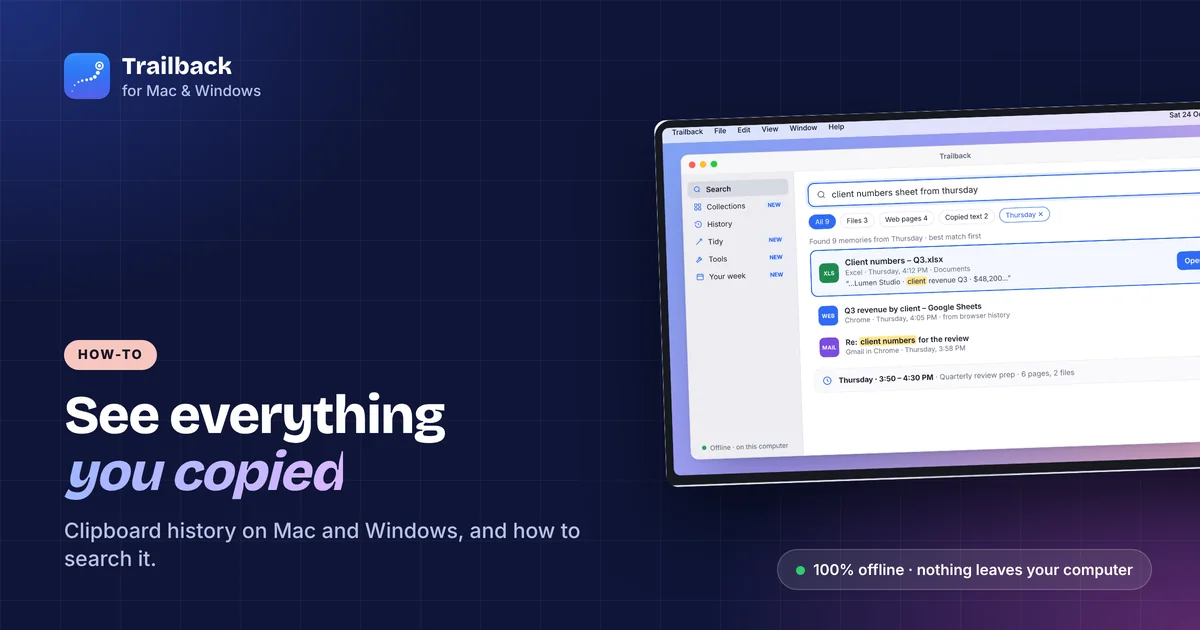
Clipboard History on Mac and Windows: See Everything You Copied
You copied it an hour ago and pasted over it. Here's how to get it back, on Mac and on Windows.
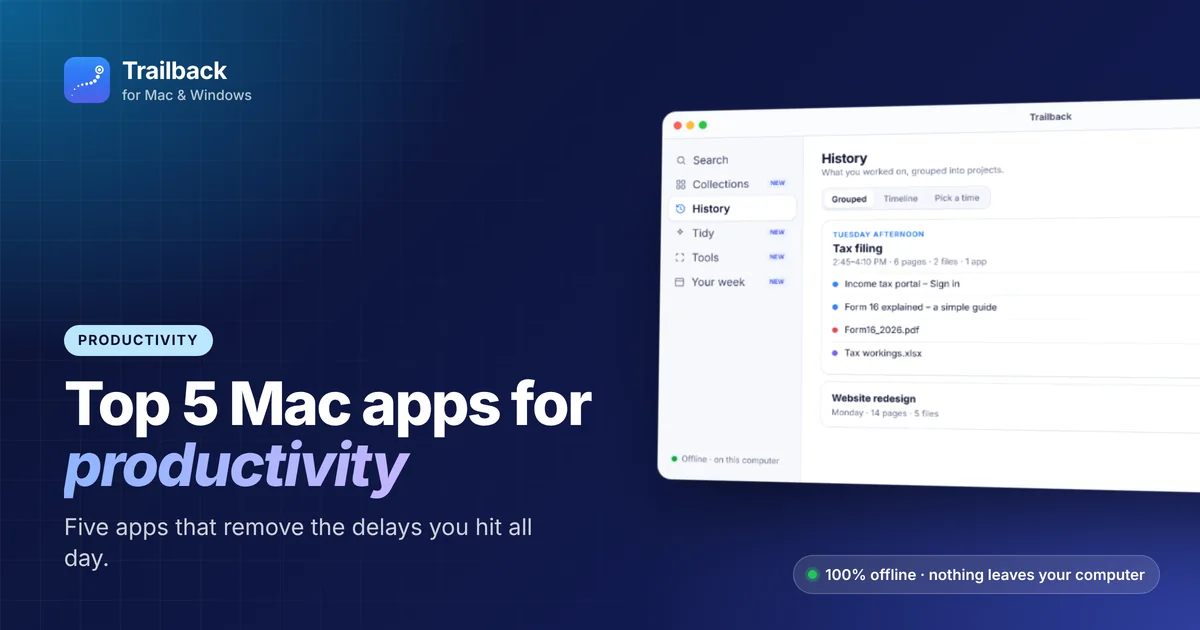
Top 5 Mac Apps for Productivity (That Actually Save Time)
Five Mac productivity apps, one for each part of your day, and how much time each one realistically saves.