HoudahSpot Alternatives: Find Files Without Building Queries

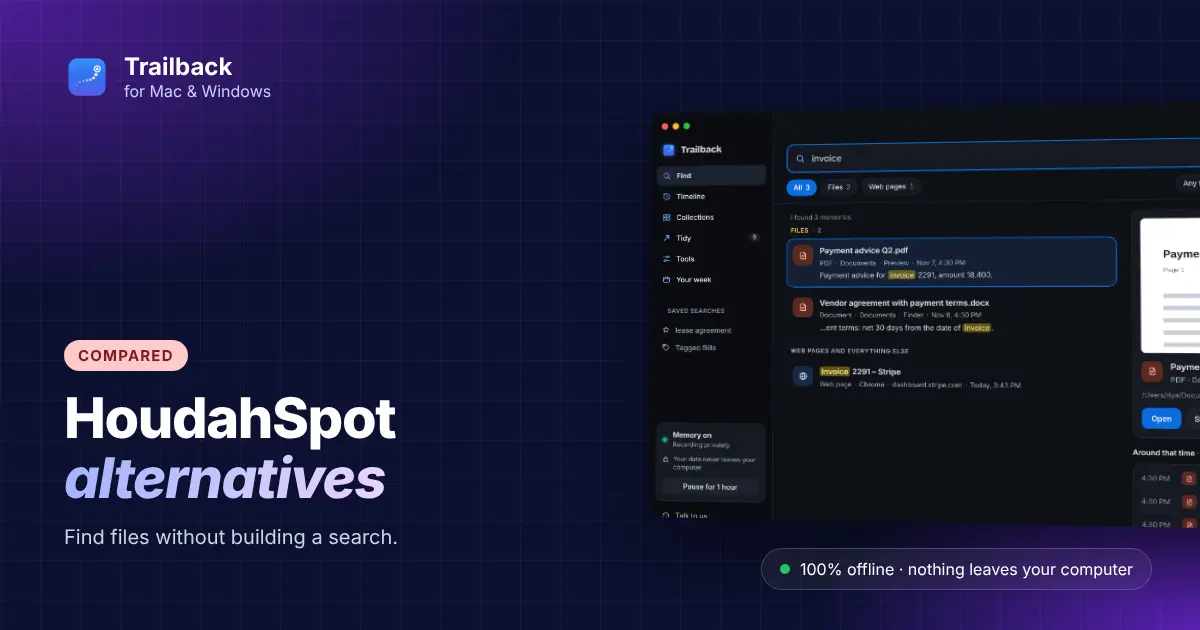
HoudahSpot is one of the best file search apps on the Mac. It sits on top of the Mac's own search index and lets you combine as many conditions as you like: kind, date, size, folder, tags, words in the name, words inside. If you can state exactly what you want, it will find it.
That strength is also why some people look for something else. Building a search takes a minute, and it only works when you remember details precise enough to put in boxes. This page lists the alternatives, and says honestly when HoudahSpot is still the right choice.
Quick comparison
| App | Best at | How you search | Price |
|---|---|---|---|
| HoudahSpot | Exact searches with many conditions at once | Build a search from conditions | Paid |
| Trailback | Finding a file, page or screenshot you can only describe | Type what you remember | One-time purchase |
| Finder search | Simple searches with a few conditions | Command + F, then add conditions | Free, part of macOS |
| Find Any File | Files Spotlight skips, such as hidden and system files | Name, date, size and more | Paid |
| EasyFind | Simple searches that do not use the Spotlight index | Type a name or a word | Free |
| Raycast or Alfred | Opening a file you can name, from the keyboard | Type a few letters | Free, with paid extras |
When HoudahSpot is still the best choice
- You need precision. "PDFs larger than 5 MB, changed between 1 and 15 March, in the Clients folder, not tagged Done." HoudahSpot does this in one search. None of the alternatives match it.
- You repeat the same searches. Its templates save a set of conditions so you can run them again.
- You work with file details such as camera data in photos, authors of documents or audio details.
- You want to search the whole Mac, not just your main folders.
If that is your work, keep HoudahSpot. The alternatives below solve a different problem.
1. Trailback: type what you remember
Trailback starts from the other end. You do not build a search. You type what you remember, the way you would say it:
- "the lease agreement I signed last month"
- "the screenshot where it said payment failed"
- "the brief I downloaded on Tuesday"
Trailback reads the words inside your files, PDFs and screenshots, and it remembers when you opened each one and where a download came from. Phrases like "last month" turn into a date filter by themselves. It also remembers the web pages you visited, which no file search app can do.
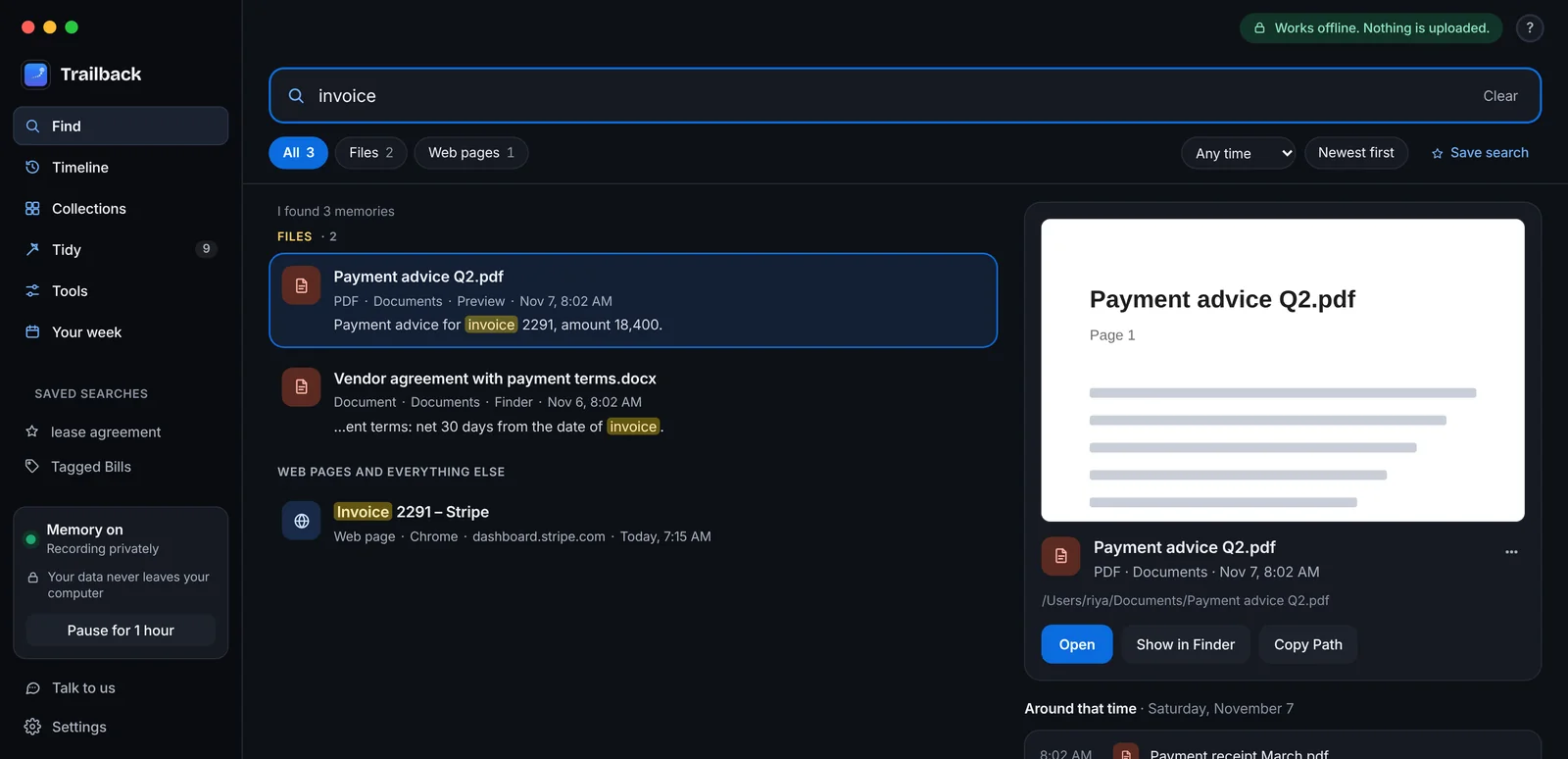
Where it is weaker than HoudahSpot: it does not offer dozens of exact conditions, it watches your main folders (Desktop, Documents, Downloads, Pictures and any you add) and not the whole disk, and it only knows about a file once it has seen it. Choose it if you lose things because you cannot remember their names. It is a common case for people with a pile of papers: see Trailback for researchers.
2. Finder search: already on your Mac
Open a Finder window and press Command + F. Click the plus button to add conditions such as Kind, Last opened date or File size. It uses the same index as HoudahSpot, with fewer conditions and a plainer window. For an occasional search it is all you need, and it is free. More in how to find a file on a Mac.
3. Find Any File: what Spotlight leaves out
Find Any File searches the disk directly, not the Spotlight index. That means it can find files Spotlight skips: hidden files, files inside app packages and files in system folders. It searches by name, date, size and similar details. It does not search the words inside documents the way an index does. Choose it if you are hunting for a settings file or something a normal search cannot see.
4. EasyFind: simple and free
EasyFind is a small free app that also searches without the Spotlight index. It is slower on a big disk, because it looks through the files each time, but it works when the index is broken or switched off for a folder. Choose it if you want something free and simple.
5. Raycast or Alfred: files from the keyboard
Both launchers can find and open a file when you type part of its name. They use the Mac's own index, so they find what Spotlight would find, faster to reach. They are launchers first: see Trailback vs Raycast and Alfred.
Which one should you pick?
- You can state exactly what you want: HoudahSpot.
- You can only describe it: Trailback.
- You search now and then: Finder search.
- You need hidden or system files: Find Any File or EasyFind.
Plenty of people keep HoudahSpot for the exact searches and Trailback for the vague ones. Every app people compare with Trailback is in one table on the compare page, and there are more Mac search apps in the best Spotlight alternatives for Mac.
Find anything on your computer by describing it.
Files, PDFs, the words in your screenshots and the pages you visited. 100% offline. Your data never leaves your computer.
Trailback - a searchable memory of your computer activity
Frequently asked questions
Is HoudahSpot worth it?
Yes, if you often need exact searches with several conditions at once, such as every PDF over 5 MB changed in March inside one folder. Nothing on the Mac does that better.
What is the best free HoudahSpot alternative?
Finder's own search covers the basics for free: press Command + F in a Finder window and add conditions with the plus button. EasyFind is a free app that searches without using the Spotlight index.
Is there a HoudahSpot alternative for Windows?
HoudahSpot is Mac only. On Windows, Everything is the closest for fast searches by file name, and Trailback works on both Mac and Windows for finding files by describing them.
Can HoudahSpot find web pages I visited?
No. HoudahSpot searches the files on your Mac. To find a page you read last week, you need your browser history or an app that remembers pages, such as Trailback.
Pavan is the founder of Trailback, a private, offline app for Mac and Windows that helps you find anything on your computer by describing it. He builds it at Hara Infotech in Hyderabad.
Keep reading
Best Spotlight Alternatives for Mac: 7 Better Ways to Search
When Spotlight can't find it, these Mac search apps can. What each one is best at, and which to choose.
Everything for Mac: The Best Ways to Find Files by Name on macOS
No official Everything for Mac, but several apps come close. Here they are, and what to do when you forget the name.
How to Find a PDF by Its Content on Mac and Windows
Dozens of PDFs called document.pdf? How to find the right one by the words inside it, on Mac and Windows.